Slide 4 of 12 from Light Blue Corporate PowerPoint Template
Problem Statement Slide – Light Blue Corporate PPT Template
Problem Statement Slide for Presentations
- Text Layout
- Other
- Problem Framing Slide
- 16:9
- 100% Editable
The Problem Statement Layout from the Light Blue Corporate PowerPoint Template is designed for clear problem framing in business presentations. This slide template features editable shapes and text boxes to highlight key challenges and performance gaps effectively. Ideal for corporate presentation slide decks, it supports concise data visualization alongside explanatory content, making it a useful slide template for strategic planning and project proposals.
What’s on This Slide
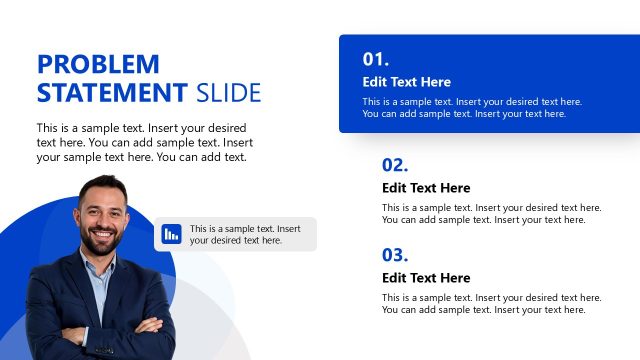
The layout features a large title at the top left labeled 'Problem Statement.' Below, there are three rectangular text boxes aligned vertically on the right side. Each box contains a placeholder for a percentage figure, followed by additional text placeholders. The first box prominently displays '98%' in a larger font. The background has a gradient effect, transitioning from light blue to white. The text boxes have rounded corners and a subtle shadow, enhancing their visual separation. The overall composition is balanced, with a clear visual hierarchy emphasizing the title and key data.
How to Use It
This layout serves to present a problem statement clearly and effectively. It is suitable for use in business presentations, particularly when outlining challenges or issues that need addressing. The structure allows for concise data representation alongside explanatory text. It fits well in a sequence following an introduction or overview slide, providing context before discussing solutions. This layout can be utilized in various scenarios, such as project proposals, strategic planning sessions, or performance reviews, where clarity in presenting problems is essential.
Text Placeholders & Capacity
Keep your copy within these limits so it fits without resizing. Node body slots can accommodate around 25-30 words each.
| Placeholder | Count | Max characters (approx.) |
|---|---|---|
| Slide title | 1 | 30 |
| Item body | 3 | 150 |
| Item heading | 3 | 5 |
Slide Keywords
Download unlimited PowerPoint templates, charts and graphics for your presentations with our annual plan.
DOWNLOADReturn to Light Blue Corporate PowerPoint Template.