Slide 4 of 14 from Business Development PowerPoint Template
Problem Statement for Business Development Strategy
Problem Statement Slide Design for Presentations
- Text Layout
- List Blocks
- Problem Framing Slide
- 16:9
- 100% Editable
The Problem Statement Layout from the Business Development PowerPoint Template is designed for clearly defining project challenges in corporate presentations. This slide template uses editable shapes and vector icons to organize multiple problem statements side by side, making it ideal for strategic planning sessions and team brainstorming within business presentation slide decks.
What’s on This Slide
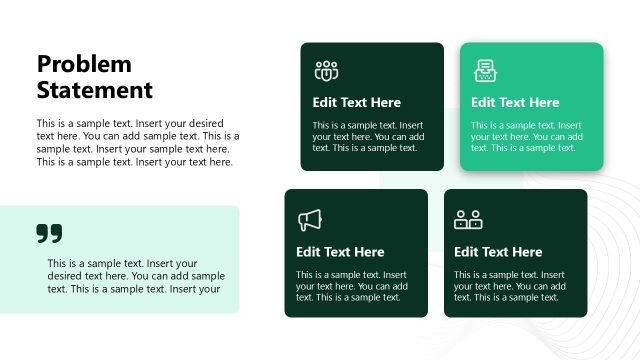
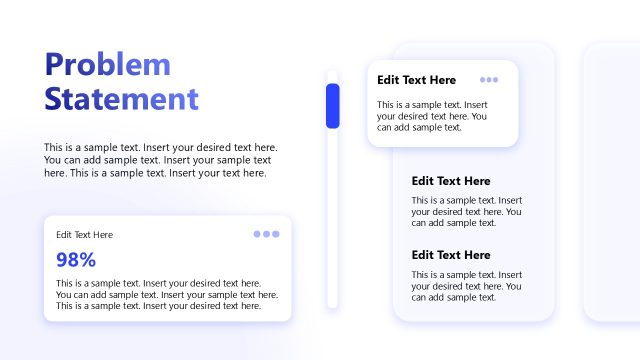
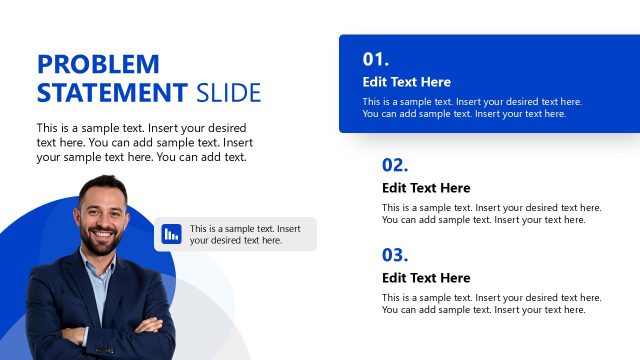
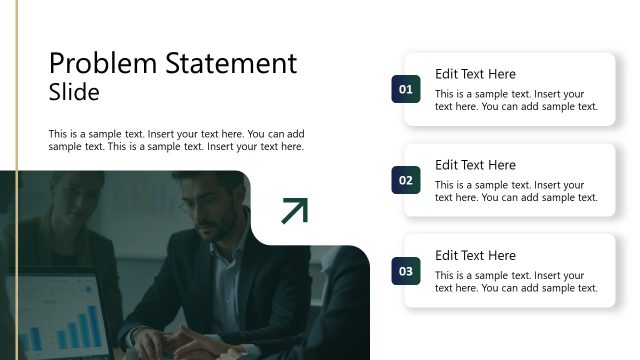
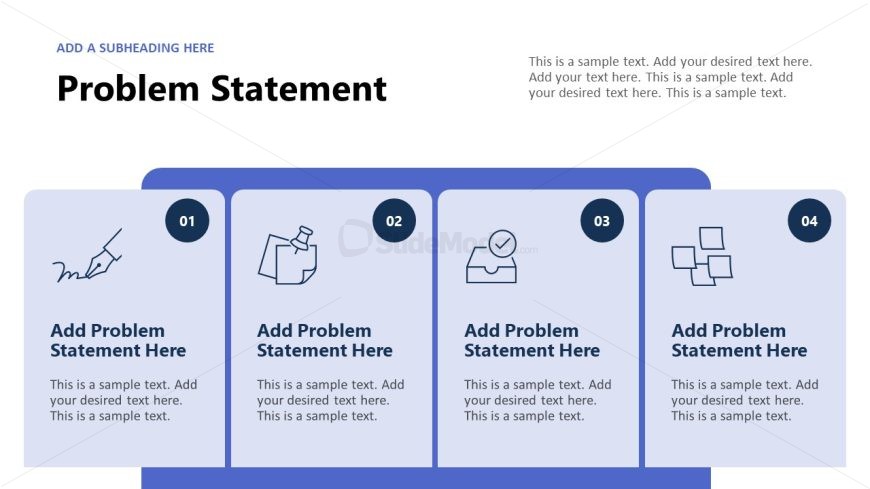
The layout features a bold title at the top left, labeled 'Problem Statement.' Below, four rectangular sections are arranged horizontally, each containing an icon and text placeholders. The first section includes a pen icon, the second a paperclip, the third a checklist, and the fourth a diagram. Each section has a number in a circular shape at the top left corner. Text placeholders are aligned left within each section, allowing for detailed problem statements. The background is a gradient of blue, enhancing the visual hierarchy.
How to Use It
This layout serves to present multiple problem statements in a clear, organized manner. It fits well in a presentation sequence following an introduction or context slide, helping to define challenges before proposing solutions. It is suitable for business scenarios such as project planning, strategy discussions, or problem-solving workshops. The structured format allows for easy comparison of different issues.
Text Placeholders & Capacity
Keep your copy within these limits so it fits without resizing. Node body slots can hold approximately 25-30 words each.
| Placeholder | Count | Max characters (approx.) |
|---|---|---|
| Slide title | 1 | 40 |
| Item heading | 4 | 30 |
| Item body | 4 | 150 |
Slide Keywords
Download unlimited PowerPoint templates, charts and graphics for your presentations with our annual plan.
DOWNLOADReturn to Business Development PowerPoint Template.