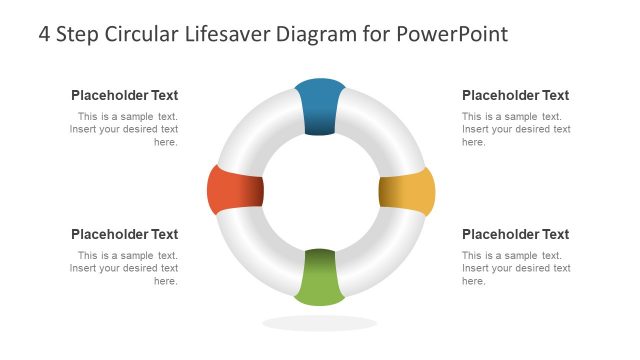
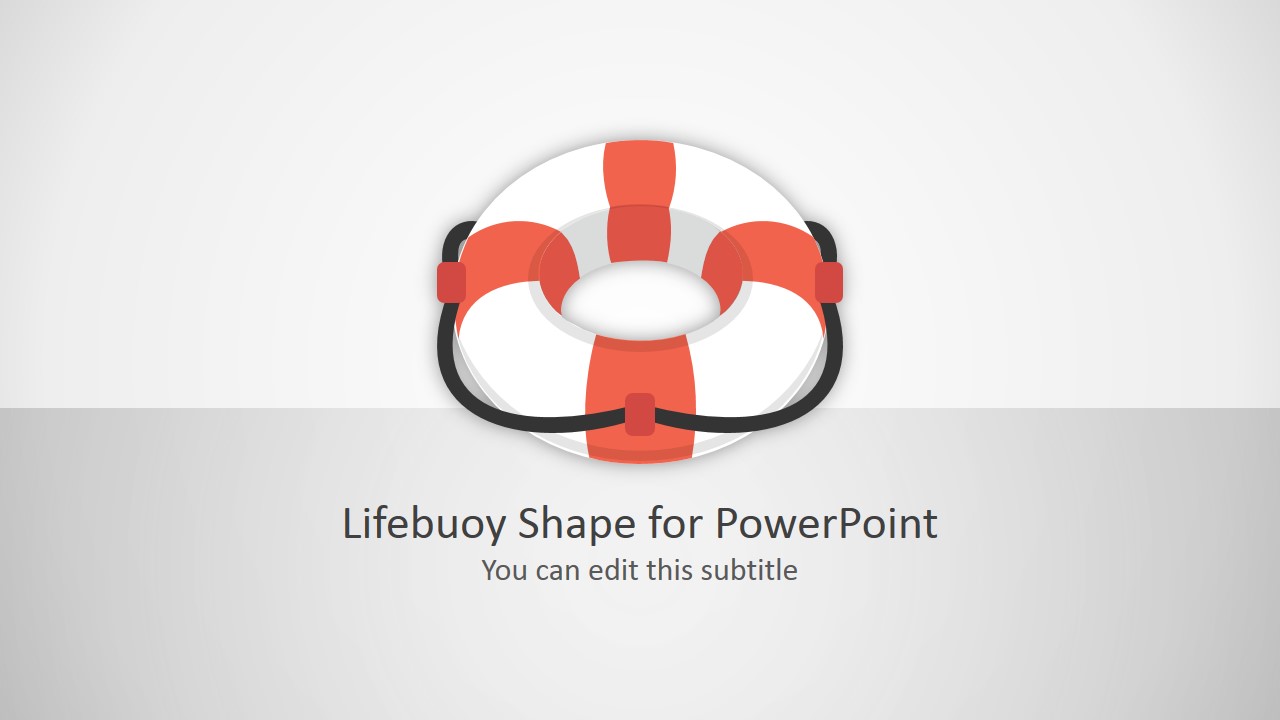
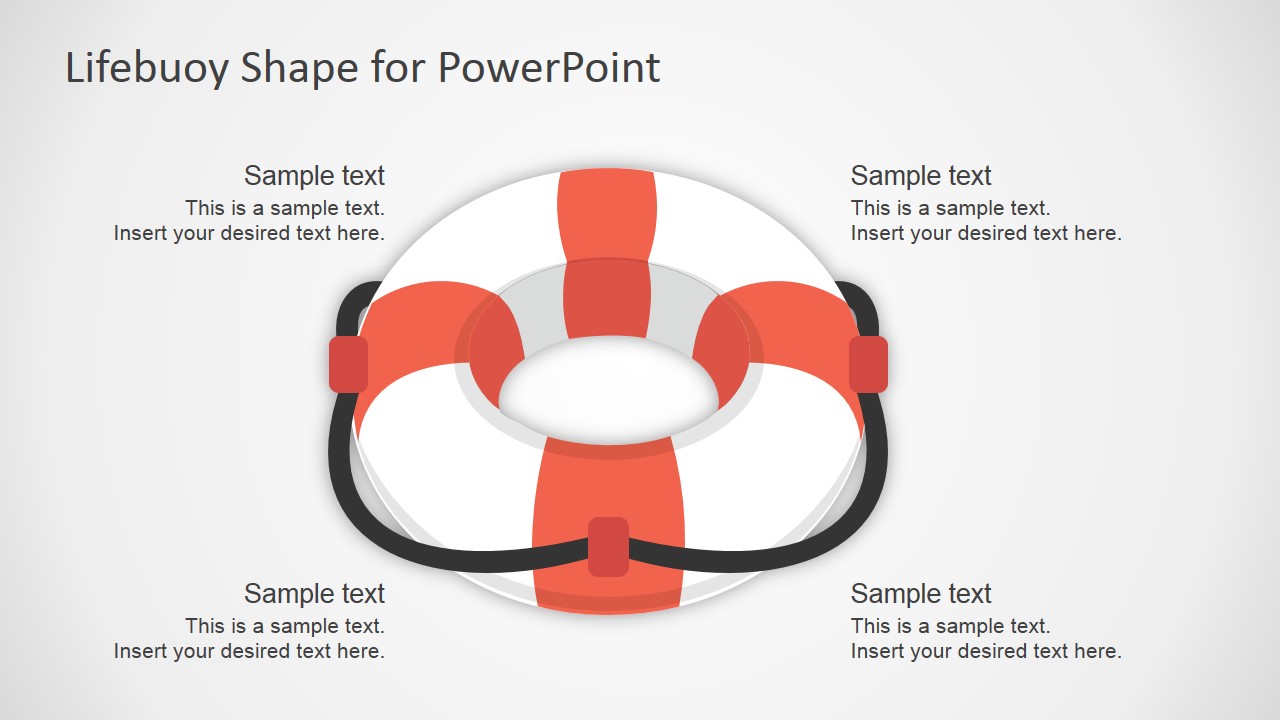
Lifebuoy Shape for PowerPoint contains a vectorized lifebuoy graphic designed for PowerPoint presentations. It was built using PowerPoint shapes so the graphic design can easily be customized without losing image quality.
What’s inside this template
Example presentation scenarios
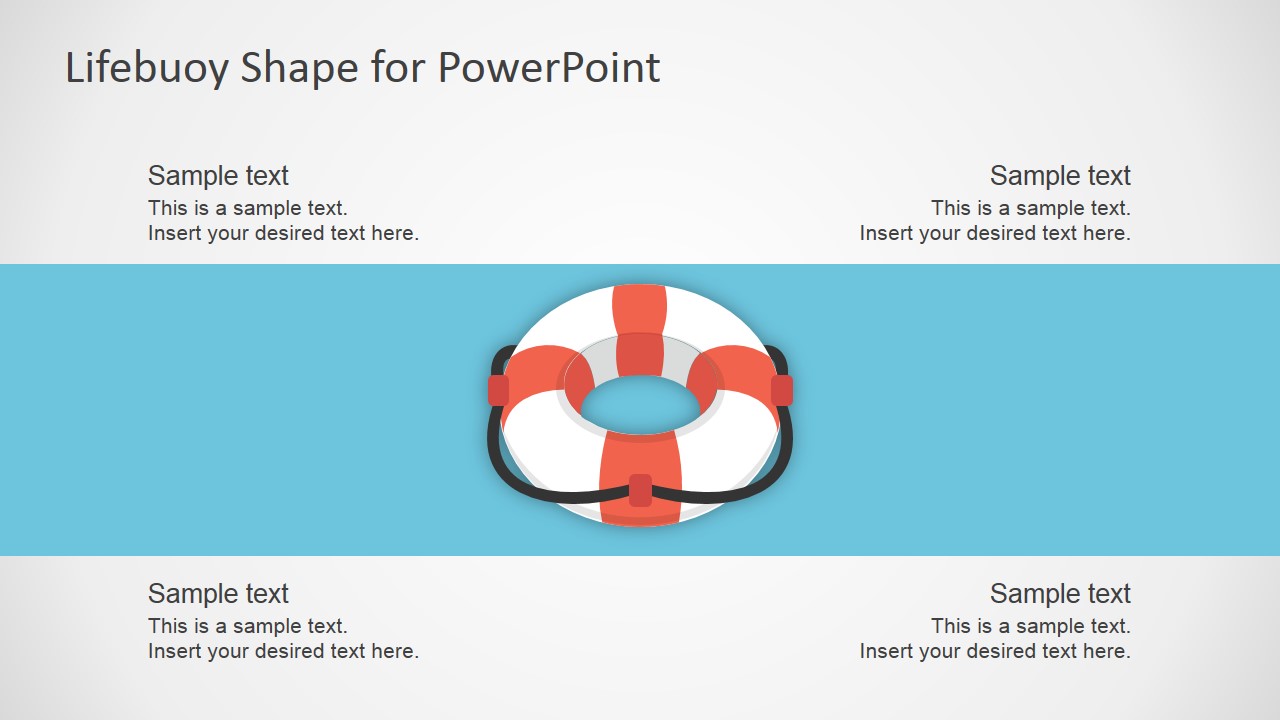
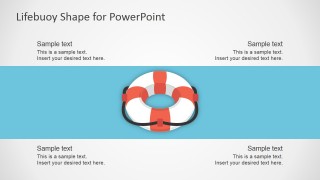
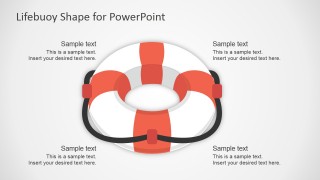
- A customer support manager can present a service recovery plan by using the four-callout diagram to group response steps around the lifebuoy symbol.
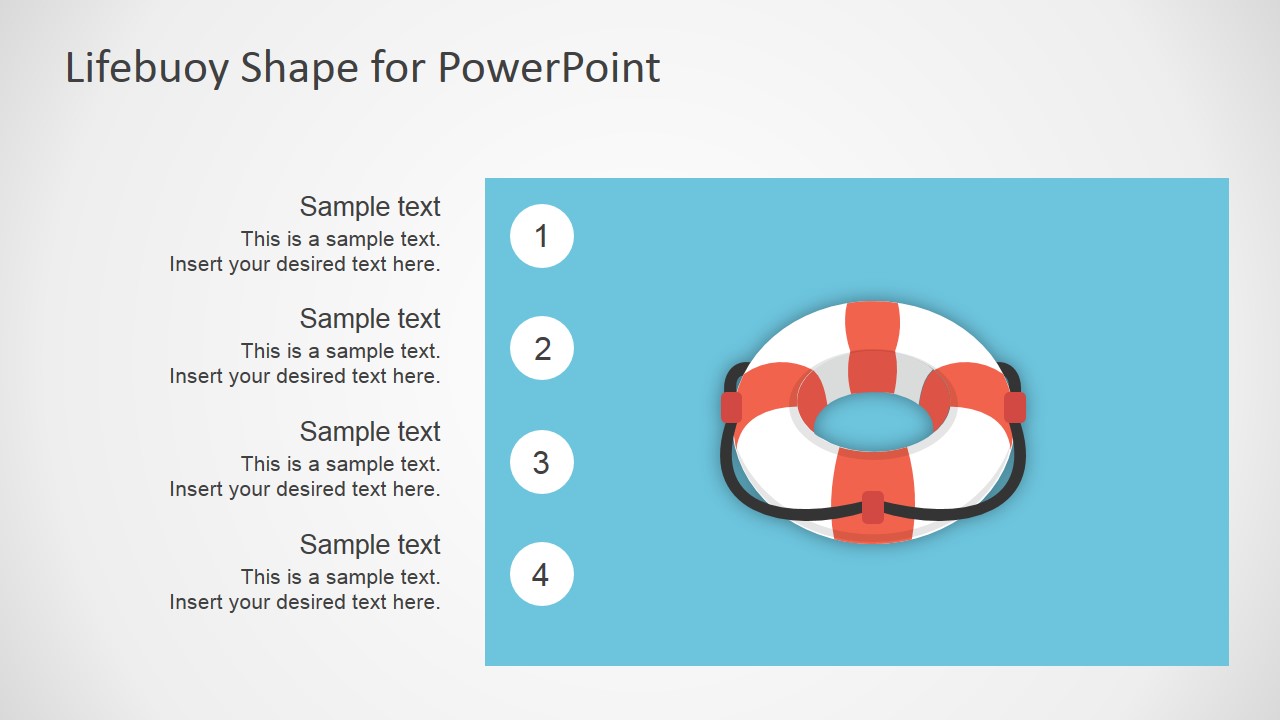
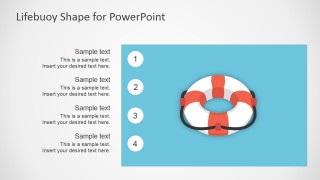
- A safety or operations presenter can explain an emergency assistance workflow with the numbered process slide and short text placeholders.
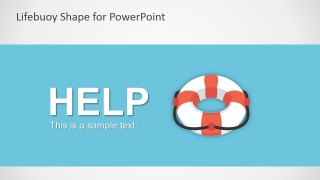
- A trainer can introduce a help desk or escalation topic by opening with the HELP headline slide and then mapping support categories in the central callout layout.
- A consultant can frame a turnaround or rescue proposal by using the cover and large lifebuoy diagram to make the support metaphor clear before discussing actions.
Features
- 100% editable presentation template
- Compatible with Microsoft PowerPoint and Google Slides
- 16:9 aspect ratio slides
- Scalable vector shapes, icons and illustrations
- AI-Ready for Microsoft Copilot and Claude
- Instant access and download
Frequently asked questions
Q: How should a presenter use the lifebuoy metaphor without making the message feel too literal?
A: Use the lifebuoy as a framing device for help, recovery, or protection, then keep the surrounding text specific. For example, place the core situation in the HELP headline slide, then use the four-callout diagram for the support actions. Avoid overexplaining the icon; let the audience connect the rescue metaphor to the plan.
Q: Who is this template best suited for in a business presentation?
A: This template fits managers, trainers, consultants, and service leaders who need to explain assistance, escalation, or recovery in a simple visual way. It works well when the audience needs reassurance and clear next steps, such as customer support plans, safety briefings, incident response updates, or service turnaround discussions.
Q: Why do the callout and numbered layouts help communicate support actions clearly?
A: The lifebuoy creates a strong center of meaning, while the surrounding callouts separate the message into manageable parts. The numbered layout adds order when the audience must follow steps. This combination helps presenters move from an emotional idea, help is available, to a structured explanation of what happens next.

Lifebuoy Shape for PowerPoint
5-slide presentation template with editable lifebuoy shape layouts for help, rescue, and support messages.
Lifebuoy Shape for PowerPoint is a 5-slide 16:9 presentation template built around an editable lifebuoy illustration. It includes a cover slide, four-callout layout, numbered process layout, help message slide, and large central diagram. It is for presenters explaining support, emergency response, assistance, or recovery concepts in Microsoft PowerPoint and Google Slides.
- Category
- Shapes
- Rating


 Loading...
- Aspect ratio
- 16:9
- Item ID
- 2041-01
- Colors
 Microsoft PowerPoint
  Microsoft Copilot
  Claude for PowerPoint
 Other formats supported
Subscribe today and get immediate
access to download our PowerPoint templates.