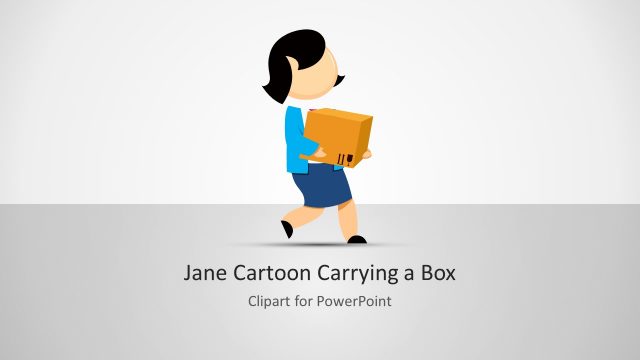
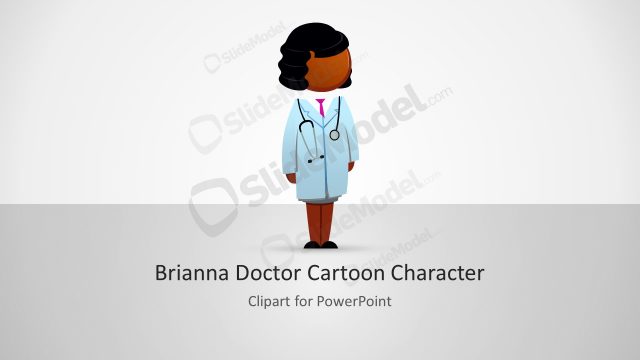
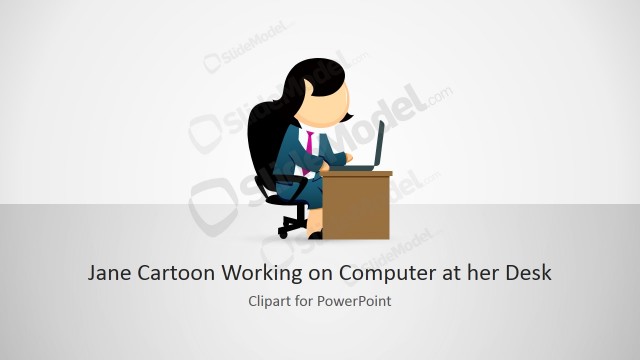
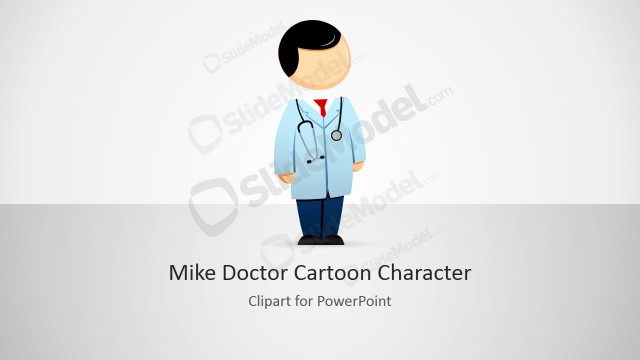
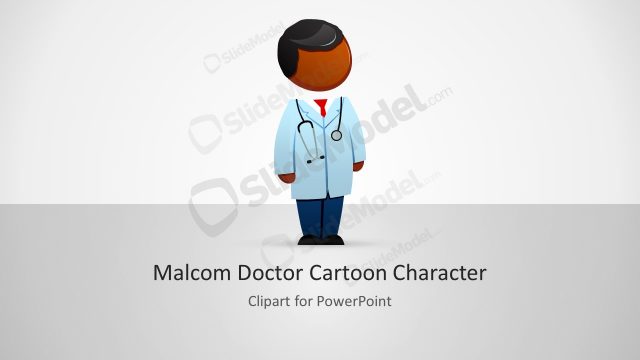
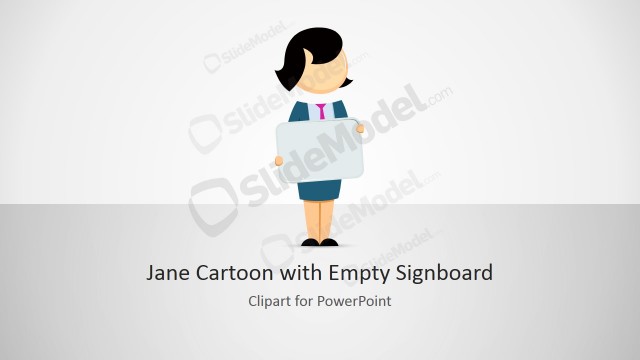
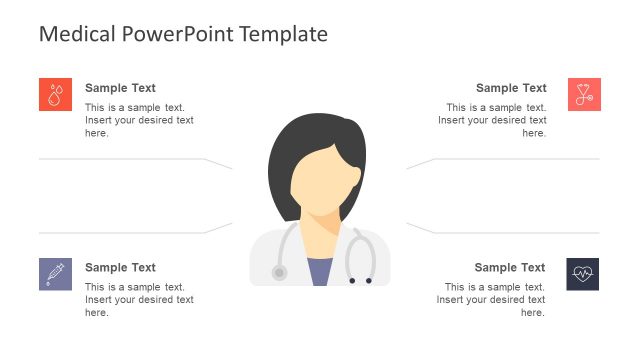
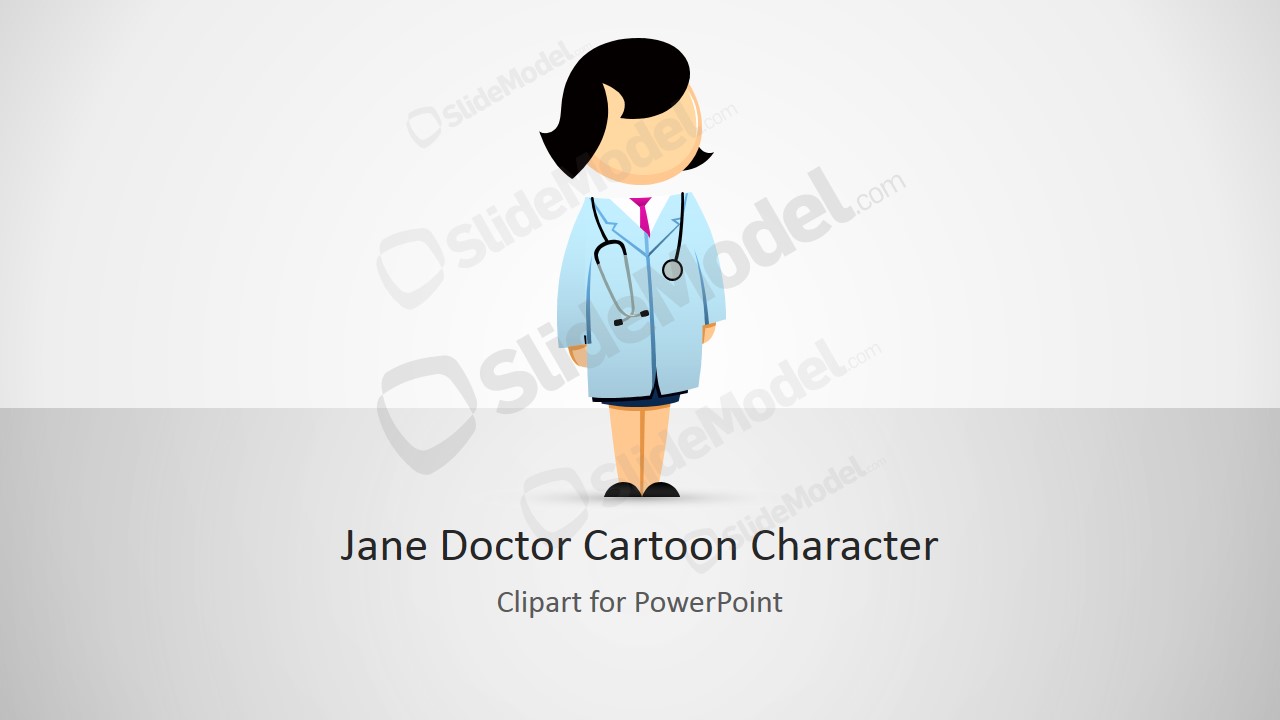
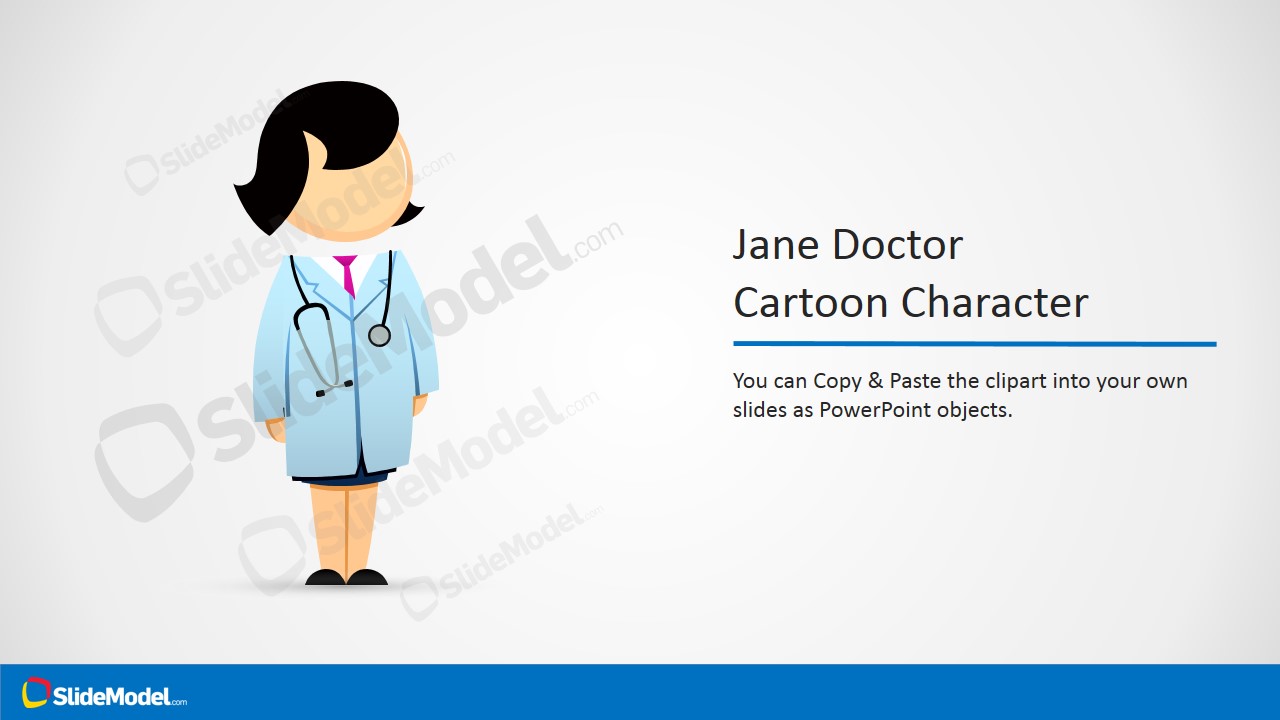
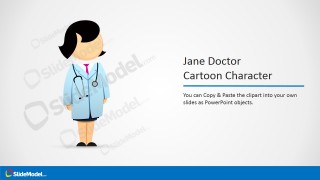
Jane Doctor PowerPoint Clipart – Professional presentations are decorated with high quality clipart, not the traditional illustrations from Microsoft. The Jane Doctor character represents a female medical doctor. The Clipart is created 100% with PowerPoint shapes, allowing the user to fully customize its appearance. SlideModel’s characters can be applied to any of ours PowerPoint Templates or even existing presentations. The character’s look and feel will automatically adapt to the PowerPoint Theme being used.
What’s inside this template
Example presentation scenarios
- A medical educator can use the doctor character cover to introduce a training module and make clinical instruction feel more approachable.
- A clinic administrator can place the Jane Doctor illustration beside service explanations to give a patient-facing presentation a clear healthcare personality.
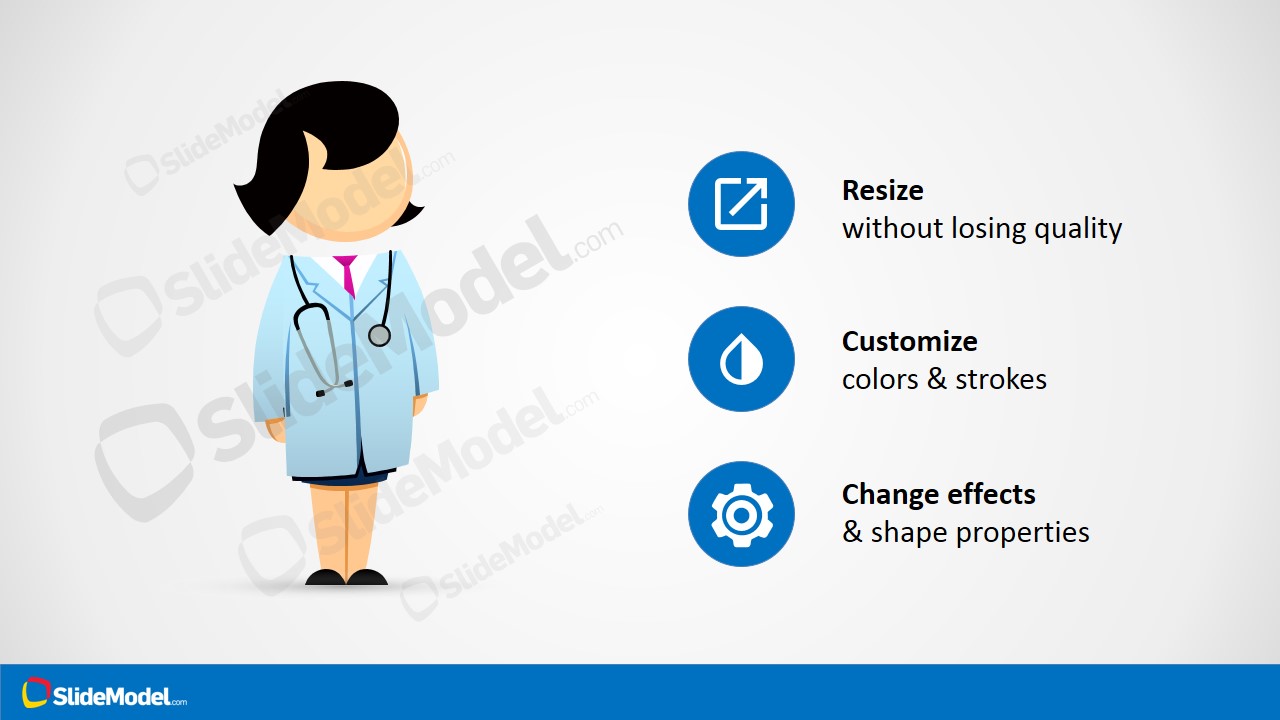
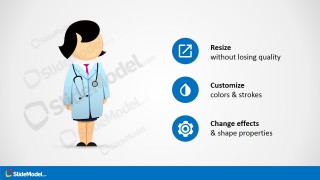
- A pharmaceutical or science presenter can use the feature callout slide to explain that the character can be resized, recolored, and adapted to different deck sections.
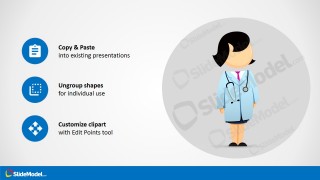
- A presentation designer can use the editing guide slide to brief teammates on how to copy, ungroup, and adjust the clipart for existing medical slides.
Features
- 100% editable presentation template
- Compatible with Microsoft PowerPoint and Google Slides
- 16:9 aspect ratio slides
- Scalable vector shapes, icons and illustrations
- AI-Ready for Microsoft Copilot and Claude
- Instant access and download
Frequently asked questions
Q: How should a presenter use the Jane Doctor character without making the slide feel decorative?
A: Use the character as a visual anchor for the speaker role, patient journey, or care provider perspective. Place it near the message it supports, such as an explanation, instruction, or service step. Avoid repeating the same full-body character on every slide unless it guides a sequence or signals a recurring narrator.
Q: Who is this clipart template best suited for in a healthcare presentation?
A: It fits presenters who need a friendly medical figure for education, clinic communication, healthcare onboarding, or science explainers. The female doctor character works well when the goal is to humanize clinical content, introduce a provider voice, or make a technical topic easier for non-specialist audiences to follow.
Q: Why does the template include feature callout and editing guide slides instead of only the character?
A: The supporting slides turn the clipart into a reusable presentation asset. The callouts show the character can be resized, recolored, and styled, while the editing guide explains copy-paste and ungrouping behavior. This sequence helps teams apply the same character consistently across different healthcare decks.

Jane Doctor PowerPoint Clipart
4-slide presentation template with Jane Doctor clipart, medical character illustration, and editable callout guides
Jane Doctor PowerPoint Clipart is a 4-slide medical character presentation template for healthcare and science decks. It includes a character cover, a copy-paste instruction slide, customization feature callouts, and an icon-based editing guide. The female doctor illustration uses editable PowerPoint shapes and vector graphics for Microsoft PowerPoint and Google Slides.
- Rating


 Loading...
- Aspect ratio
- 16:9
- Item ID
- 8352-01
- Colors
 Microsoft PowerPoint
  Microsoft Copilot
  Claude for PowerPoint
 Other formats supported
Subscribe today and get immediate
access to download our PowerPoint templates.