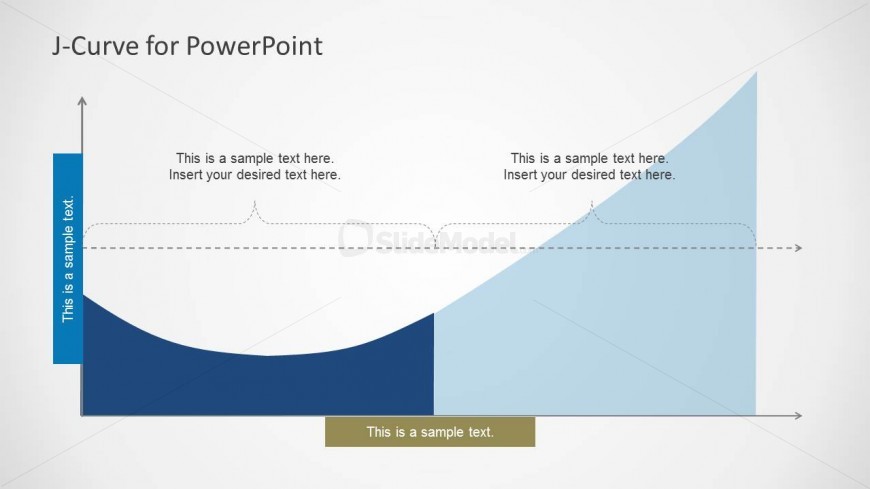
Slide 3 of 3 from J-Curve for PowerPoint
J Curve for PowerPoint
Filled Area J-Curve Diagram for Presentations
- Diagram
- Filled Area
- Concept Explanation Slide
- 16:9
- 100% Editable
The Filled Area J-Curve Diagram slide from the J-Curve for PowerPoint template visually represents growth and recovery phases, ideal for economic analysis and strategic presentations. This slide layout includes editable shapes and vector icons to clearly illustrate performance trends, making it a valuable addition to business presentation slide decks focused on economic or performance reviews.
What’s on This Slide
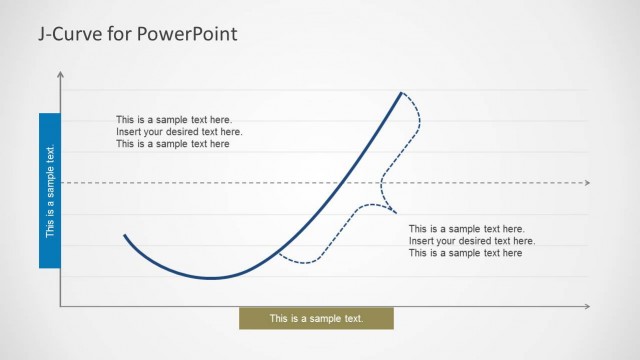
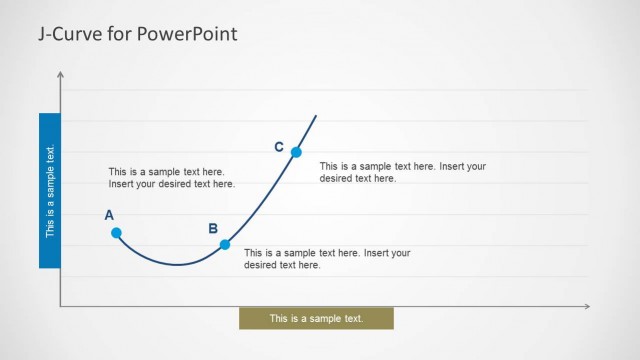
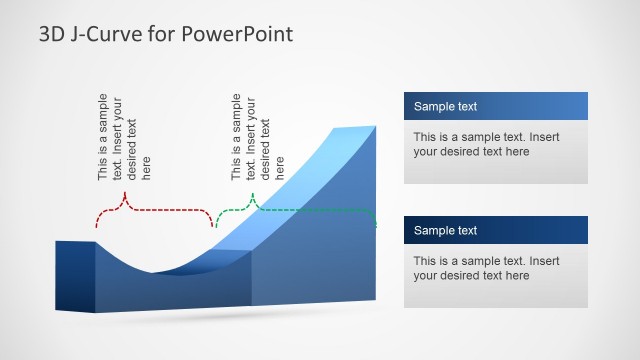
The slide features a filled area J-curve diagram positioned centrally. The curve rises from the left to the right, indicating growth. The left side contains a vertical blue bar with text placeholders aligned vertically, while the right side has a light blue area with additional text placeholders. A horizontal dashed line runs across the curve, indicating a transition point. There is a solid rectangular box at the bottom center for further text. The background is light gray, providing contrast to the diagram and text elements.
How to Use It
This layout serves to illustrate J-curve behavior, particularly in economic or performance contexts. It fits well in presentations discussing growth trajectories, recovery phases, or strategic analysis. The diagram can be used to visually represent downturns followed by recoveries, making it suitable for business reports or academic discussions. It is the final slide in a three-slide series, effectively summarizing the concepts introduced earlier.
Text Placeholders & Capacity
Keep your copy within these limits so it fits without resizing. Body slots can hold roughly 6-8 words each.
| Placeholder | Count | Max characters (approx.) |
|---|---|---|
| Slide title | 1 | 30 |
| Body paragraph | 4 | 40 |
Slide Keywords
Download unlimited PowerPoint templates, charts and graphics for your presentations with our annual plan.
DOWNLOADReturn to J-Curve for PowerPoint.