Slide 1 of 3 from J-Curve for PowerPoint
6123-01-j-curve-1
J-Curve Diagram for PowerPoint
- Diagram
- Other
- Concept Explanation Slide
- 16:9
- 100% Editable
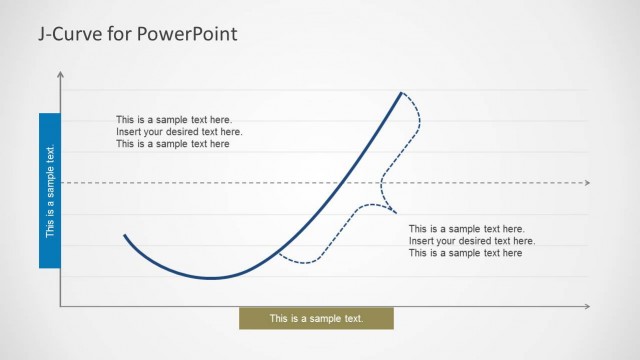
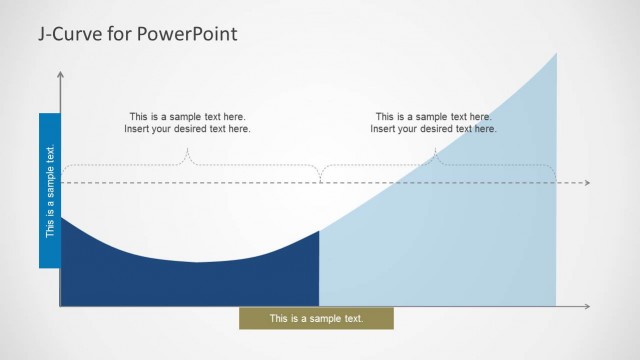
The J-Curve Diagram slide from the J-Curve for PowerPoint template offers a clear visual tool for illustrating economic trends and strategic growth patterns. This slide layout is ideal for business presentations requiring precise concept explanation using editable shapes and vector icons. Its design supports effective communication of performance trends and analysis within a corporate presentation or pitch deck template.
What’s on This Slide
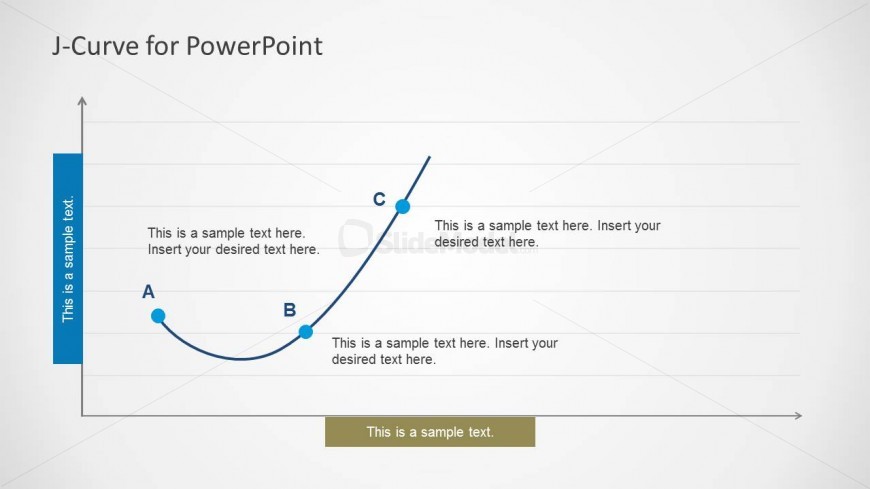
The slide features a J-curve diagram positioned centrally, illustrating a curve that rises and falls with labeled points A, B, and C. The curve is drawn in a solid line, with point markers at A, B, and C represented by small circles. Text placeholders are located to the left and below the curve, with the left placeholder aligned vertically and the bottom placeholder centered. The background is light, enhancing the visibility of the curve and text. The overall layout emphasizes the flow of the curve and the importance of the labeled points.
How to Use It
This layout serves as a visual representation of J-curve behavior, suitable for discussions in economics or social science. It fits well at the beginning of a presentation to introduce key concepts. This structure can be used to illustrate trends, performance analysis, or strategic growth scenarios. It is particularly effective in academic or business contexts where visual data representation is essential for understanding complex ideas.
Text Placeholders & Capacity
Keep your copy within these limits so it fits without resizing. Body slots can accommodate roughly 10-15 words each.
| Placeholder | Count | Max characters (approx.) |
|---|---|---|
| Slide title | 1 | 30 |
| Item heading | 3 | 20 |
| Body paragraph | 3 | 60 |
| Body paragraph | 1 | 30 |
Slide Keywords
Download unlimited PowerPoint templates, charts and graphics for your presentations with our annual plan.
DOWNLOADReturn to J-Curve for PowerPoint.