Slide 1 of 1 from Input to 4-Output PowerPoint Template
Editable Input to 4-Output PPT Diagram Template
Input to 4-Item Output Diagram
- Diagram
- Process Flow
- Process Slide
- 16:9
- 100% Editable
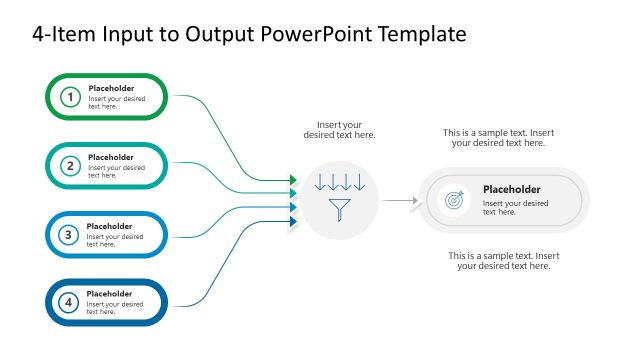
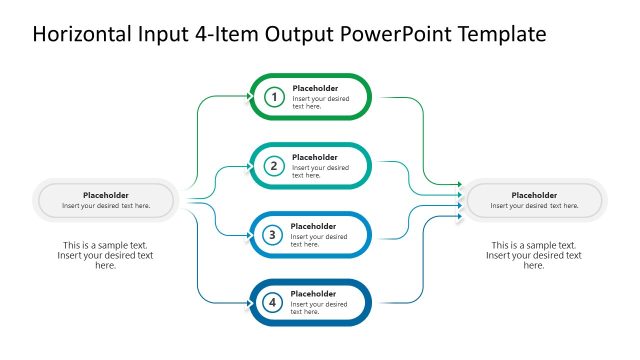
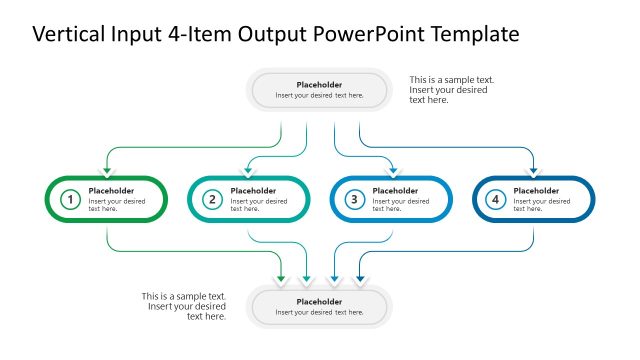
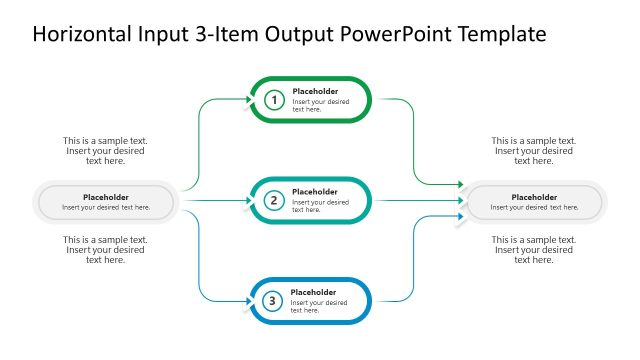
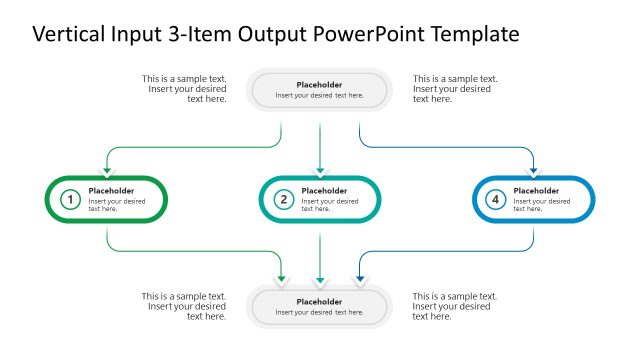
The Input to 4-Item Output Diagram from the Input to 4-Output PowerPoint Template provides a clear process flow visualization ideal for business presentations. This slide template uses editable shapes and vector icons to map workflows where one input results in multiple outputs, supporting project overviews and system impact analysis within corporate presentations or pitch decks.
What’s on This Slide
The layout features a central input shape positioned at the bottom center, with four output shapes arranged above it. Each output shape is oval and numbered, connected to the input by curved arrows. The input shape contains a placeholder for text and an icon, while each output shape also has a text placeholder. The arrows are color-coded, enhancing visual flow. The background is light, allowing the shapes and text to stand out. Overall, the slide has a clear hierarchy, with the input shape being the focal point.
How to Use It
This layout serves as a process flow diagram, illustrating how one input leads to multiple outputs. It is suitable for presentations that explain workflows, processes, or systems with multiple outcomes. This structure is effective in business contexts, such as project proposals or product development discussions. It can be used to visually represent the impact of a single input on various outputs, making it useful for strategic planning or operational analysis.
Text Placeholders & Capacity
Keep your copy within these limits so it fits without resizing. Body slots can hold about 8-10 words each.
| Placeholder | Count | Max characters (approx.) |
|---|---|---|
| Item body | 4 | 30 |
| Item heading | 4 | 2 |
| Body paragraph | 2 | 50 |
| Slide title | 1 | 50 |
Slide Keywords
Download unlimited PowerPoint templates, charts and graphics for your presentations with our annual plan.
DOWNLOADReturn to Input to 4-Output PowerPoint Template.