Slide 3 of 17 from Infotainment PowerPoint Template
Four Horizontal Segments – Infotainment Presentation Slide Template
The Big Question Slide in Infotainment Template
- Text Layout
- List Blocks
- Context Slide
- 16:9
- 100% Editable
The Big Question slide from the Infotainment PowerPoint Template offers a structured format for educational presentations and workshop discussions. This slide layout uses editable shapes and numbered sections to facilitate audience engagement and brainstorming, making it a practical choice for corporate presentations or slide decks that require clear, sequential questioning.
What’s on This Slide
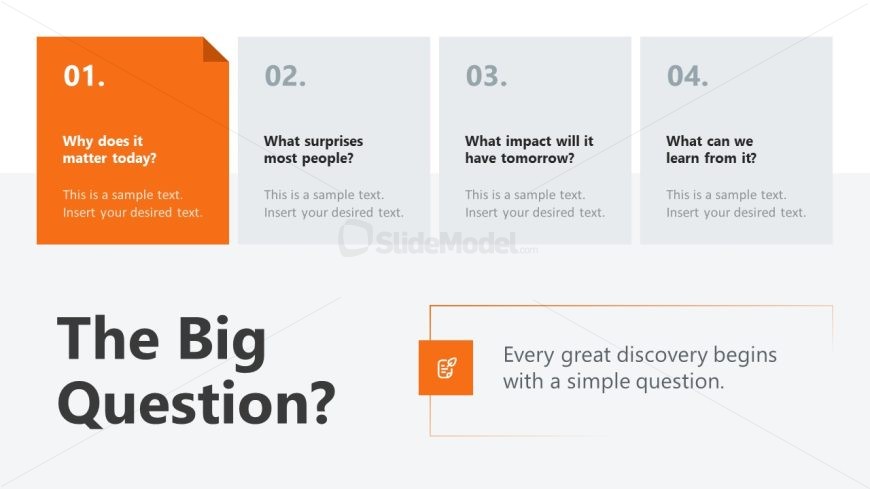
The layout features a prominent title at the bottom center, stating 'The Big Question?' in a large font. Above this, there are four rectangular sections aligned horizontally, each containing a number and a question. The first section is orange with white text, while the others are gray with lighter text. Each section has a placeholder for sample text beneath the questions. The background is a light color, enhancing the visibility of the elements. The visual hierarchy emphasizes the title and the first section, guiding the viewer's focus.
How to Use It
This layout serves as a sequential question-and-answer format, ideal for engaging audiences in discussions or presentations. It fits well after an introductory slide, setting the stage for deeper exploration of topics. Scenarios include educational settings, workshops, or any presentation aiming to provoke thought and discussion. This structure effectively invites audience participation and encourages critical thinking.
Text Placeholders & Capacity
Keep your copy within these limits so it fits without resizing. Text slots are tight, roughly 8-10 words each.
| Placeholder | Count | Max characters (approx.) |
|---|---|---|
| Slide title | 1 | 30 |
| Item heading | 4 | 40 |
| Item body | 4 | 50 |
| Body paragraph | 1 | 80 |
Slide Keywords
Download unlimited PowerPoint templates, charts and graphics for your presentations with our annual plan.
DOWNLOADReturn to Infotainment PowerPoint Template.