Slide 15 of 17 from Infotainment PowerPoint Template
Key Takeaways Overview – Infotainment Presentation Design Layout
Key Takeaways Slide for Presentations
- Text Layout
- List Blocks
- Summary Slide
- 16:9
- 100% Editable
The Key Takeaways Layout from the Infotainment PowerPoint Template offers a structured way to conclude presentations by summarizing essential insights. This slide template features editable shapes and placeholders designed to highlight critical points effectively, making it suitable for business presentations and educational slide decks. Its clear visual hierarchy supports audience engagement and reflection, enhancing the overall impact of corporate presentations and pitch deck templates.
What’s on This Slide
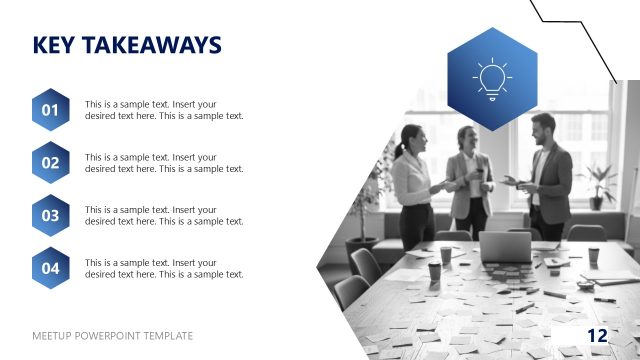
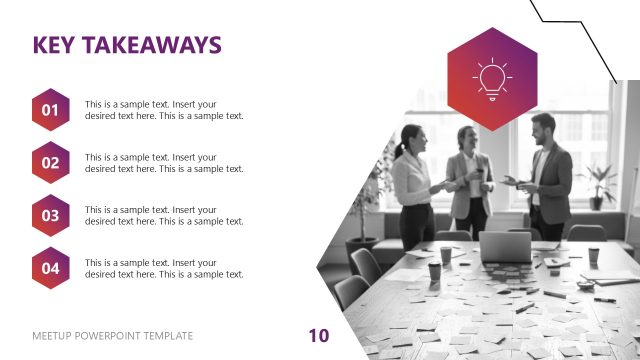
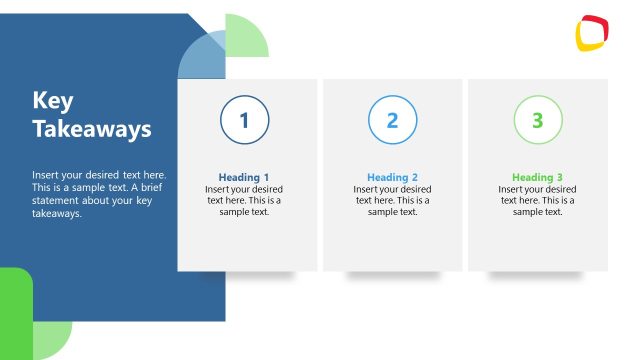
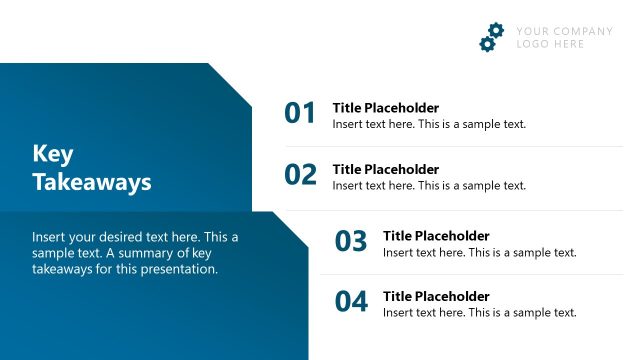
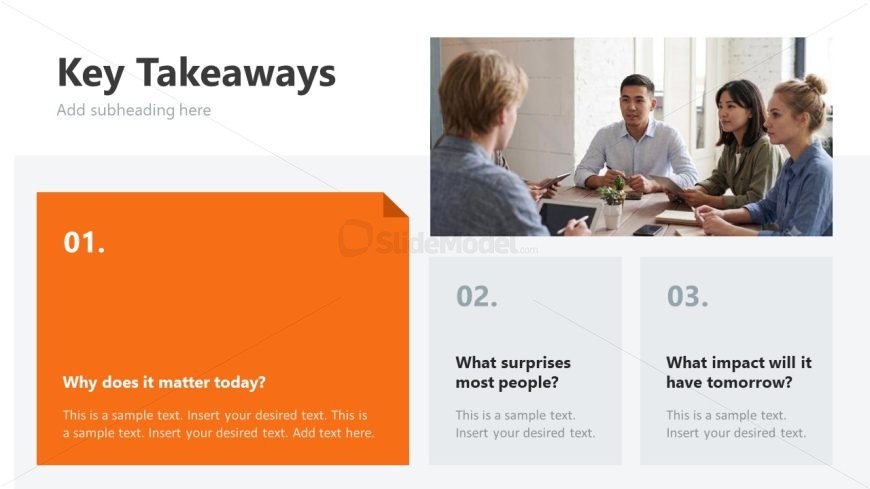
The layout features a prominent title at the top left, labeled 'Key Takeaways,' with a subheading placeholder below it. To the right, there is a large image placeholder displaying a group of people in a meeting. Below the title, three sections are arranged horizontally, each containing a number and a question. The first section has an orange background, while the other two have a light gray background. Each section includes a text placeholder for a brief explanation, aligned to the left. The overall composition emphasizes the title and visual hierarchy.
How to Use It
This layout serves to summarize key points or takeaways in a presentation. It is effective for concluding sections or highlighting important information. It fits well after a problem or discussion slide, guiding the audience towards critical insights. This structure is useful in business meetings, educational settings, or any scenario where summarizing information is essential. It can be employed to engage the audience by prompting them to reflect on the main ideas presented.
Text Placeholders & Capacity
Keep your copy within these limits so it fits without resizing. Node body slots can hold roughly 25-30 words each.
| Placeholder | Count | Max characters (approx.) |
|---|---|---|
| Slide title | 1 | 30 |
| Subtitle | 1 | 50 |
| Item heading | 3 | 10 |
| Item body | 3 | 150 |
Slide Keywords
Download unlimited PowerPoint templates, charts and graphics for your presentations with our annual plan.
DOWNLOADReturn to Infotainment PowerPoint Template.