Slide 7 of 7 from Income Statement PowerPoint Template
Two Pie Charts in a PowerPoint Slide
Income Statement Pie Chart Slide
- Chart
- Pie Chart
- Financial Summary Slide
- 16:9
- 100% Editable
The Pie Chart Comparison slide from the Income Statement PowerPoint Template offers a clear visual tool for financial presentations, enabling effective comparison of revenue and expenses. This slide layout uses editable shapes and vector icons to present data in a balanced format, making it suitable for budget reviews and performance analysis within corporate presentations or pitch deck templates.
What’s on This Slide
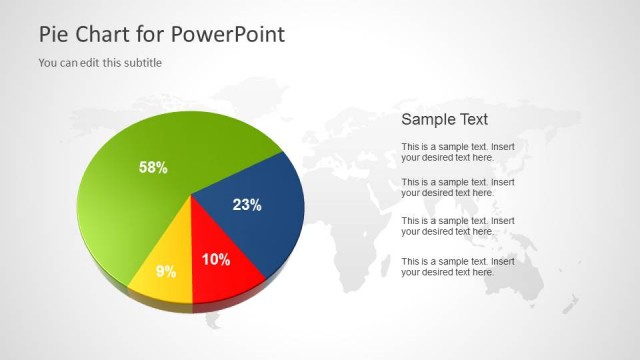
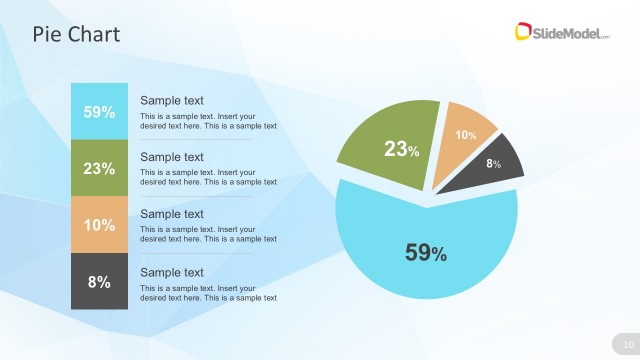
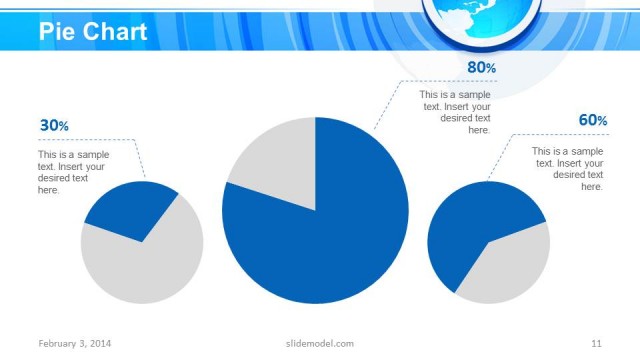
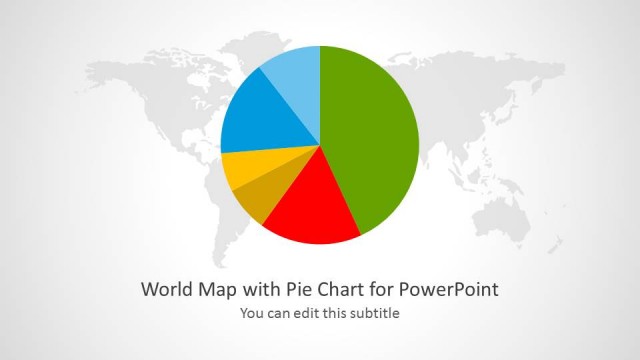
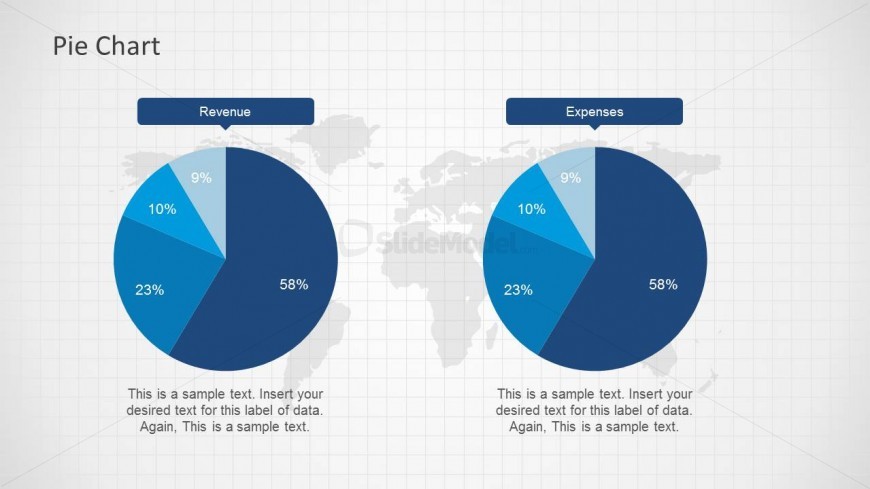
The slide features two pie charts side by side, one labeled 'Revenue' and the other 'Expenses.' Each chart displays segments representing different percentages, with labels indicating their values. The charts are centered on a light grid background, which includes a faint world map. Text placeholders are positioned below each chart for data labels, aligned centrally. The visual hierarchy emphasizes the pie charts, with the titles above them in a larger font. The overall layout is balanced, with equal spacing between the charts.
How to Use It
This layout serves as a comparative analysis of revenue and expenses, ideal for financial presentations. It fits well at the end of a financial reporting sequence, summarizing key data visually. This structure is useful for finance teams to highlight financial performance metrics. It can be applied in meetings discussing budget allocations or financial reviews, providing a clear visual representation of financial distribution.
Text Placeholders & Capacity
Keep your copy within these limits so it fits without resizing. Node labels can accommodate roughly 10 characters each.
| Placeholder | Count | Max characters (approx.) |
|---|---|---|
| Chart title | 2 | 30 |
| Item heading | 4 | 10 |
| Item body | 4 | 50 |
Slide Keywords
Download unlimited PowerPoint templates, charts and graphics for your presentations with our annual plan.
DOWNLOADReturn to Income Statement PowerPoint Template.