Slide 12 of 15 from Global Company Profile PowerPoint Template
6085-01-company-profile-template-12
Pie Chart for Company Profile Presentation
- Chart
- Pie Chart
- Evaluation Slide
- 16:9
- 100% Editable
The Pie Chart slide from the Global Company Profile PowerPoint Template offers a clear layout with three pie charts ideal for illustrating performance metrics and market share analysis. This slide template supports business presentations by providing editable shapes and text placeholders, facilitating effective communication of resource allocation and statistical comparisons within a corporate presentation or pitch deck template.
What’s on This Slide
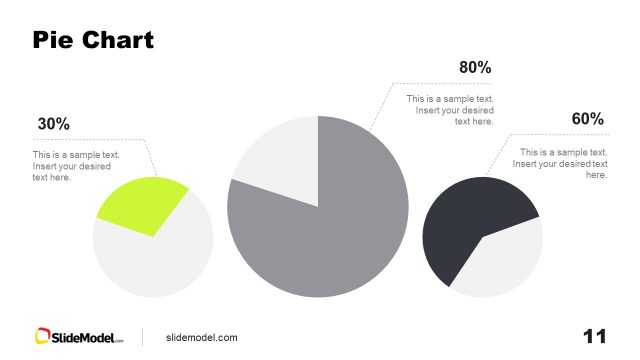
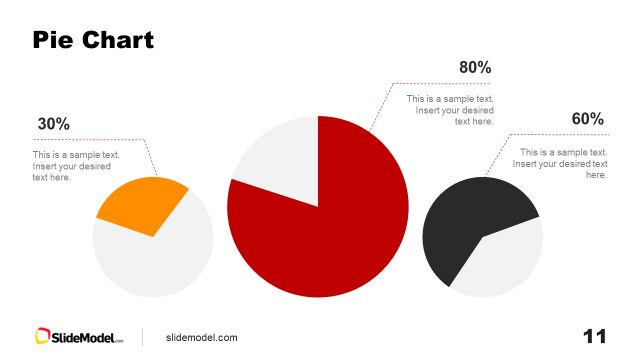
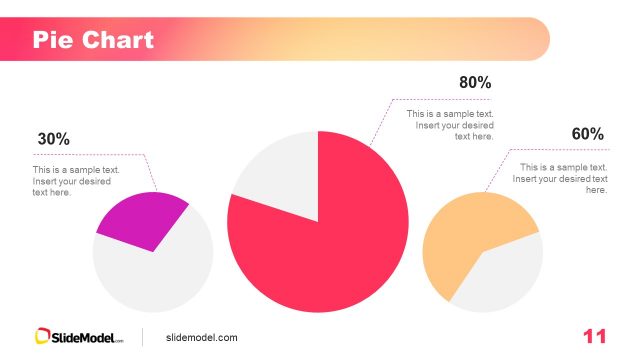
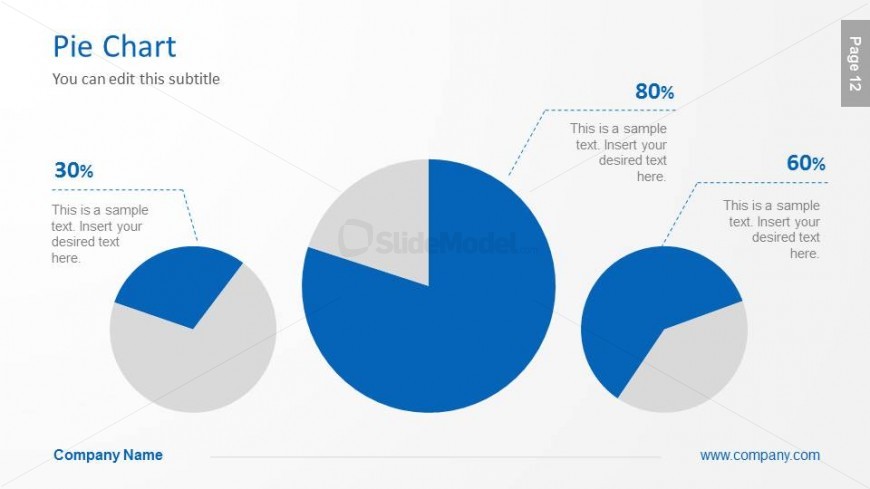
The slide features three pie charts arranged in a visually balanced layout. The largest chart is positioned centrally, displaying an 80% segment, while two smaller charts are placed to the left and right, showing 30% and 60% segments respectively. Each chart has a corresponding text placeholder below, aligned to the left for the left chart and to the right for the right chart. The background is a light color, enhancing the visibility of the blue and gray segments. Text placeholders are present for titles and subtitles, contributing to the overall hierarchy.
How to Use It
This layout serves as a data visualization tool, ideal for presenting comparative metrics or proportions within a company profile. It fits well in a sequence following an overview or introduction, effectively illustrating key statistics. This structure is useful for business scenarios such as performance metrics, market share analysis, or resource allocation discussions, allowing clear communication of data insights to stakeholders.
Text Placeholders & Capacity
Keep your copy within these limits so it fits without resizing. Node labels can accommodate roughly 10 characters each.
| Placeholder | Count | Max characters (approx.) |
|---|---|---|
| Chart title | 1 | 30 |
| Subtitle | 1 | 50 |
| Item heading | 3 | 10 |
| Item body | 3 | 50 |
| Footer | 1 | 30 |
Slide Keywords
Download unlimited PowerPoint templates, charts and graphics for your presentations with our annual plan.
DOWNLOADReturn to Global Company Profile PowerPoint Template.