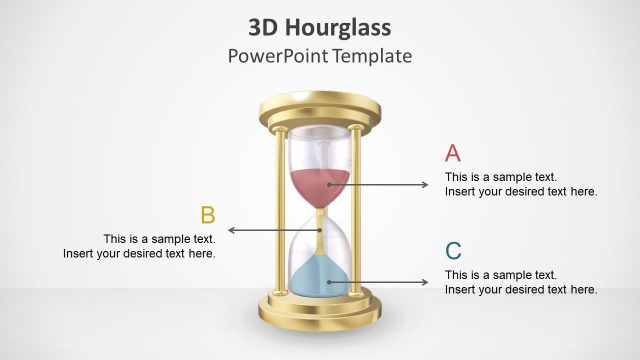
Slide 3 of 5 from Hourglass PowerPoint Template
Modern Diagram Layout – Hourglass PPT Template
Hourglass Infographic Slide for Presentations
- Diagram
- Timeline Horizontal
- Process Slide
- 16:9
- 100% Editable
The Hourglass Infographic with Callouts slide from the Hourglass PowerPoint Template offers a clear visual for project timelines and process overviews. Featuring editable shapes and vector icons, this slide layout supports business presentations and training sessions by emphasizing time management stages with a central hourglass graphic and numbered callouts. Its design integrates seamlessly into slide decks requiring a professional timeline or process visualization.
What’s on This Slide
The layout features a central hourglass graphic, flanked by four numbered callouts. The hourglass is vertically oriented, with a transparent upper section and a yellow sand-like fill. Callouts are positioned on both sides, with the second callout highlighted in blue. Each callout contains a text placeholder aligned to the left, with a circular shape for the number and an hourglass icon beside it. The background is white, providing contrast to the graphic elements. The overall visual hierarchy emphasizes the hourglass as the focal point.
How to Use It
This layout serves as a timeline or process overview, suitable for illustrating stages in a project or time management context. It fits well in a presentation sequence after introducing a problem or concept, guiding the audience through the steps or phases. Ideal for project managers, trainers, or consultants, this slide can effectively communicate time-sensitive information, making it useful in business meetings or training sessions.
Text Placeholders & Capacity
Keep your copy within these limits so it fits without resizing. Node body slots can hold roughly 8-10 words each.
| Placeholder | Count | Max characters (approx.) |
|---|---|---|
| Item heading | 4 | 30 |
| Item body | 4 | 50 |
Slide Keywords
Download unlimited PowerPoint templates, charts and graphics for your presentations with our annual plan.
DOWNLOADReturn to Hourglass PowerPoint Template.