Slide 1 of 5 from Hourglass PowerPoint Template
Editable Hourglass PPT Diagram Template
Hourglass Infographic PowerPoint Template
- Diagram
- Timeline Horizontal
- Timeline Slide
- 16:9
- 100% Editable
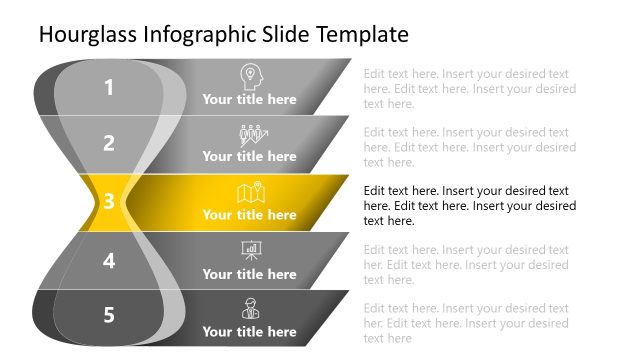
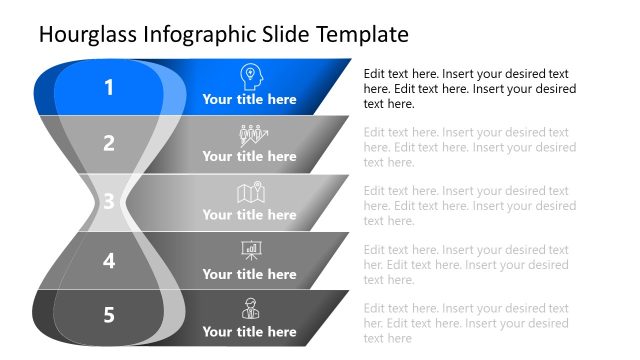
The Hourglass Infographic Template from the Hourglass PowerPoint Template offers a clear timeline layout ideal for project timelines and process overviews. This slide features editable shapes including a central hourglass graphic and numbered callouts, making it suitable for business presentations and training sessions that require a structured depiction of milestones and time-sensitive information.
What’s on This Slide
The layout features a central hourglass graphic, flanked by four circular callouts positioned on the left and right. Each callout contains a number and a text placeholder for content. The hourglass is visually prominent, with a yellow sand effect and a green top. Above the hourglass, there is a title placeholder aligned centrally. The overall color scheme includes shades of blue and gray, with a clean white background. The callouts are evenly spaced, creating a balanced visual hierarchy that guides the viewer's eye from the title to the hourglass and then to the callouts.
How to Use It
This layout serves as a timeline or process overview, ideal for presenting sequential stages or milestones. It fits well in a presentation sequence following an introduction or problem statement. This structure is useful for project updates, training sessions, or any scenario requiring a clear depiction of time-sensitive information. The hourglass symbolizes time management, making it suitable for discussions on deadlines, schedules, or project phases.
Text Placeholders & Capacity
Keep your copy within these limits so it fits without resizing. Node body slots can accommodate roughly 15-20 words each.
| Placeholder | Count | Max characters (approx.) |
|---|---|---|
| Slide title | 1 | 50 |
| Item heading | 4 | 30 |
| Item body | 4 | 100 |
Slide Keywords
Download unlimited PowerPoint templates, charts and graphics for your presentations with our annual plan.
DOWNLOADReturn to Hourglass PowerPoint Template.