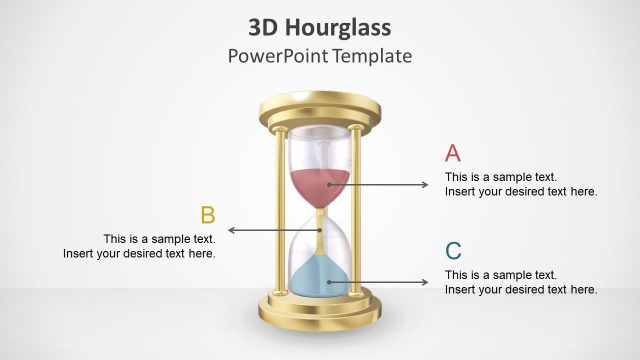
Slide 2 of 5 from Hourglass PowerPoint Template
Hourglass PPT Slide Template
Hourglass Infographic PowerPoint Slide
- Diagram
- Process Flow
- Timeline Slide
- 16:9
- 100% Editable
The Hourglass Infographic with Callouts slide from the Hourglass PowerPoint Template offers a clear timeline visualization ideal for project timelines and workflow presentations. This slide layout uses editable shapes and vector icons to highlight sequential steps, making it suitable for business presentations and training sessions requiring structured process overviews.
What’s on This Slide
The slide features a central hourglass graphic with a black base and a transparent upper section. Four circular callouts are positioned around the hourglass, two on the left and two on the right. Each callout contains a numbered placeholder, with the numbers displayed prominently. The placeholders are aligned centrally within each callout. The background is light with subtle gradients, enhancing the visual hierarchy. The hourglass contains yellow sand, creating a contrast with the overall design. The layout is structured to guide the viewer's focus towards the hourglass and the callouts.
How to Use It
This layout serves as a timeline or process visualization, ideal for illustrating sequential steps or stages. It fits well in presentations discussing project timelines, workflows, or time management strategies. This structure is beneficial for project managers or consultants needing to convey time-sensitive information. It can also be adapted for training sessions or workshops where step-by-step guidance is required. The layout's clarity aids in presenting complex information in an easily digestible format.
Text Placeholders & Capacity
Keep your copy within these limits so it fits without resizing. Node body slots can hold roughly 15-20 words each.
| Placeholder | Count | Max characters (approx.) |
|---|---|---|
| Item heading | 4 | 30 |
| Item body | 4 | 100 |
Slide Keywords
Download unlimited PowerPoint templates, charts and graphics for your presentations with our annual plan.
DOWNLOADReturn to Hourglass PowerPoint Template.