Map project milestones and strategic actions in a specific timeframe with our Hourglass PowerPoint Template. An hourglass is a glass container with sand flowing across two chambers. The hourglass, or coarctate, is a time-measuring device consisting of two conical shapes that open outwards. That’s why the center of the hourglass is narrowest through which sand flows. The hourglass is used as a stylized digital illustration to highlight the significance of time sensitivity. Business consultants use the hourglass template in time-management presentations to clients. Project managers use this template to share the process stages, presented in a time-bound sequence, to generate the final outcomes. A litigation attorney uses the hourglass PPT template to highlight case deadlines, hearing dates, and other legal penalties within a legal timeline. The financial advisor uses the hourglass template in client presentations for discussing a limited-time investment opportunity.
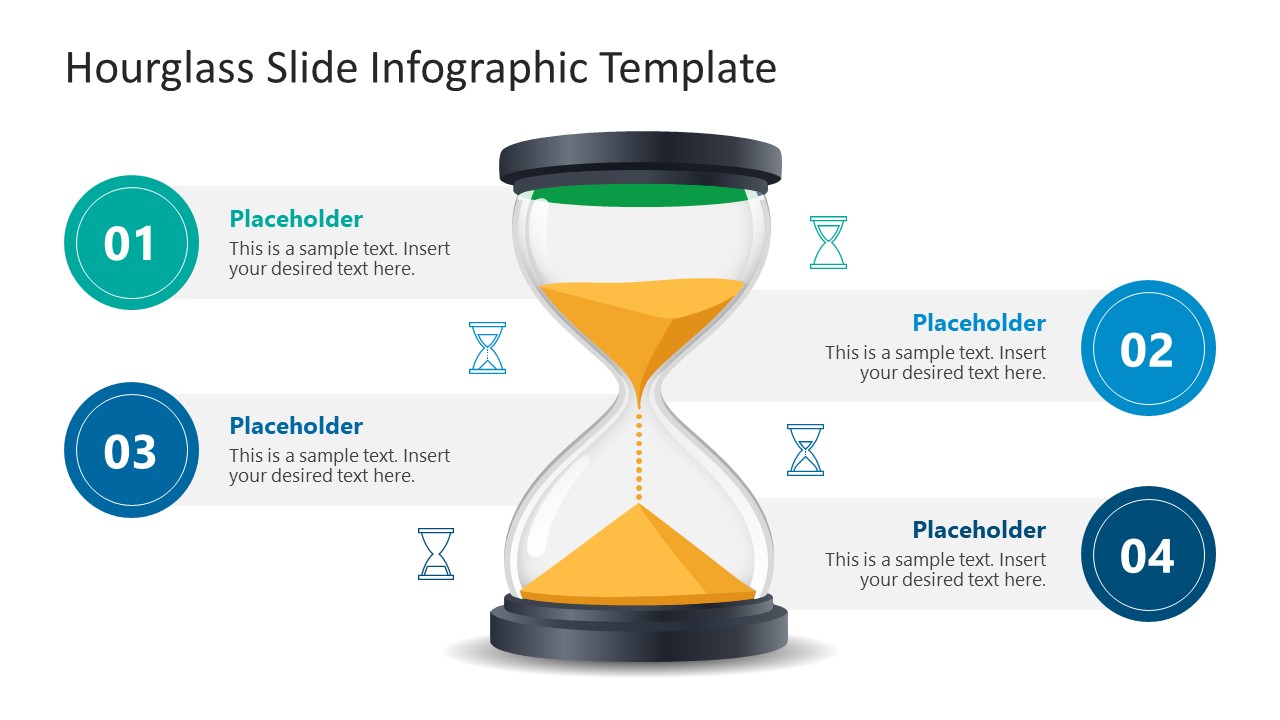
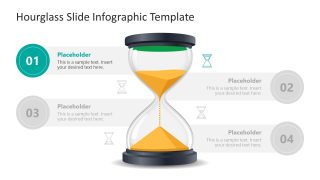
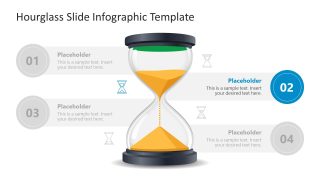
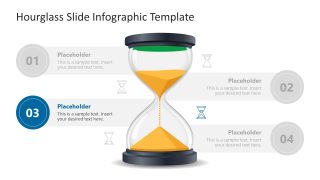
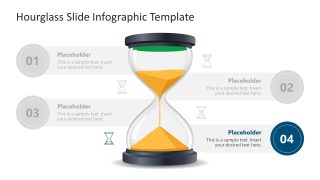
The HR manager presents an enrollment timeline to board members for new talent and vacant positions. The Hourglass PowerPoint Template features an hourglass diagram in the center with four text labels on the slide. Each label includes graphical icons to illustrate the idea and brief text for details. You can easily change the text fonts and label colors based on your theme. Then, we have four slides with the same hourglass diagram. But each slide has a focus effect for one point only. This creates a spotlight effect that allows the audience to grasp the content more clearly and with better understanding. Corporate trainers or academic mentors discuss the importance of time and career decisions in training presentations. Download the hourglass PPT slide template and use it in time-sensitive decision presentations with executive members of the organization.
What’s inside this template
Example presentation scenarios
- A project manager can use the four-point hourglass overview to brief stakeholders on milestone order, timing constraints, and the final outcome expected from each phase.
- A business consultant can use the spotlight slides to guide a client through four strategic actions, focusing attention on one time-bound recommendation at a time.
- A litigation attorney can use the numbered callouts to present case deadlines, hearing dates, filing windows, and penalty risks in a visual legal timeline.
- A financial advisor can use the hourglass metaphor and focus slides to explain a limited investment window, key decision dates, and client action steps.
- An HR manager can use the diagram to present an enrollment or hiring timeline, showing four stages such as approval, sourcing, interviews, and onboarding.
Features
- 100% editable presentation template
- Compatible with Microsoft PowerPoint and Google Slides
- 16:9 aspect ratio slides
- Scalable vector shapes, icons and illustrations
- AI-Ready for Microsoft Copilot and Claude
- Instant access and download
Frequently asked questions
Q: How should a presenter structure the message with this hourglass diagram?
A: Start with Slide 1 to show the full four-part sequence and explain why time is the main constraint. Then move through Slides 2 to 5, using one spotlight slide per point. This keeps the audience from reading ahead and lets the presenter attach each callout to one deadline, action, or decision.
Q: Who is this template best suited for in a business presentation?
A: This template works best for presenters who need to make timing feel concrete: project managers explaining milestones, consultants framing phased actions, attorneys outlining legal deadlines, financial advisors discussing a limited window, or HR leaders showing enrollment stages. The hourglass metaphor makes urgency easy to understand without adding a complex chart.
Q: Why does the hourglass metaphor help communicate time-sensitive topics?
A: The central hourglass immediately signals limited time, flow, and consequence. The four numbered callouts organize the message into digestible steps, while the gray spotlight variants control attention. This design choice helps the audience connect each point with a sense of progression rather than seeing the content as separate bullet lists.


Hourglass PowerPoint Template
5-slide presentation template with hourglass timeline callouts for time management and milestone planning
The Hourglass PowerPoint Template is a 5-slide diagram set for time-sensitive business presentations in Microsoft PowerPoint and Google Slides. It shows a central hourglass infographic, four numbered callouts, horizontal timeline bands, and spotlight variations for each stage. It is suited for project managers, consultants, trainers, and legal or finance presenters.
- Category
- Diagrams
- Rating

 Loading...
- Aspect ratio
- 16:9
- Item ID
- 23777-01
- Colors
 Microsoft PowerPoint
  Microsoft Copilot
  Claude for PowerPoint
 Other formats supported
Subscribe today and get immediate
access to download our PowerPoint templates.