Hexagon Venn Diagram PowerPoint Template
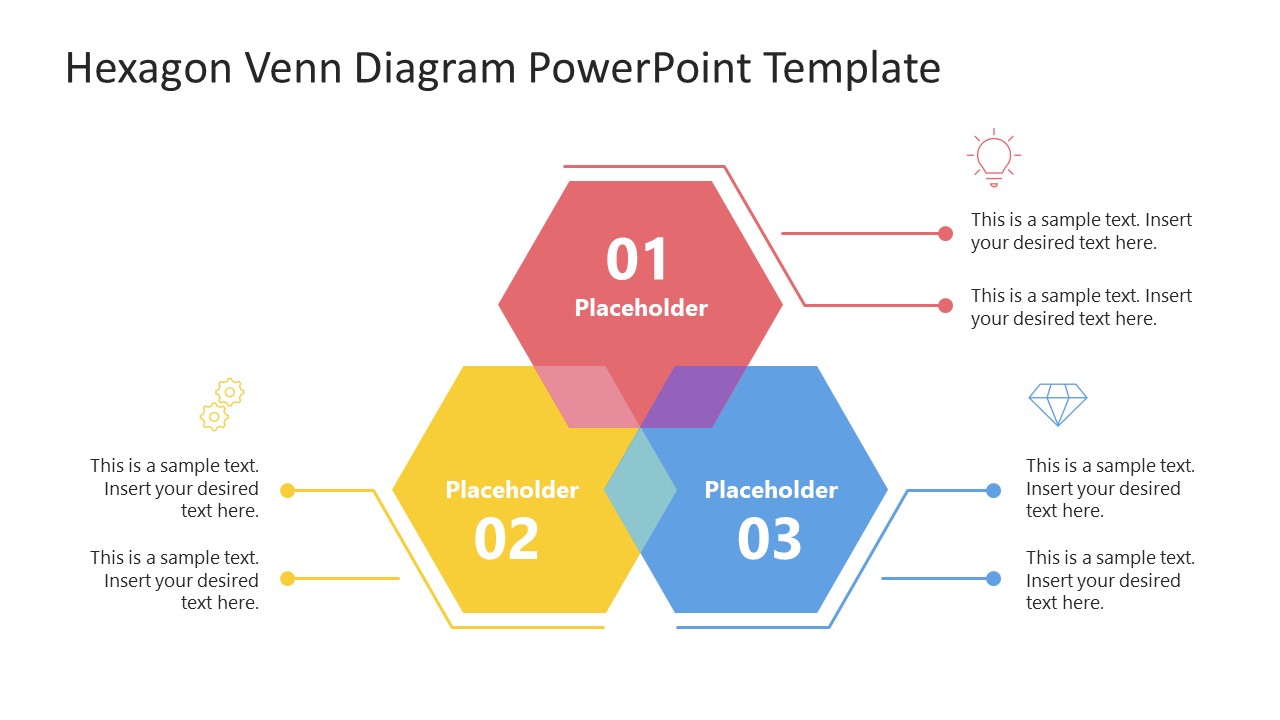
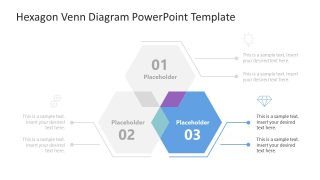
Showcase the comparison between three data sets in your business discussions with our editable Hexagon Venn Diagram PowerPoint Template. A Venn diagram is a mathematical figure that contains overlapping shapes. The overlapped segment displays the set of shared values between two data sets, while the remaining parts contain dissimilar entities. The number of shapes in the Venn diagram can vary depending on the use case. We have crafted this Venn diagram with three hexagon shapes. Project managers can use it to visualize performance comparisons among three business teams and their accomplishments. Product developers can demonstrate how three languages differ in their contributions to the development process. This simple layout features 100% editable PowerPoint elements that are also compatible with Google Slides.
The Hexagon Venn Diagram PowerPoint Template has three hexagonal shapes with bright colors. Lines with multiple bends are present around the slides of hexagons that connect with the text segments. For each shape, we have provided an infographic icon and two bullet placeholders to write down the concepts or conclusions easily. In the center of the hexagon, we have provided a bold numerical digit with a title. Next, the second slide uses a spotlight effect for step 1: only one shape is highlighted in color, while the remaining diagram is grey. This allows professionals to showcase how one data set relates to the other two and what makes it unique. Further, in the following two slides, professionals can mention the other two shapes with a focus effect. Moreover, we have some different versions of the Venn diagram which you can choose based on your needs. Download the hexagon Venn diagram template and edit it for your business decision-making sessions with stakeholders!


You must be logged in to download this file.
DOWNLOAD- Category
- Diagrams
- Rating

 Loading...
- Size
- 16x9
- Item ID
- 23405-01
- Colors
Subscribe today and get immediate
access to download our PowerPoint templates.