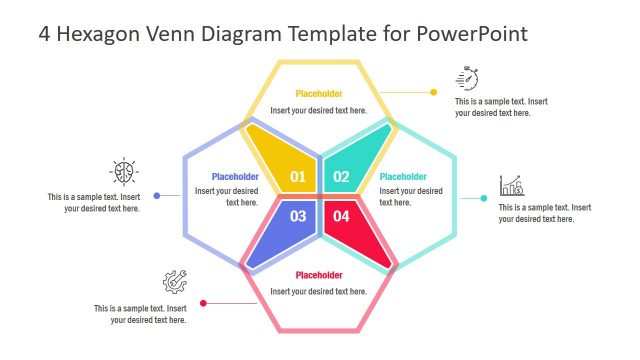
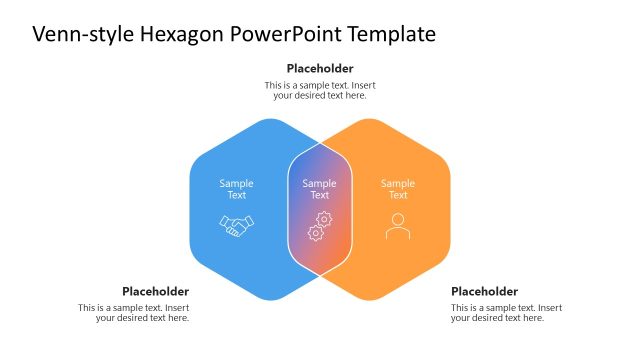
Slide 2 of 4 from Hexagon Venn Diagram PowerPoint Template
Editable Hexagon Venn Diagram PPT Template
Hexagon Venn Diagram PowerPoint Template
- Diagram
- Venn
- Comparison Slide
- 16:9
- 100% Editable
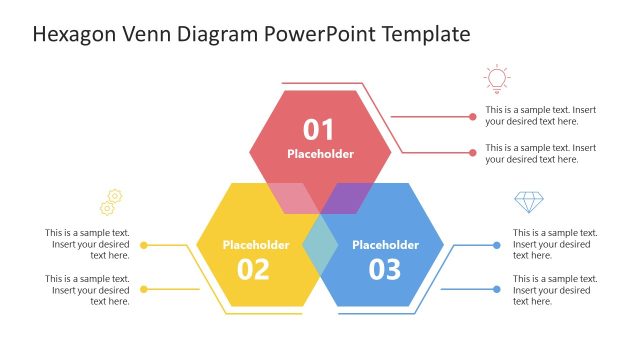
The Hexagon Venn Diagram slide from the Hexagon Venn Diagram PowerPoint Template offers a clear visual tool for comparing three interconnected concepts. Ideal for business presentations, this slide layout uses editable shapes and vector icons to highlight relationships, supporting strategic planning and project evaluation within a professional slide deck.
What’s on This Slide
The layout features a central hexagon positioned at the top center, labeled with '01' and a placeholder for text. Below, two hexagons are aligned horizontally, labeled '02' and '03', each with their own text placeholders. Connecting lines extend from the central hexagon to the side hexagons, indicating relationships. The background is white, providing contrast to the colored hexagons. Visual hierarchy emphasizes the central hexagon, while the side hexagons are slightly smaller. The overall composition is balanced, with clear groupings of elements.
How to Use It
This layout serves as a visual representation of relationships among three concepts or categories. It is suitable for presentations that require comparison or overlap analysis. This structure fits well in a sequence where a problem is introduced, followed by solutions or options. It can be used in business contexts such as product comparisons, strategic planning, or project evaluations, allowing for clear communication of interconnected ideas.
Text Placeholders & Capacity
Keep your copy within these limits so it fits without resizing. Node body slots can accommodate about 10 words each.
| Placeholder | Count | Max characters (approx.) |
|---|---|---|
| Item heading | 3 | 30 |
| Item body | 3 | 50 |
| Slide title | 1 | 50 |
Slide Keywords
Download unlimited PowerPoint templates, charts and graphics for your presentations with our annual plan.
DOWNLOADReturn to Hexagon Venn Diagram PowerPoint Template.