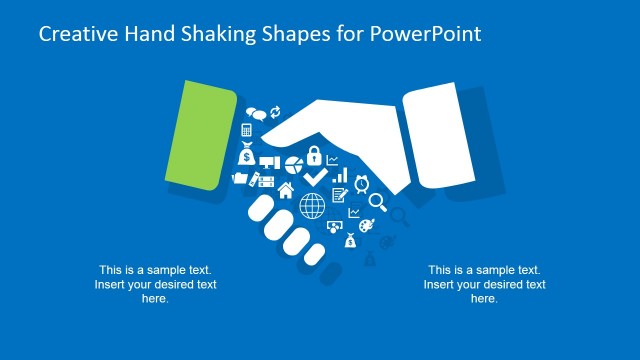
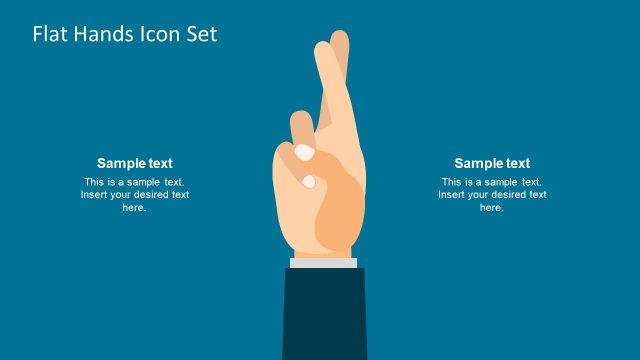
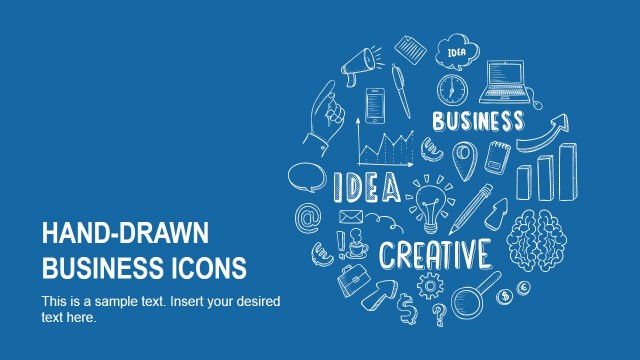
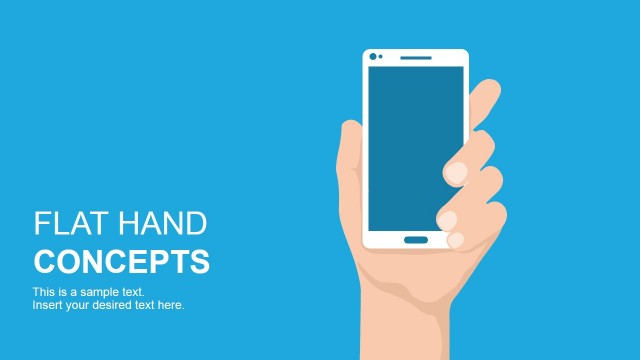
Handshake Design Template for PowerPoint is a creative business presentation design with a nice handshaking illustration that you can use to make presentations on sales training, sales management or create a business analogy on soaring success, team work or collaboration.
Alternatively you can download other presentation templates for PowerPoint to create successful business analogies using creative figures and illustrations.
What’s inside this template
Example presentation scenarios
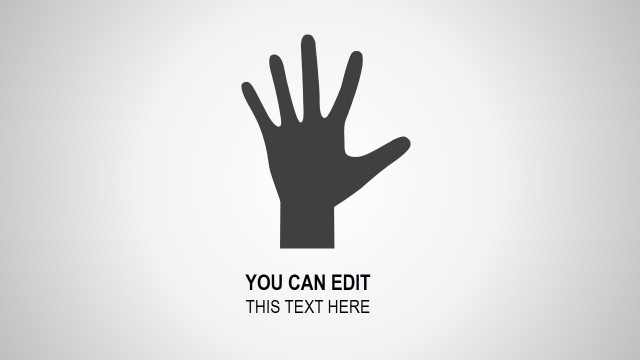
- A sales manager can open a training session on relationship-based selling by using the full-width handshake hero slide to frame trust as the central concept.
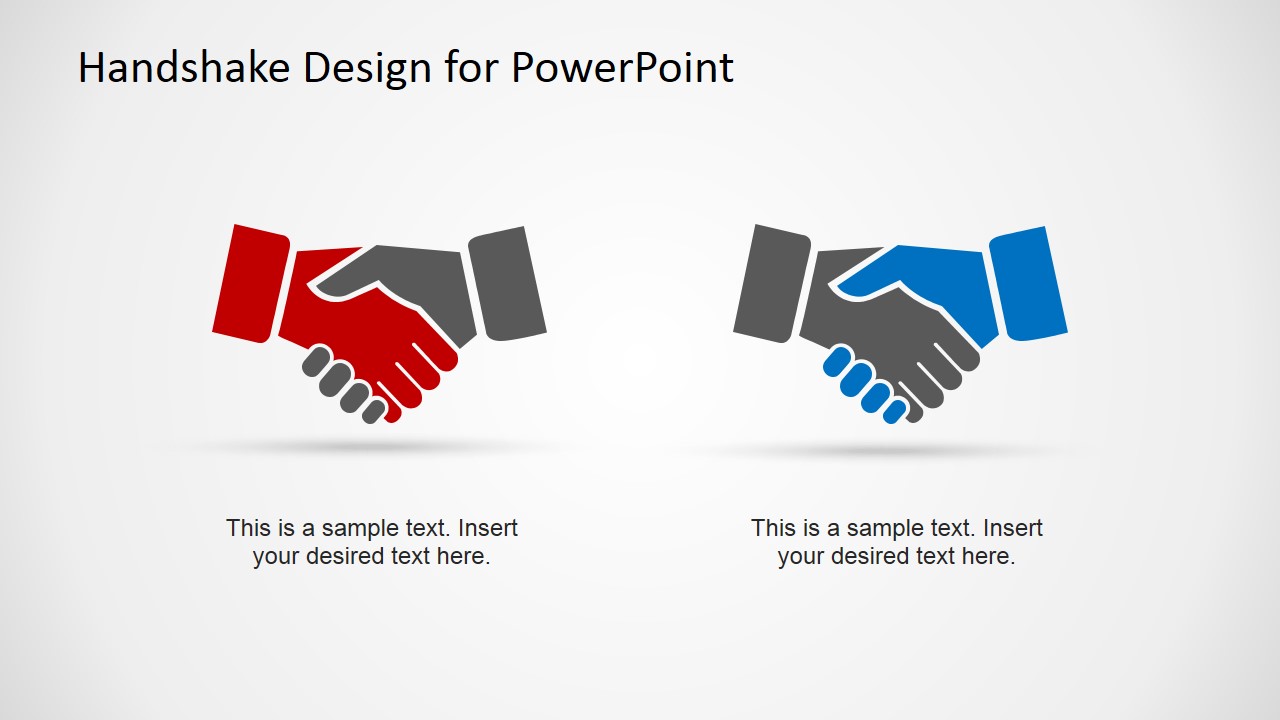
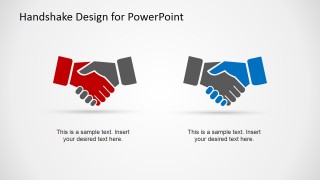
- A business development lead can compare two partnership models with the two-option handshake layout and explain the role of each party with the caption text.
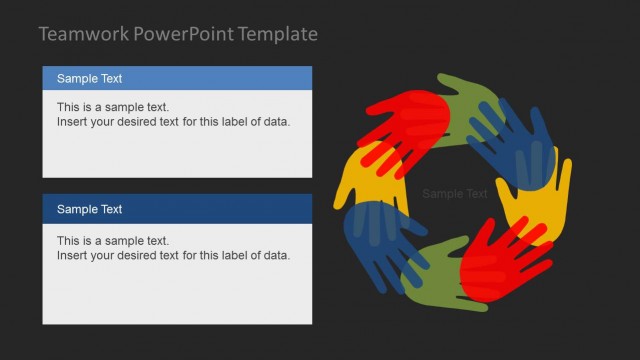
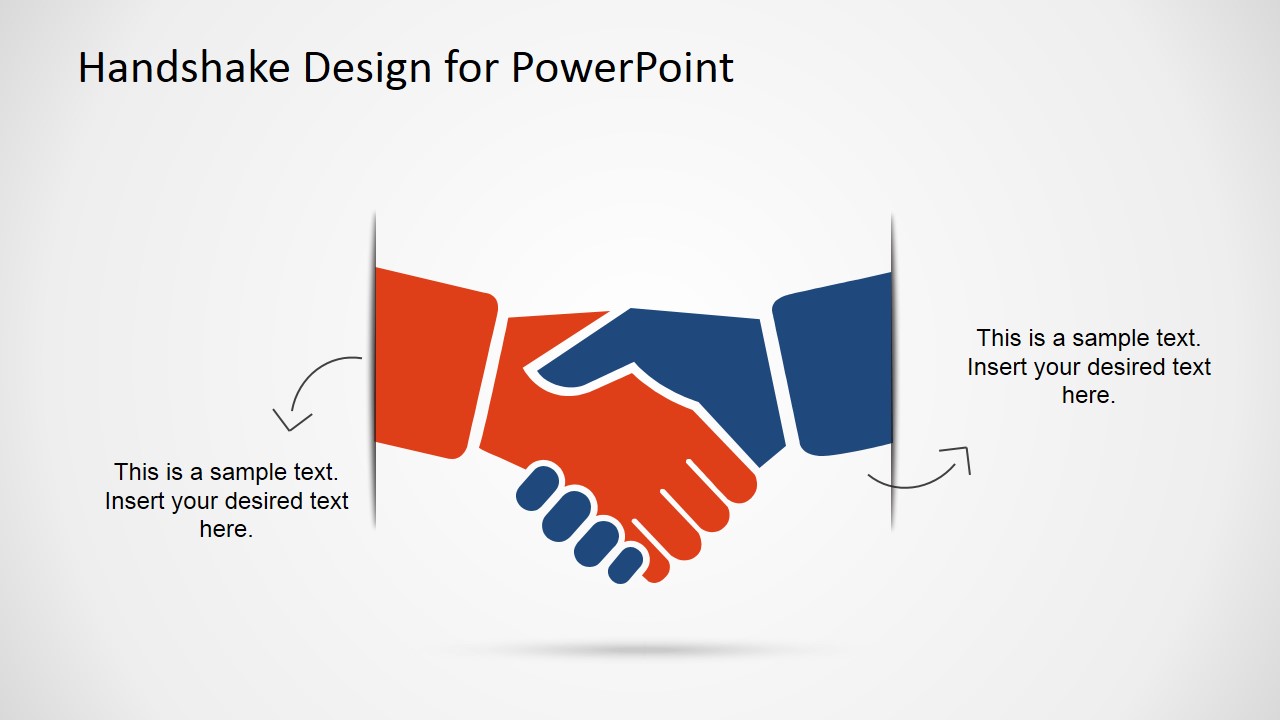
- A consultant can summarize negotiation takeaways by using the two-callout handshake slide to place client concerns on one side and proposed commitments on the other.
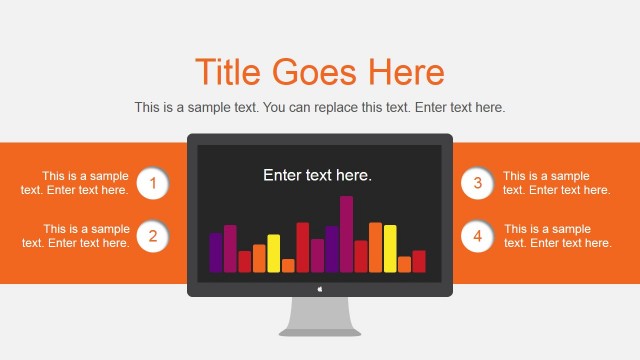
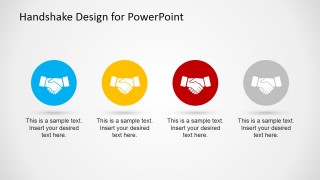
- A team leader can present shared goals by using the four circular handshake icons to list collaboration behaviors, owners, or agreement principles.
Features
- 100% editable presentation template
- Compatible with Microsoft PowerPoint and Google Slides
- 16:9 aspect ratio slides
- Scalable vector shapes, icons and illustrations
- AI-Ready for Microsoft Copilot and Claude
- Instant access and download
Frequently asked questions
Q: How should a presenter communicate a business agreement with this template?
A: Start with the large handshake visual to define the agreement or partnership in one clear sentence. Use the side-callout slide to separate each party's needs, responsibilities, or commitments. If the audience needs choices, move to the two-option layout; if they need an action list, use the four-icon row for next steps.
Q: Who is this template best suited for in a business presentation?
A: This template fits presenters who need a simple trust, deal, or collaboration metaphor rather than a detailed process map. Sales managers, partnership leads, consultants, and team leaders can use it when the goal is to introduce an agreement, explain mutual value, or reinforce shared team goals in a short business section.
Q: Why does the handshake metaphor help the message land with an audience?
A: A handshake is a familiar visual shorthand for trust, consent, and cooperation, so the audience understands the theme before reading the captions. The deck repeats that metaphor at different scales: a dominant hero image for the main idea, paired icons for comparison, and four badges for grouped commitments.


Handshake Design Template for PowerPoint
4-slide presentation template with handshake illustrations for deals, teamwork, and sales agreement visuals
Handshake Design Template for PowerPoint is a 4-slide visual presentation template for showing agreements, partnership, and sales collaboration. It includes a two-callout handshake layout, a full-width handshake cover, a two-option comparison slide, and a four-icon row for process or team points in Microsoft PowerPoint and Google Slides.
- Category
- Shapes
- Rating


 Loading...
- Aspect ratio
- 16:9
- Item ID
- 6619-02
- Colors
 Microsoft PowerPoint
  Microsoft Copilot
  Claude for PowerPoint
 Other formats supported
Subscribe today and get immediate
access to download our PowerPoint templates.