Growing Arrow PowerPoint Template
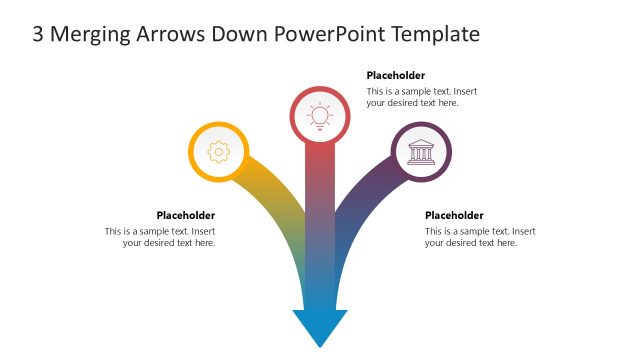
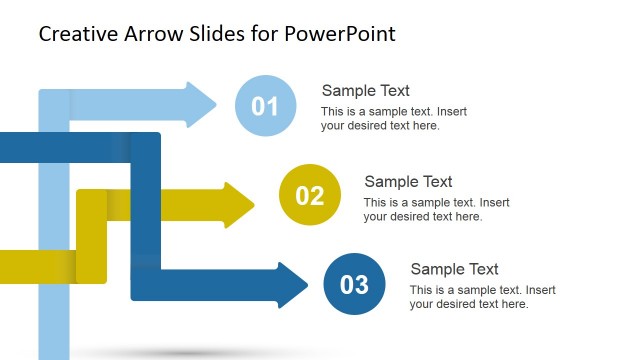
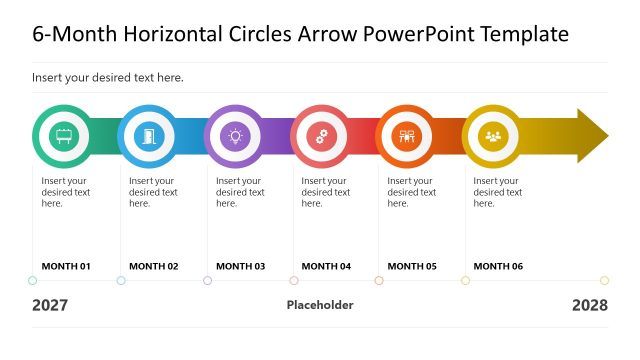
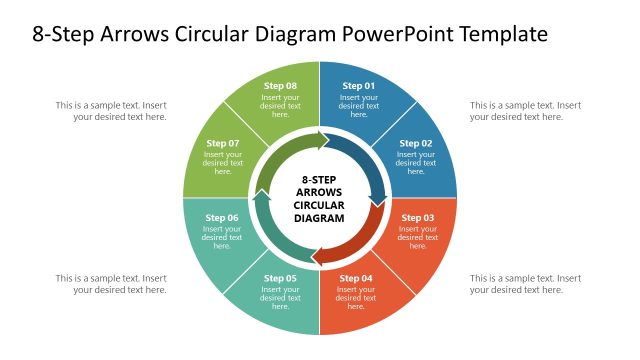
Present a three-step career growth plan in the academic sessions using our editable Growing Arrow PowerPoint Template. The growing arrow is a metaphor for growth and development. It can be used in personal or business domains. A growing arrow in personal growth illustrates career steps and educational milestones. Business developers and growth managers can use our diagram to outline the key accomplishments that will make the company successful in the industry. It can also be used to visualize the three steps for project management or a product development roadmap. This PPT layout is created with fully editable PowerPoint shapes. You can change the layout’s color scheme, element arrangement, fonts, and styles to match your specific theme requirements.
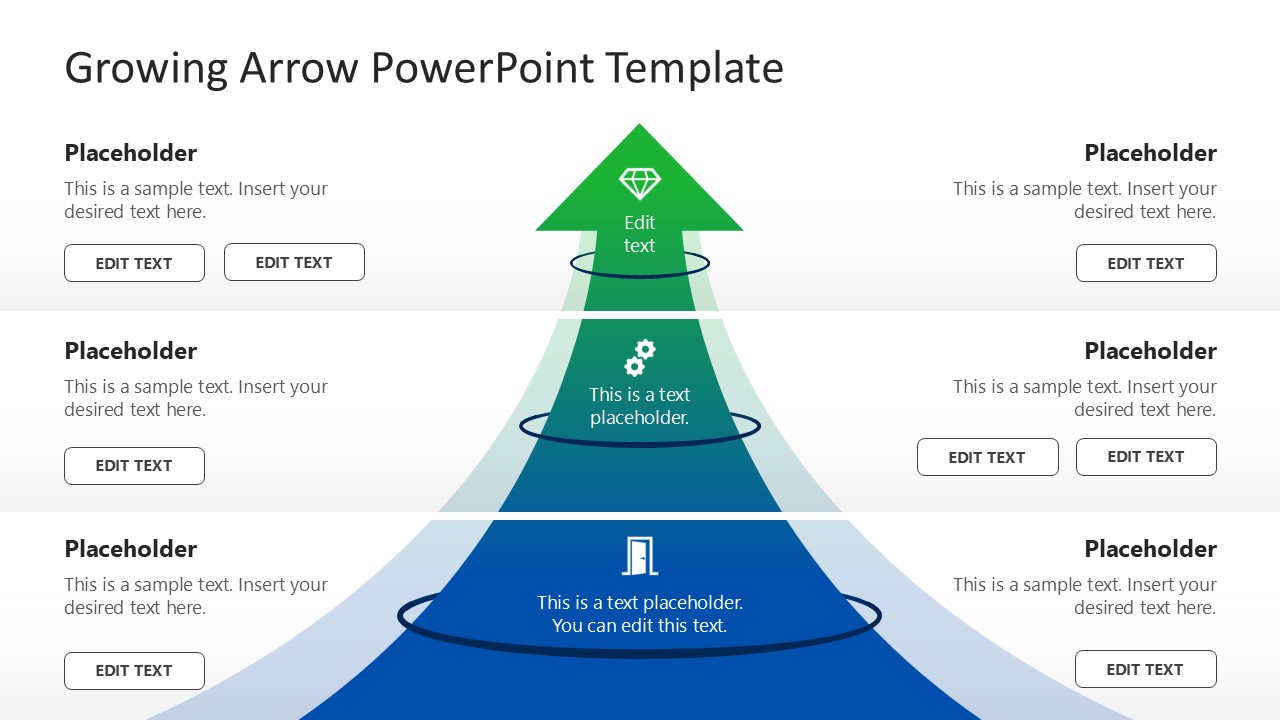
The Growing Arrow PowerPoint Template features a central arrow diagram that widens at the base and narrows at the top. Simple lines divide the growing arrow diagram into three sections, each containing an infographic icon, a placeholder text line, and a circular loop that gives it a 3D look. The arrow shows a blue-green gradient, with an additional blue layer beneath it. On both sides of the central arrow, we have provided text placeholders for titles, descriptions, and buttons. Our growing arrow PPT layout features two slides with a similar arrow diagram, but the background color varies between them (white and dark). Professionals can repurpose the design to present their relevant data in a comprehensive manner. You can also customize this PPT layout with Google Slides. Download the growing arrow PPT slide template for your business meetings and discuss your ideas with clarity!


You must be logged in to download this file.
DOWNLOAD- Category
- Diagrams
- Rating

 Loading...
- Size
- 16x9
- Item ID
- 23357-01
- Colors
Subscribe today and get immediate
access to download our PowerPoint templates.