Slide 1 of 2 from Growing Arrow PowerPoint Template
Editable Growing Arrow PPT Slide Template
Growing Arrow Diagram for Presentations
- Diagram
- Arrow Sequence
- Process Slide
- 16:9
- 100% Editable
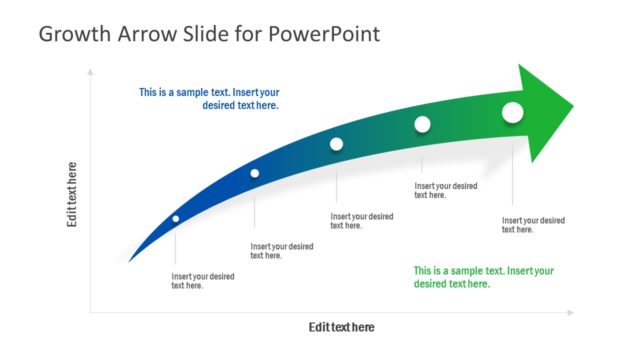
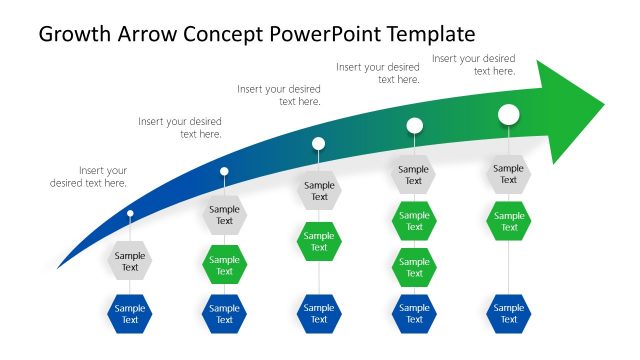
The Growing Arrow Diagram slide from the Growing Arrow PowerPoint Template offers a clear visual for illustrating growth stages and strategic goals. This slide layout uses editable shapes and vector icons arranged in a smooth arrow sequence to depict progression effectively. Ideal for business presentations and pitch deck templates, it supports conveying project timelines and development milestones with a professional design that emphasizes direction and advancement.
What’s on This Slide
The layout features a central upward-pointing arrow with three segments. The top segment contains an icon and a text placeholder, positioned centrally. Below are two larger segments, each with their own text placeholders. The segments are colored in gradients from light to dark, creating a visual hierarchy. The placeholders are aligned to the left and right sides, with the central arrow acting as a focal point. Each segment has rounded edges, contributing to a smooth visual flow. The overall composition emphasizes growth and direction.
How to Use It
This layout serves as a visual representation of growth or progression, suitable for business presentations. It can illustrate stages of development, strategic goals, or project timelines. Positioned at the beginning of a presentation, it sets the stage for discussing growth strategies or achievements. It is useful in contexts such as financial growth, project milestones, or product development. This structure helps convey a clear narrative of advancement and future direction.
Text Placeholders & Capacity
Keep your copy within these limits so it fits without resizing. Each text slot can hold a moderate amount of text, roughly 10-12 words.
| Placeholder | Count | Max characters (approx.) |
|---|---|---|
| Item body | 3 | 50 |
| Item heading | 3 | 20 |
Slide Keywords
Download unlimited PowerPoint templates, charts and graphics for your presentations with our annual plan.
DOWNLOADReturn to Growing Arrow PowerPoint Template.