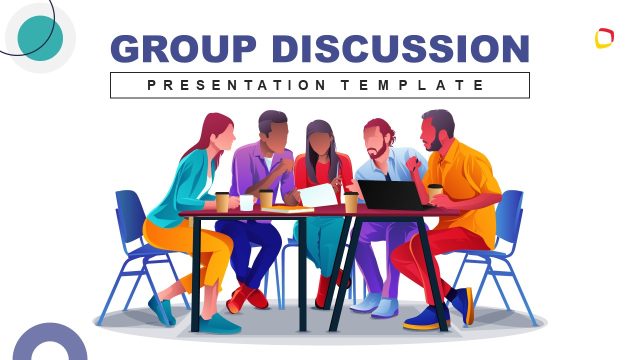
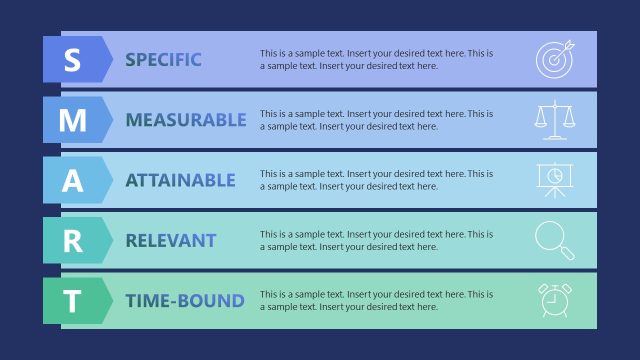
Group Discussions & Team Goals Template for PowerPoint is a presentation template with good slide designs that you can use to prepare a presentation for teamwork and group discussion presentations.
You can use this group discussion PowerPoint template to prepare presentations on team goals. Other presentation needs require slides with metaphors on group discussions, team goals & objectives, and collaboration between different groups. Also, check our complete collection of Collaboration PowerPoint Templates.
What’s inside this template
Example presentation scenarios
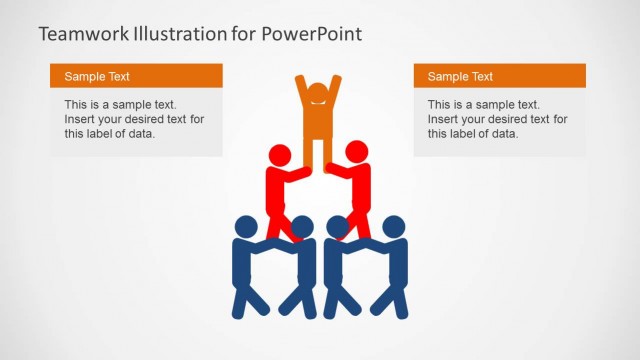
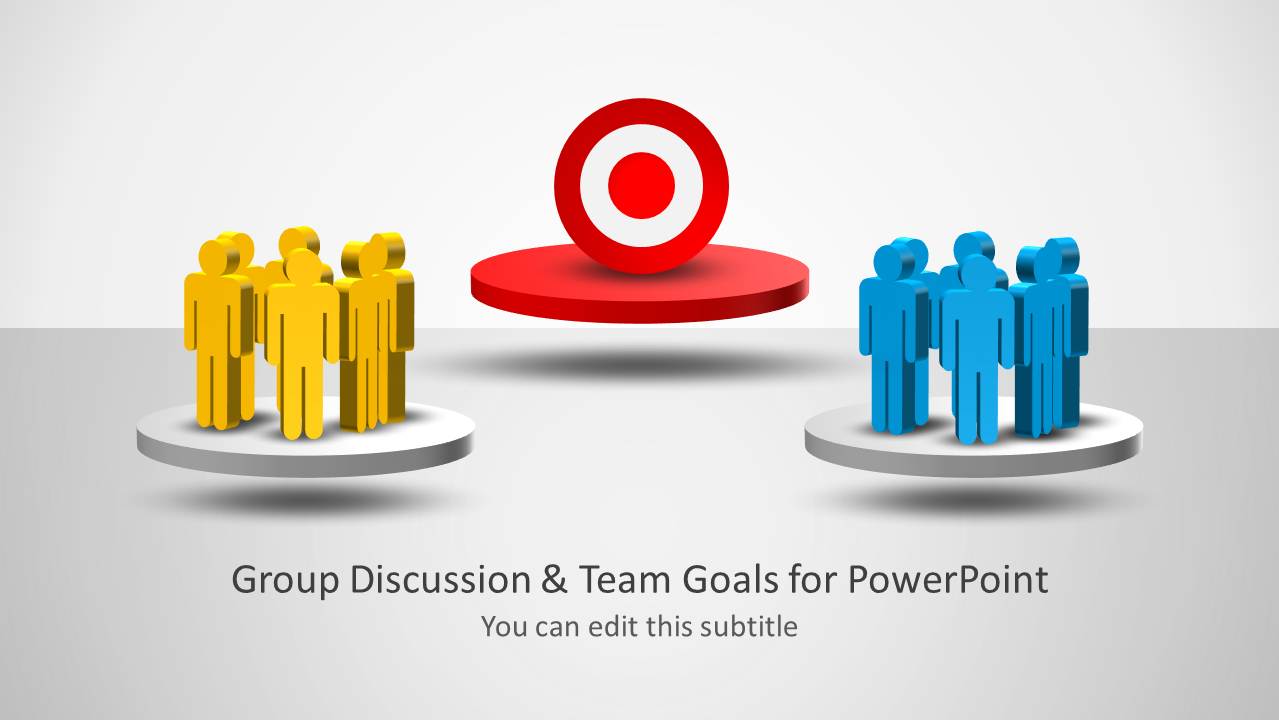
- An HR facilitator can use the two-team common goals layout to guide separate departments toward one shared objective during a team development workshop.
- A project manager can use the outsider and team layout to explain how an external stakeholder, vendor, or new member connects to an existing project team.
- A trainer can use the single group discussion slides with speech bubbles to introduce meeting norms, participation expectations, and discussion protocols.
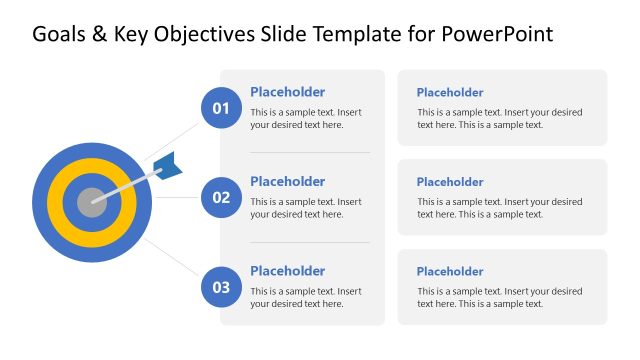
- A consultant can use the target metaphor slides to show where groupthink, alignment, or loyalty affects decision making in a leadership session.
Features
- 100% editable presentation template
- Compatible with Microsoft PowerPoint
- 16:9 aspect ratio slides
- Scalable vector shapes, icons and illustrations
- AI-Ready for Microsoft Copilot and Claude
- Instant access and download
Frequently asked questions
Q: How should a presenter use the target and team graphics to communicate alignment?
A: Start by naming the target as the shared goal, then assign meaning to each colored group before adding text. The slides work best when the presenter explains the relationship between teams, not just the objective. Keep captions short and use the icons as anchors for who is involved, what they want, and where agreement is needed.
Q: What presentation situation is this template best suited for?
A: This template fits facilitators, HR teams, project leads, and consultants who need to frame collaboration issues visually. It is strongest for workshops about shared objectives, discussion protocols, stakeholder roles, or group behavior. The two-team and outsider layouts are useful when the audience must compare perspectives before agreeing on common goals.
Q: Why does the design repeat people groups, speech bubbles, and targets?
A: The repeated visual metaphors create a simple communication system: people represent participants, speech bubbles represent discussion, and targets represent goals. This reduces explanation time because the audience can read the relationship quickly. The changing placement of the same elements helps show different situations, such as two groups aligning, one group discussing, or an outsider connecting.


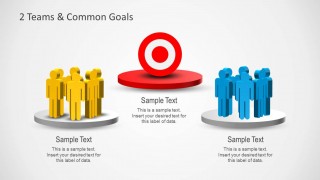
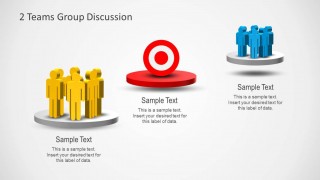
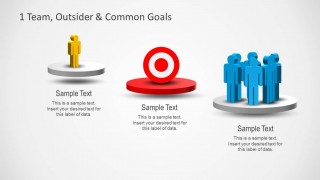




Group Discussions & Team Goals Template for PowerPoint
8-slide PowerPoint presentation template for group discussions, team goals, target metaphors, and team alignment
This 8-slide Microsoft PowerPoint template presents group discussions and team goal alignment with editable people icons, target metaphors, speech bubbles, and two-team comparison layouts. It is built for managers, facilitators, HR teams, and consultants preparing collaboration, objective-setting, or team development sessions in 16:9 format.
- Category
- Business PowerPoint Templates
- Rating


 Loading...
- Aspect ratio
- 16:9
- Item ID
- 6135-01
- Colors
 Microsoft PowerPoint
  Microsoft Copilot
  Claude for PowerPoint
 Other formats supported
Subscribe today and get immediate
access to download our PowerPoint templates.