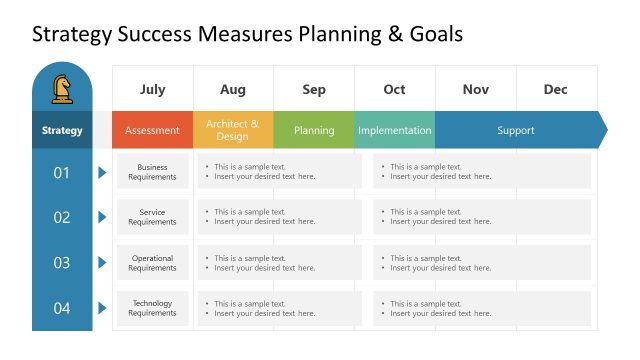
This Goals Strategy PowerPoint template contains creative slide designs with target goal illustrations with an arrow and a bishop chess game piece that you can use to decorate your business strategy presentations and slide designs.
If you want to make presentations on strategy then you can also check the strategy PowerPoint templates and creative slide designs with metaphors of strategy like the chess piece shapes for PowerPoint, chessboard illustrations and strategy games.
What’s inside this template
Example presentation scenarios
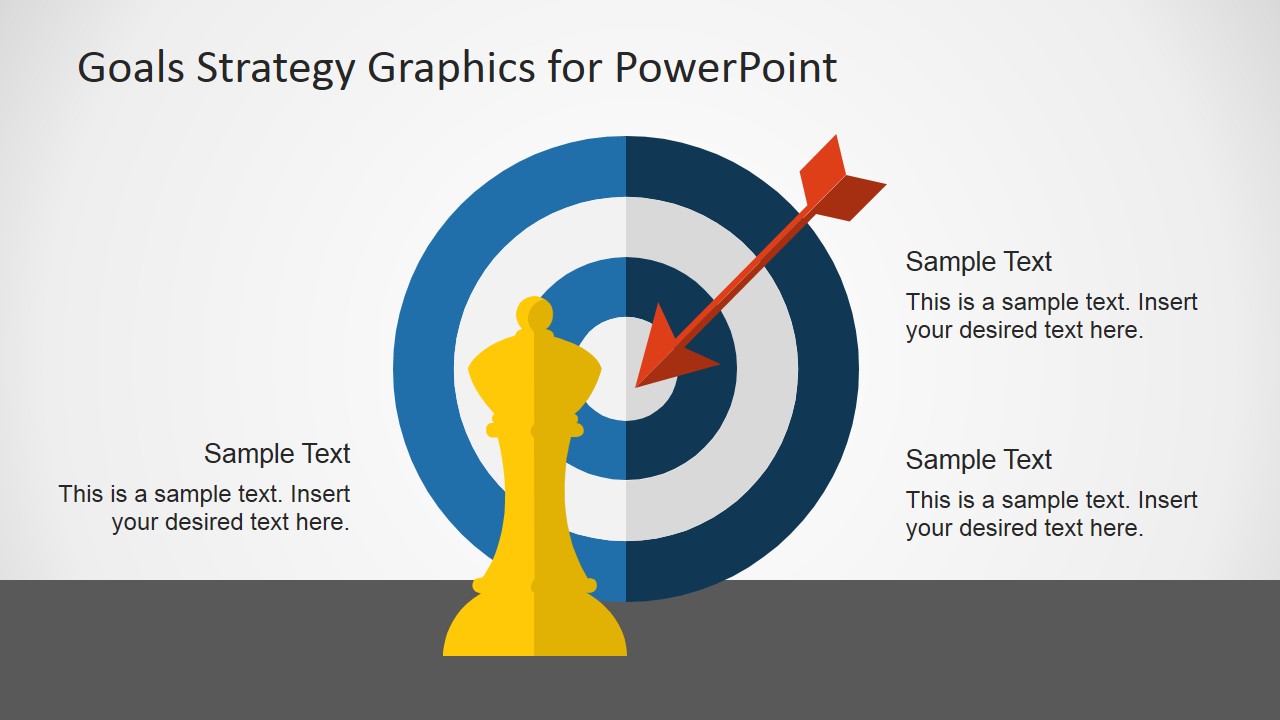
- A strategy consultant can use the bishop-on-target slide to introduce how a client should aim resources toward a defined business objective.
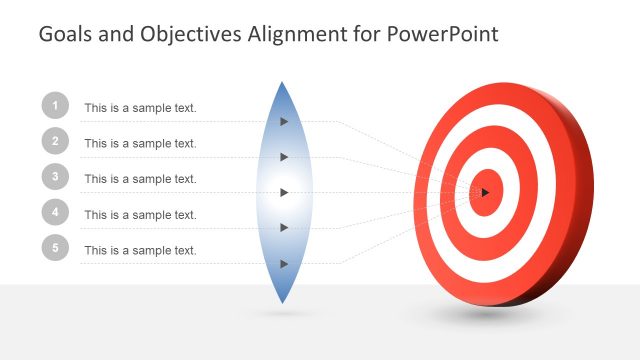
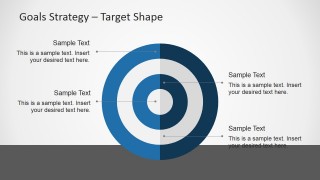
- A team leader can use the target callout slide to explain four priorities or checkpoints that support a quarterly goal.
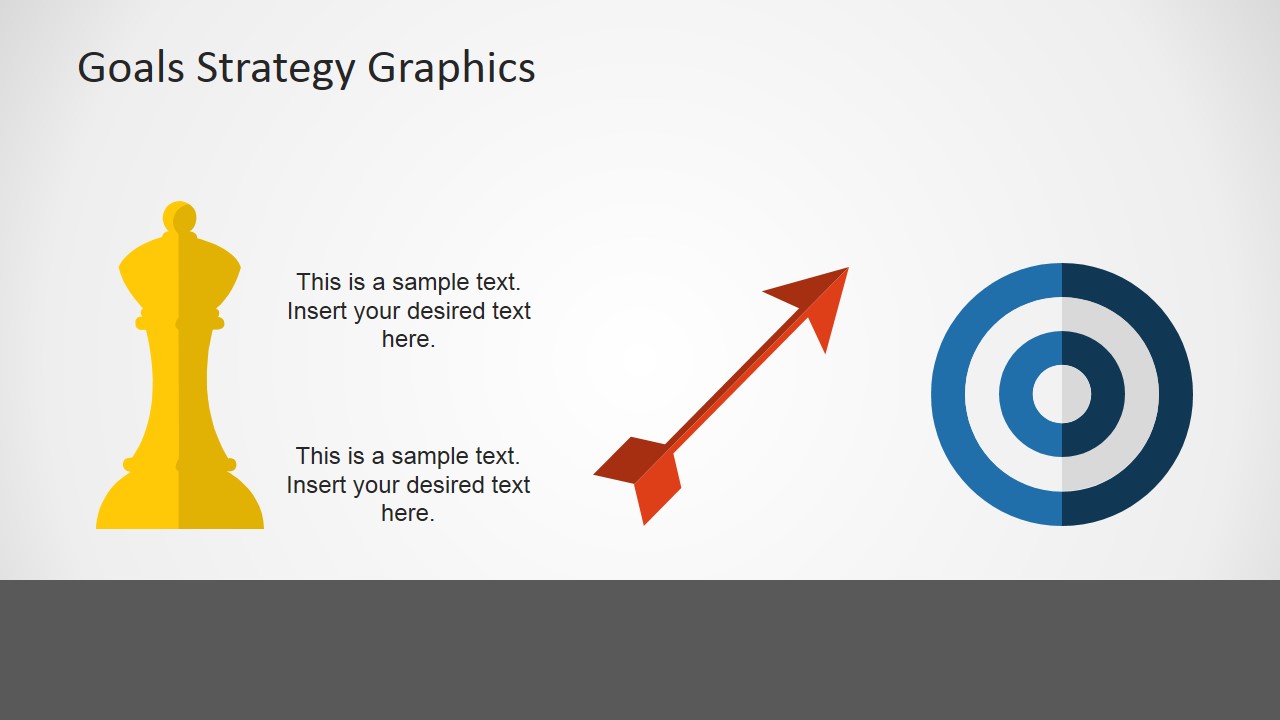
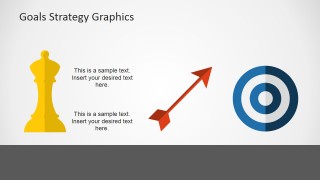
- A sales manager can use the separate bishop, arrow, and target graphics to frame a territory plan around strategic positioning and measurable outcomes.
- A project owner can use the combined target and arrow diagram to summarize the goal before discussing execution details in a meeting.
Features
- 100% editable presentation template
- Compatible with Microsoft PowerPoint and Google Slides
- 16:9 aspect ratio slides
- Scalable vector shapes, icons and illustrations
- AI-Ready for Microsoft Copilot and Claude
- Instant access and download
Frequently asked questions
Q: How should a presenter use the target and bishop metaphor without making the message feel decorative?
A: Anchor each graphic to a specific idea: the target should represent the measurable outcome, the arrow should represent the action path, and the bishop should represent strategic positioning. Add only the few text points needed to explain the decision, priority, or goal. This keeps the metaphor tied to the business message.
Q: Who is this template best suited for in a business presentation?
A: This template fits presenters who need a short visual opener for strategy, objectives, or team goals. It is especially useful for executives, consultants, managers, and project leads who want to explain direction before showing detailed plans. The callout target slide works well for naming priorities before deeper discussion.
Q: Why do the chess and target visuals help explain strategy?
A: The chess bishop suggests deliberate positioning and planned movement, while the bullseye target shows focus and desired impact. Together, the visuals translate an abstract strategy discussion into a simple mental model. The separate icon slide also lets a presenter build the idea piece by piece rather than showing everything at once.

Goals Strategy Graphics for PowerPoint
3-slide presentation template with target graphics, chess bishop strategy metaphor, and editable callouts
Goals Strategy Graphics for PowerPoint is a 3-slide, 16:9 presentation template for illustrating objectives and strategy with target, arrow, and chess bishop metaphors. The deck includes a combined goal diagram, a target callout slide, and separate strategy icons for business planning discussions in Microsoft PowerPoint and Google Slides.
- Category
- Shapes
- Rating


 Loading...
- Aspect ratio
- 16:9
- Item ID
- 6793-01
- Colors
 Microsoft PowerPoint
  Microsoft Copilot
  Claude for PowerPoint
 Other formats supported
Subscribe today and get immediate
access to download our PowerPoint templates.