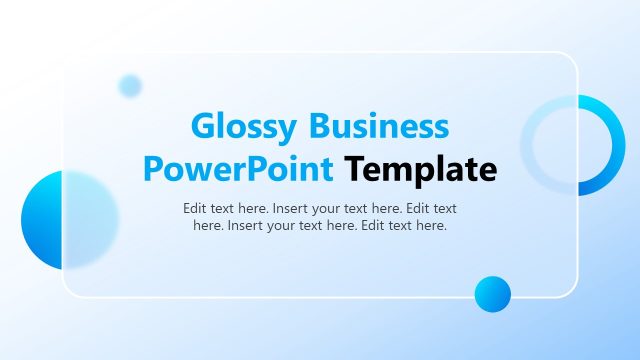
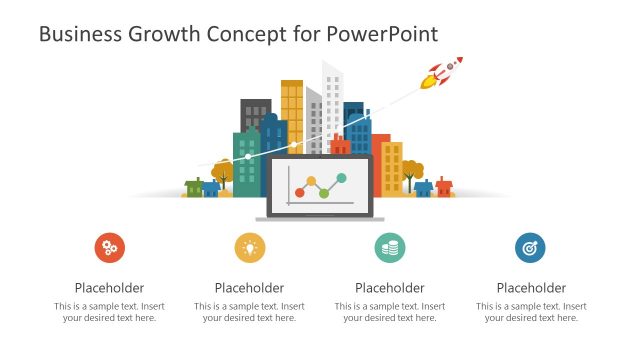
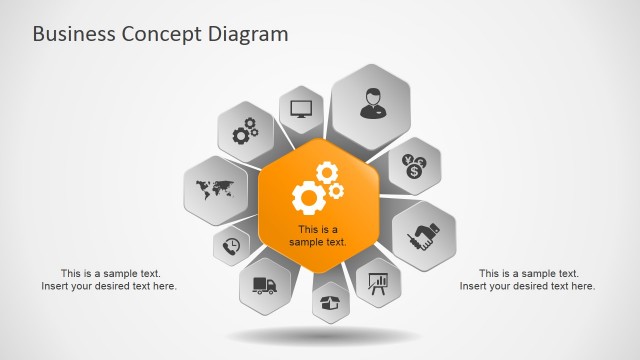
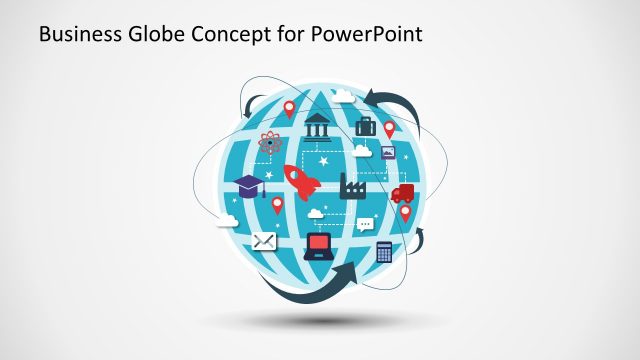
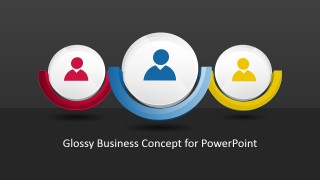
Glossy Business Concept Template for PowerPoint is a creative graphic design for PowerPoint presentations containing a 3D Illustration that you can use as a circular banner to present an important concept or idea in PowerPoint. Inside the 3D circular shape the audience can see an illustrator or icon. In this case we used an avatar graphic but you can easily replace the icon for any other PowerPoint icon in our gallery.
What’s inside this template
Example presentation scenarios
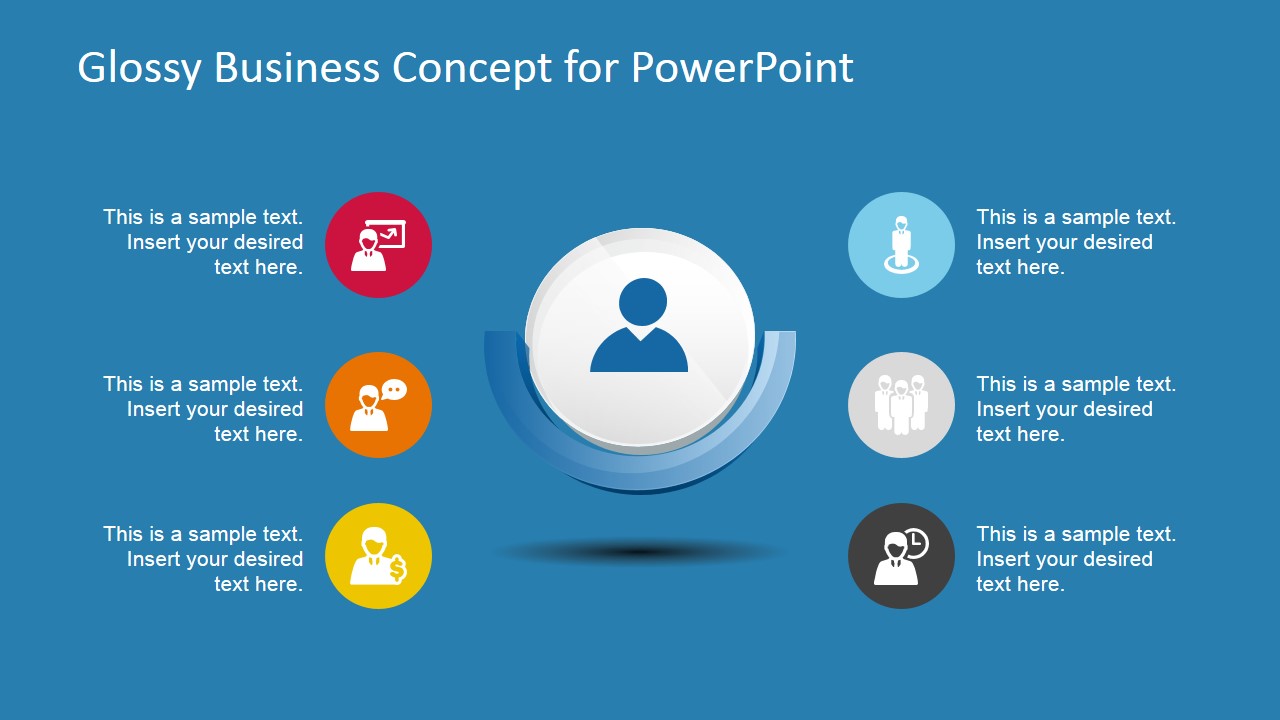
- A consultant can use the central avatar banner and six icon callouts to explain the people, roles, and decision points behind a new business concept.
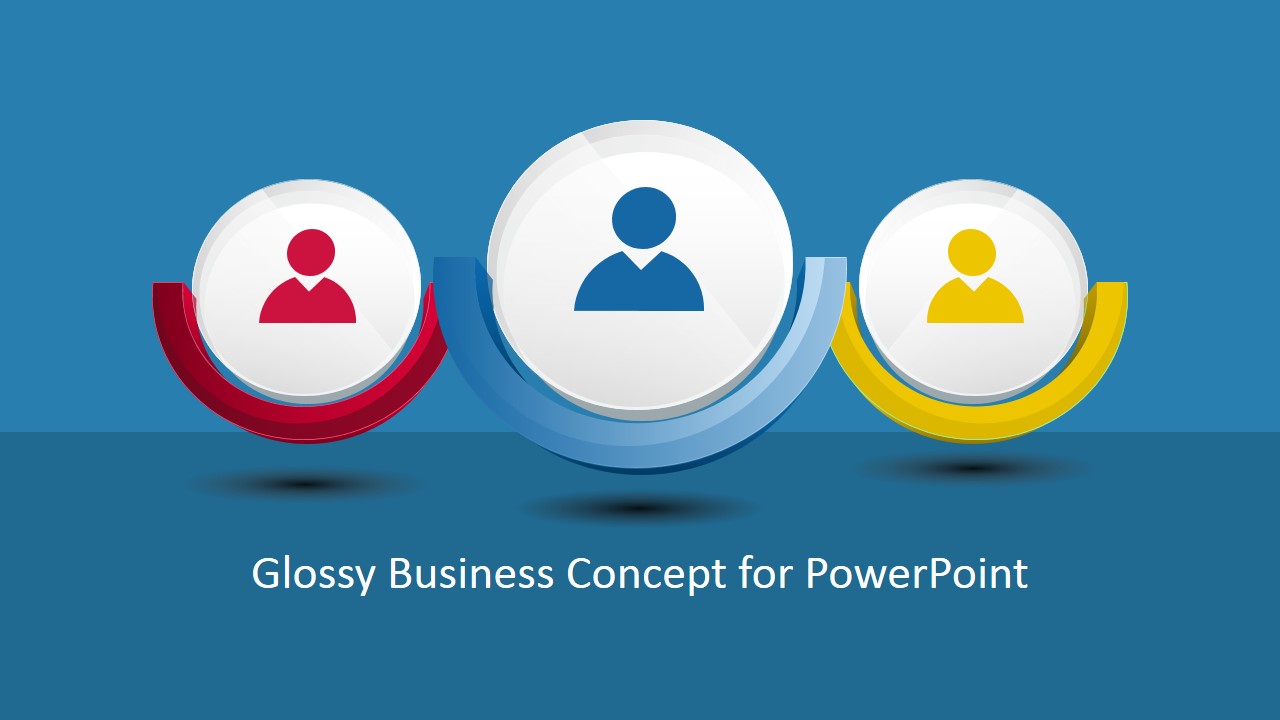
- An HR presenter can introduce employee groups or role categories using the three-avatar cover layout and the stacked icon callout slides.
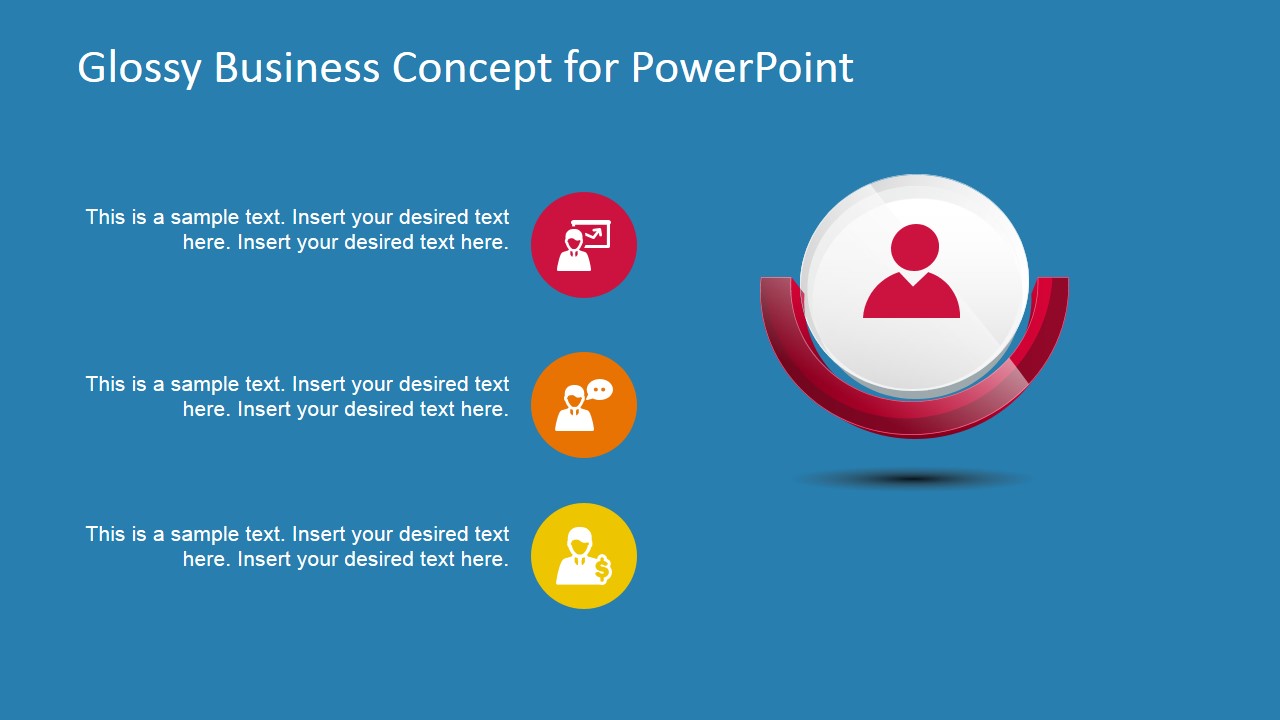
- A sales or marketing team can frame a customer persona discussion with the large avatar banner and supporting icons for needs, communication, and outcomes.
- A project manager can present stakeholder responsibilities by assigning each callout icon to a group, function, or action item.
Features
- 100% editable presentation template
- Compatible with Microsoft PowerPoint and Google Slides
- 16:9 aspect ratio slides
- Scalable vector shapes, icons and illustrations
- AI-Ready for Microsoft Copilot and Claude
- Instant access and download
Frequently asked questions
Q: How should a presenter organize a clear message with this template?
A: Start with the cover slide to name the concept, then use one large avatar banner slide for the main audience or stakeholder group. Add the icon callouts as supporting points, keeping each text block short and parallel. Use the useful icons sheet to swap in symbols that match the exact roles, actions, or business outcomes being discussed.
Q: Who is this template best suited for?
A: This template fits presenters explaining people-centered business ideas, such as stakeholders, teams, personas, roles, or service participants. Consultants, HR managers, sales teams, and project leads can use the avatar medallions to make the subject visible, while the callout layouts give enough structure for concise explanations without turning the slide into a report page.
Q: Why does the glossy circular banner metaphor work for business concepts?
A: The circular banner behaves like a visual spotlight around the avatar, telling the audience who or what the concept is centered on. Smaller icon circles then act as satellites for supporting ideas. This hierarchy makes the main subject clear first, then guides attention through related points in a controlled left-to-right or top-to-bottom reading path.



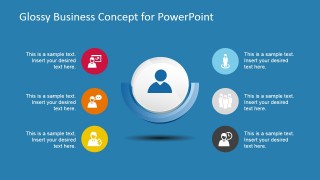

Glossy Business Concept Template for PowerPoint
7-slide presentation template with glossy circular banners, avatar icons, and business concept callouts
Glossy Business Concept Template for PowerPoint is a 7-slide presentation template for introducing people-centered business ideas with glossy circular avatar banners. It includes cover variations, icon callout layouts, a three-item concept arrangement, and a useful icons sheet. Designed for presenters building concept, team, customer, or stakeholder slides in Microsoft PowerPoint and Google Slides.
- Category
- Shapes
- Rating


 Loading...
- Aspect ratio
- 16:9
- Item ID
- 6800-01
- Colors
 Microsoft PowerPoint
  Microsoft Copilot
  Claude for PowerPoint
 Other formats supported
Subscribe today and get immediate
access to download our PowerPoint templates.