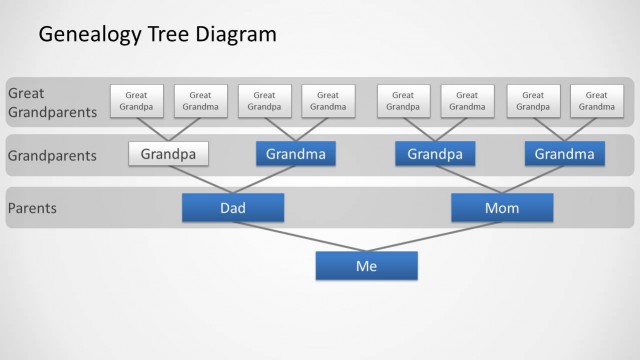
Home PowerPoint Templates Tree Diagrams Genealogy Tree Diagram for PowerPoint Family Tree Diagram Design for PowerPoint with 4 Levels
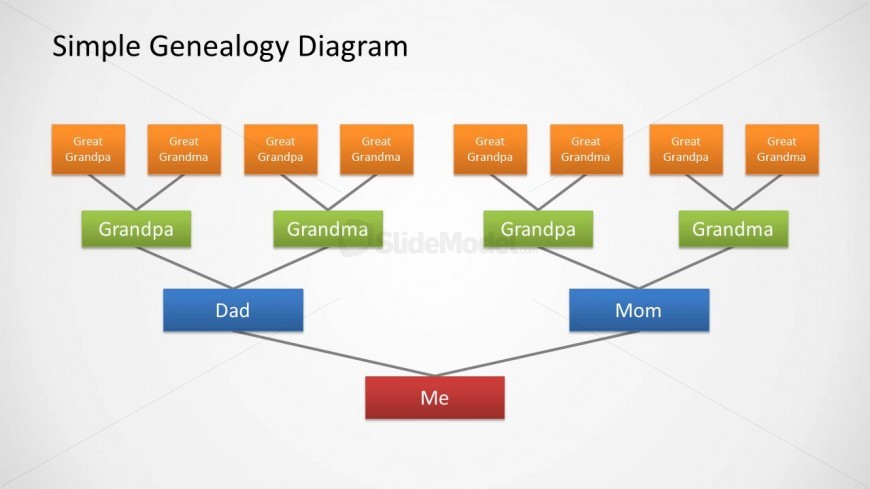
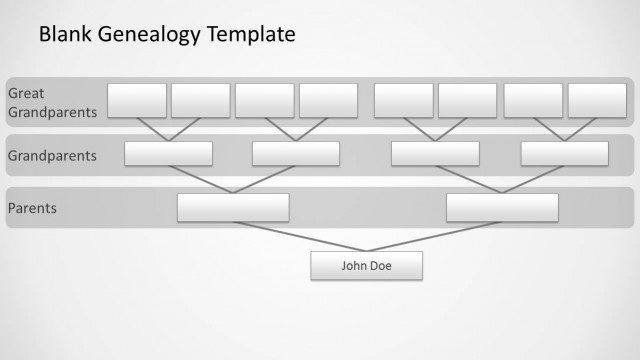
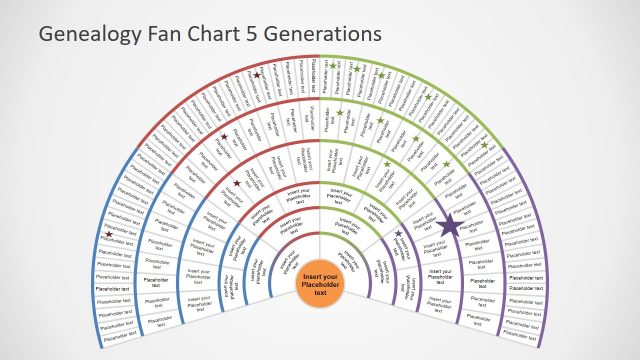
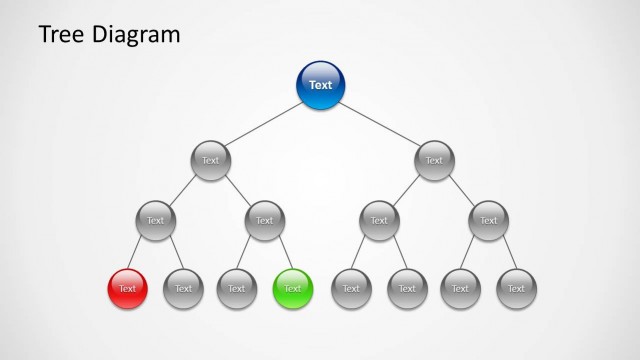
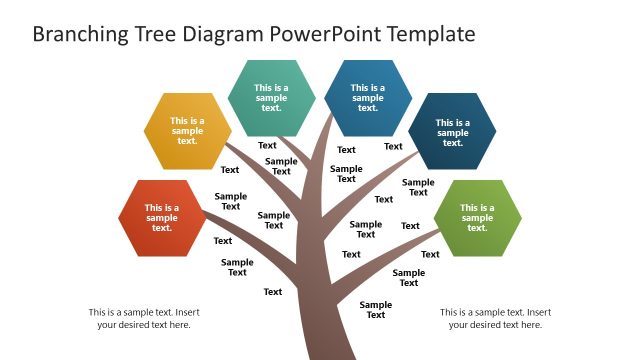
Example of genealogy family tree diagram design for PowerPoint presentations.

Slide 1 of 3 from Genealogy Tree Diagram for PowerPoint

Family Tree Diagram Design for PowerPoint with 4 Levels

Simple Genealogy Diagram for Family Trees

  • Diagram
  • Tree Hierarchy
  • Context Slide
  • 16:9
  • 100% Editable

The Simple Genealogy Diagram slide from the Genealogy Tree Diagram for PowerPoint template offers a clear hierarchical layout ideal for family lineage presentations. This slide uses editable shapes and vector icons to visually map ancestry, making it a practical choice for educational discussions and genealogy research. Its design supports customization within a corporate presentation or slide deck focused on heritage or family history topics.

About This Slide

Example of genealogy family tree diagram design for PowerPoint presentations.

What’s on This Slide

The layout features a central node labeled 'Me' at the bottom, with two nodes above labeled 'Dad' and 'Mom' in blue. Above these, two green nodes labeled 'Grandpa' and 'Grandma' are positioned, each connected to orange nodes labeled 'Great Grandpa' and 'Great Grandma.' The diagram has a hierarchical structure, with lines connecting nodes to indicate relationships. The title 'Simple Genealogy Diagram' is centered at the top. Text placeholders exist for each node, with alignment consistent across the diagram. The background is light, enhancing readability.

How to Use It

This layout serves as a family tree diagram, effectively displaying generational relationships. It fits within a presentation sequence that introduces family lineage or ancestry topics. This structure is useful in educational settings, family history presentations, or genealogy research discussions. It allows for clear visual representation of family connections, making it suitable for both personal and academic presentations. The layout can be adapted for various family structures, accommodating additional generations or branches as needed.

Text Placeholders & Capacity

Keep your copy within these limits so it fits without resizing. Node labels can accommodate roughly 2-3 words each.

PlaceholderCountMax characters (approx.)
Slide title1 30
Item heading8 15

Slide Keywords

Genealogy Diagram Family Tree Ancestry Visual Generational Relationships
Activate your subscription

Download unlimited PowerPoint templates, charts and graphics for your presentations with our annual plan.

DOWNLOAD

Return to Genealogy Tree Diagram for PowerPoint.
Download Unlimited Content

Our Unlimited Plan lets you download unlimited content from SlideModel. Save hours of manual work and enhance your next presentation with professionally designed slides.

Subscribe Now