Slide 1 of 3 from Process Flow Diagram for PowerPoint
Simple Process Flow Diagram Slide
Simple Process Flow Diagram for Presentations
- Diagram
- Process Flow
- Process Slide
- 16:9
- 100% Editable
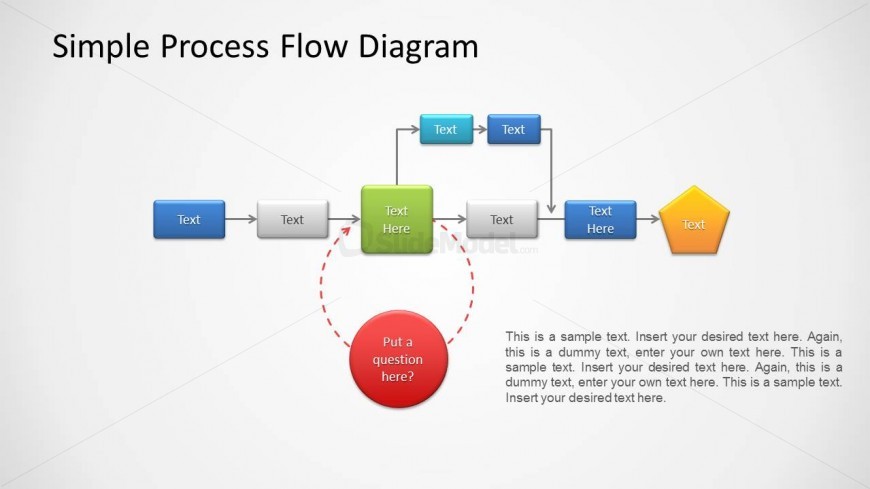
The Simple Process Flow Diagram slide from the Process Flow Diagram for PowerPoint template provides a clear, editable layout for mapping workflows and project stages. This slide template features vector icons and editable shapes arranged in a horizontal sequence, making it suitable for corporate presentations and business presentation slide decks that require visualizing decision processes effectively.
What’s on This Slide
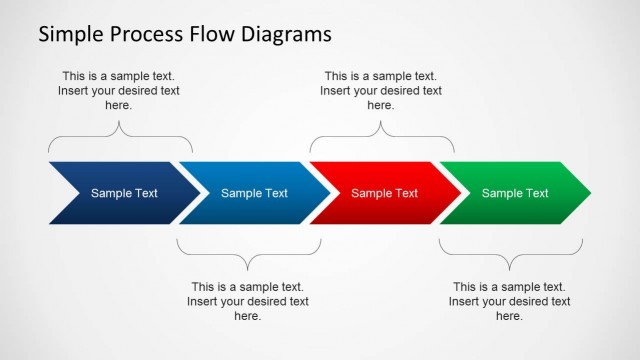
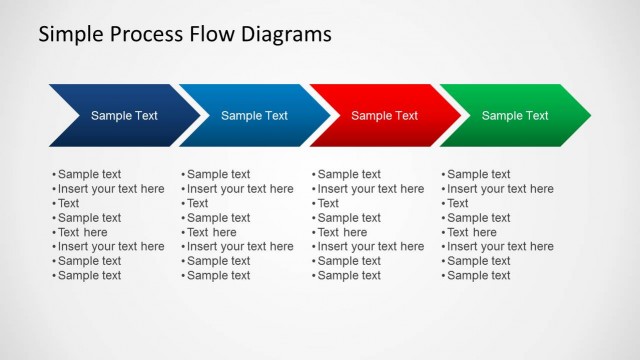
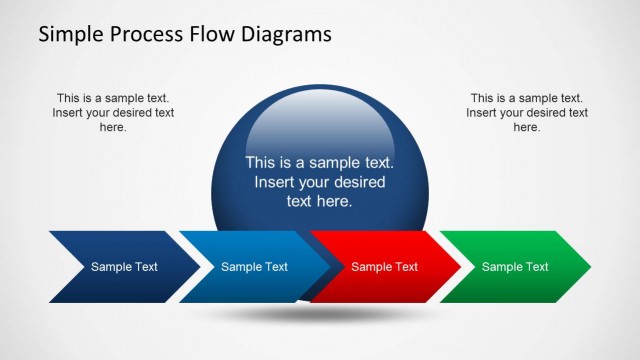
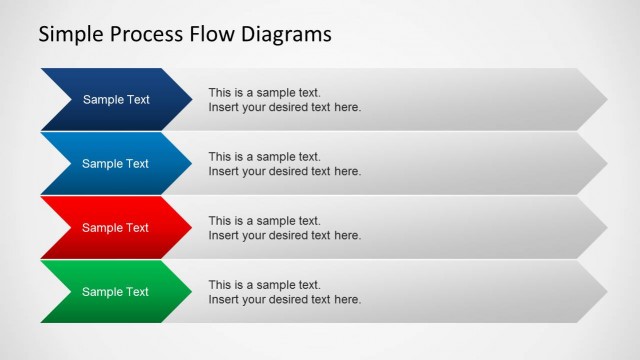
The layout features a horizontal flow of shapes with a mix of rectangles, a diamond, and a circle. The top section contains a title, while the main flow consists of blue rectangles connected by arrows. A green rectangle indicates a key step, and a red circle with a question mark is positioned below the flow. Text placeholders are present within each shape, aligned centrally. The overall composition is organized with clear directional flow, using a light background to enhance visibility.
How to Use It
This layout serves as a process flow diagram, ideal for illustrating sequential steps in a business process or project. It fits well in presentations that outline workflows, decision points, or project stages. Use it to clarify complex processes in team meetings or training sessions. The layout allows for easy modification of text and shapes to suit specific content needs, making it versatile for various business scenarios.
Text Placeholders & Capacity
Keep your copy within these limits so it fits without resizing. Node labels can accommodate about 15 characters each.
| Placeholder | Count | Max characters (approx.) |
|---|---|---|
| Slide title | 1 | 30 |
| Item heading | 6 | 15 |
| Callout | 1 | 40 |
| Body paragraph | 1 | 200 |
Slide Keywords
Download unlimited PowerPoint templates, charts and graphics for your presentations with our annual plan.
DOWNLOADReturn to Process Flow Diagram for PowerPoint.