Slide 6 of 6 from Gears Layout Template for PowerPoint
6025-02-gear-layout-6
Gears Layout - 2 Gears Slide
- Diagram
- Comparison Split
- Process Slide
- 16:9
- 100% Editable
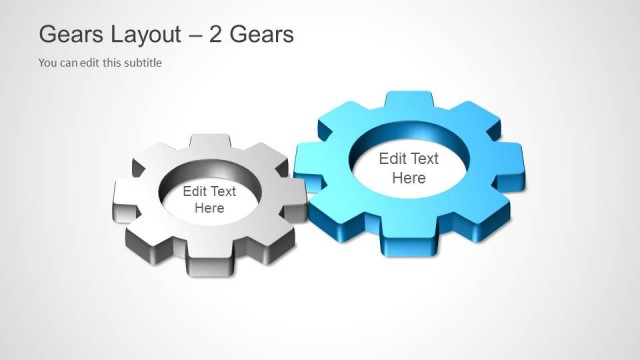
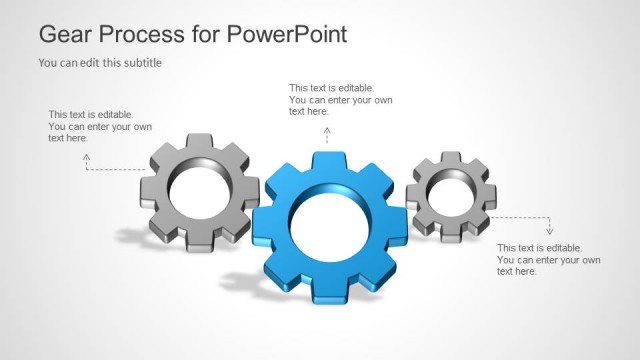
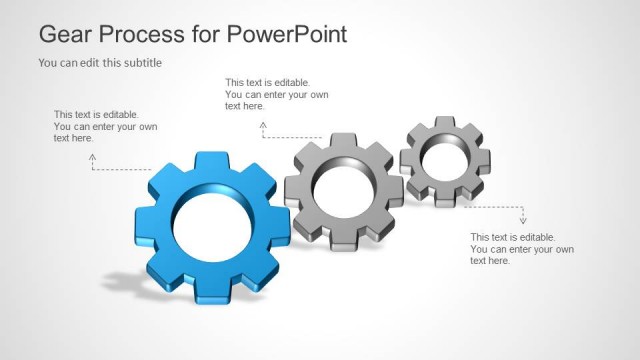
The Gears Layout - 2 Gears slide from the Gears Layout Template for PowerPoint offers a clear visual for illustrating process dependencies or comparing two key concepts. Featuring editable shapes of two 3D gears with adjacent text placeholders, this slide is suitable for business presentations and corporate slide decks that require demonstrating interrelated factors effectively within a professional slide template.
What’s on This Slide
The slide features two 3D gear shapes positioned on the right and left sides, with a clean, light background. The larger gear is on the left, while the smaller gear is on the right. Each gear has a text placeholder adjacent to it, aligned to the right of the larger gear and to the left of the smaller gear. The title is positioned at the top left, with a subtitle directly beneath it. The visual hierarchy emphasizes the gears and their corresponding text areas, allowing for clear communication of key factors or processes.
How to Use It
This layout serves as a two-gear comparison or dependency diagram, ideal for illustrating relationships between two concepts or processes. It fits well in a presentation sequence following problem identification or analysis slides. This structure is useful in business contexts such as operations management, project planning, or teamwork discussions, where illustrating interdependencies is critical.
Text Placeholders & Capacity
Keep your copy within these limits so it fits without resizing. Node body slots can hold about 6-8 words each.
| Placeholder | Count | Max characters (approx.) |
|---|---|---|
| Slide title | 1 | 30 |
| Subtitle | 1 | 50 |
| Item body | 2 | 40 |
Slide Keywords
Download unlimited PowerPoint templates, charts and graphics for your presentations with our annual plan.
DOWNLOADReturn to Gears Layout Template for PowerPoint.