Slide 3 of 6 from Gears Layout Template for PowerPoint
6025-02-gear-layout-3
Gears Layout - 2 Gears Slide
- Diagram
- Comparison Split
- Process Slide
- 16:9
- 100% Editable
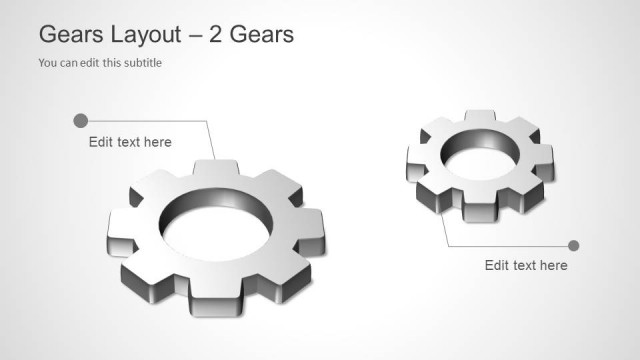
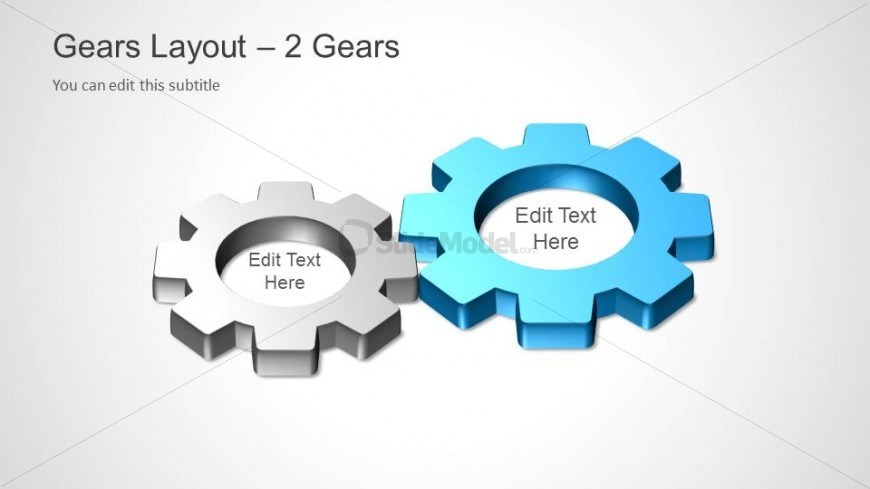
The Gears Layout - 2 Gears slide from the Gears Layout Template for PowerPoint offers a clear visual for process illustration and teamwork presentations. Featuring two 3D gears with editable shapes and text placeholders, this slide supports effective comparison of operational workflows within a corporate presentation or business presentation slide deck.
What’s on This Slide
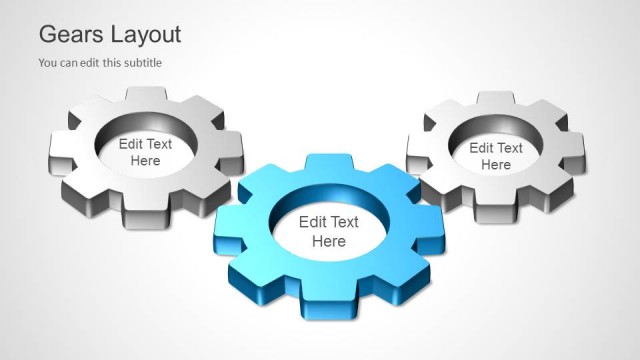
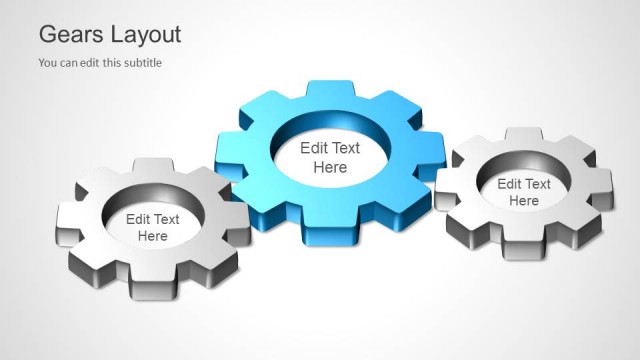
The layout features two 3D gear shapes positioned side by side, with the larger gear on the right. The left gear is gray and the right gear is blue, creating a visual contrast. Each gear has a circular center with a placeholder for text, aligned centrally within the gears. The background is a light gradient, enhancing the visibility of the gears. There are text placeholders above the gears for a title and subtitle, with the title positioned prominently at the top left. The overall composition emphasizes the gears as central elements.
How to Use It
This layout serves as a two-gear comparison or process illustration, suitable for showcasing interdependent concepts or workflows. It fits well in a presentation sequence following introductory content or problem framing, leading into detailed discussions. This layout is ideal for business scenarios involving teamwork, operational processes, or systems analysis, allowing for clear visual representation of relationships between two key factors.
Text Placeholders & Capacity
Keep your copy within these limits so it fits without resizing. Node text slots can hold around 5-6 words each.
| Placeholder | Count | Max characters (approx.) |
|---|---|---|
| Slide title | 1 | 30 |
| Subtitle | 1 | 50 |
| Item body | 2 | 30 |
Slide Keywords
Download unlimited PowerPoint templates, charts and graphics for your presentations with our annual plan.
DOWNLOADReturn to Gears Layout Template for PowerPoint.