Slide 4 of 6 from Gears Layout Template for PowerPoint
6025-02-gear-layout-4
Key Factors in Operations Management Slide
- Diagram
- Other
- Strategic Analysis Slide
- 16:9
- 100% Editable
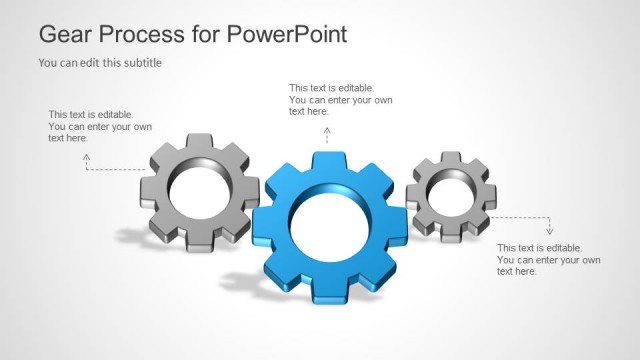
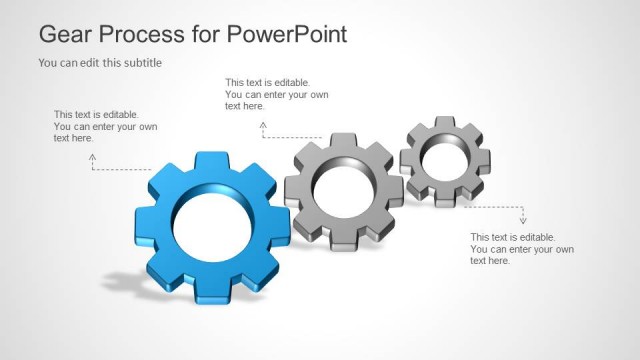
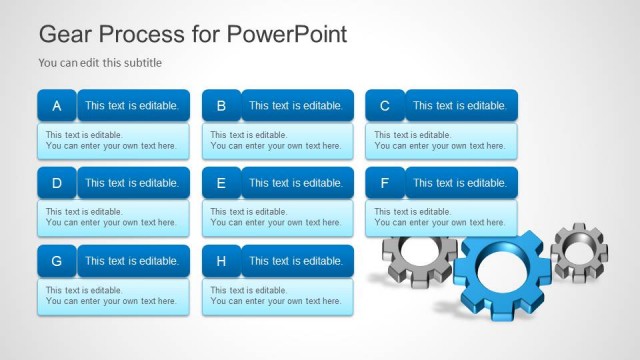
The Key Factors in Operations Management slide from the Gears Layout Template for PowerPoint uses a clear diagram with editable shapes to illustrate essential operational components like staff, processes, and equipment capacity. This slide is ideal for business presentations and training sessions focusing on strategic analysis within operations management, making it a practical addition to any slide deck or pitch deck template.
What’s on This Slide
The layout features three gears positioned in a triangular arrangement. The central gear is larger and colored blue, while the other two gears are gray. Each gear contains text placeholders: the left gear has 'Staff & Skills,' the central gear has 'Facility and Equipment Capacity,' and the right gear has 'Processes.' The title is positioned at the top left, and a subtitle placeholder is located beneath it. A red banner labeled 'Example' is in the top right corner. The background is light gray, providing contrast to the gears.
How to Use It
This layout serves as a visual representation of key factors in operations management, suitable for discussing processes, staff, and equipment capacity. It fits well in a presentation sequence after introducing a problem or context. This slide can be used in business meetings to highlight operational strategies or in training sessions to emphasize critical operational components.
Text Placeholders & Capacity
Keep your copy within these limits so it fits without resizing. Node body slots can accommodate roughly 6-8 words each.
| Placeholder | Count | Max characters (approx.) |
|---|---|---|
| Slide title | 1 | 30 |
| Subtitle | 1 | 40 |
| Item body | 3 | 40 |
Slide Keywords
Download unlimited PowerPoint templates, charts and graphics for your presentations with our annual plan.
DOWNLOADReturn to Gears Layout Template for PowerPoint.