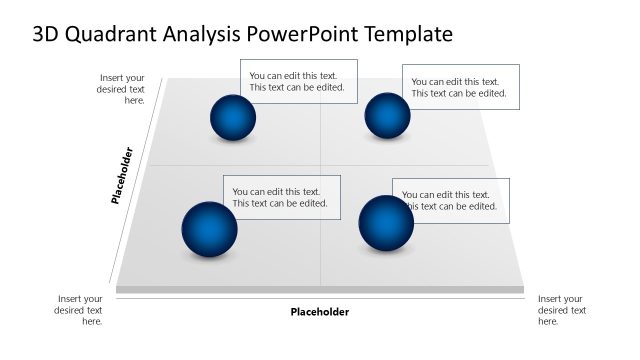
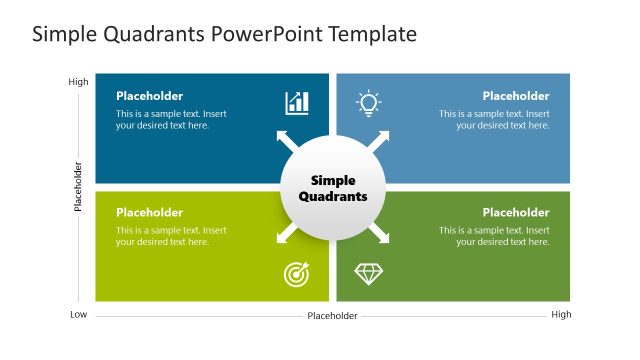
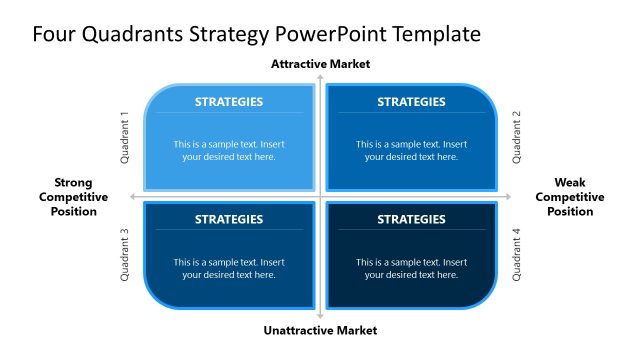
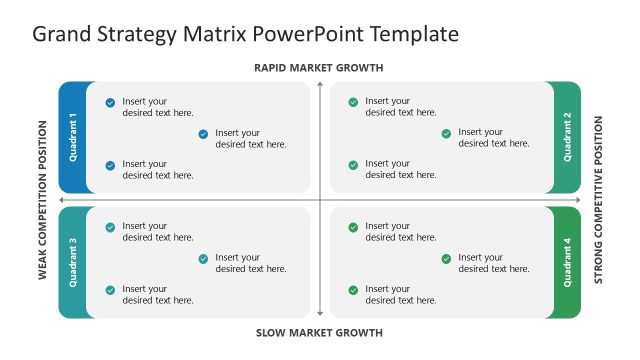
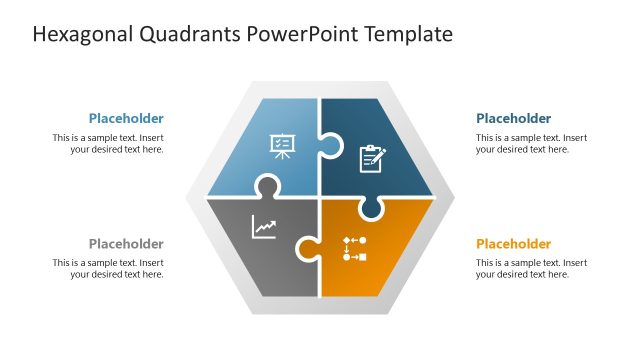
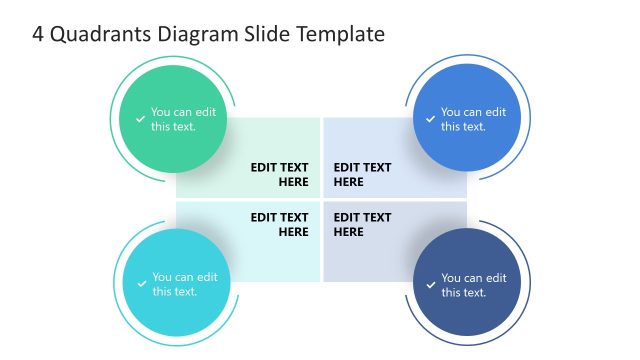
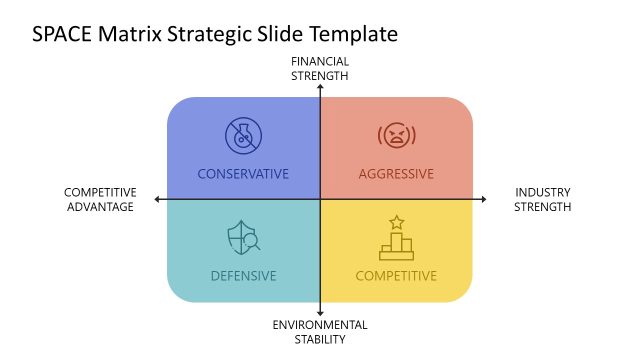
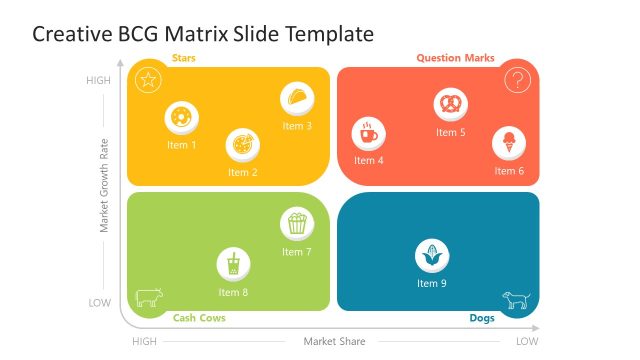
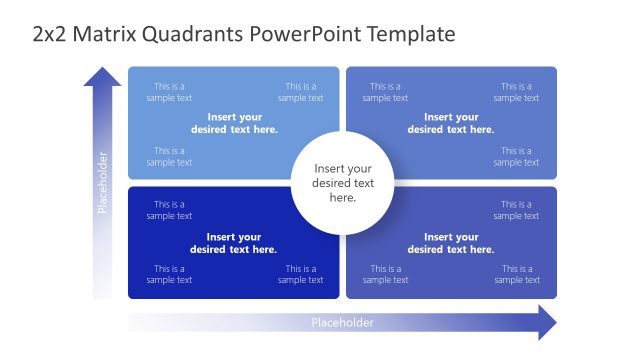
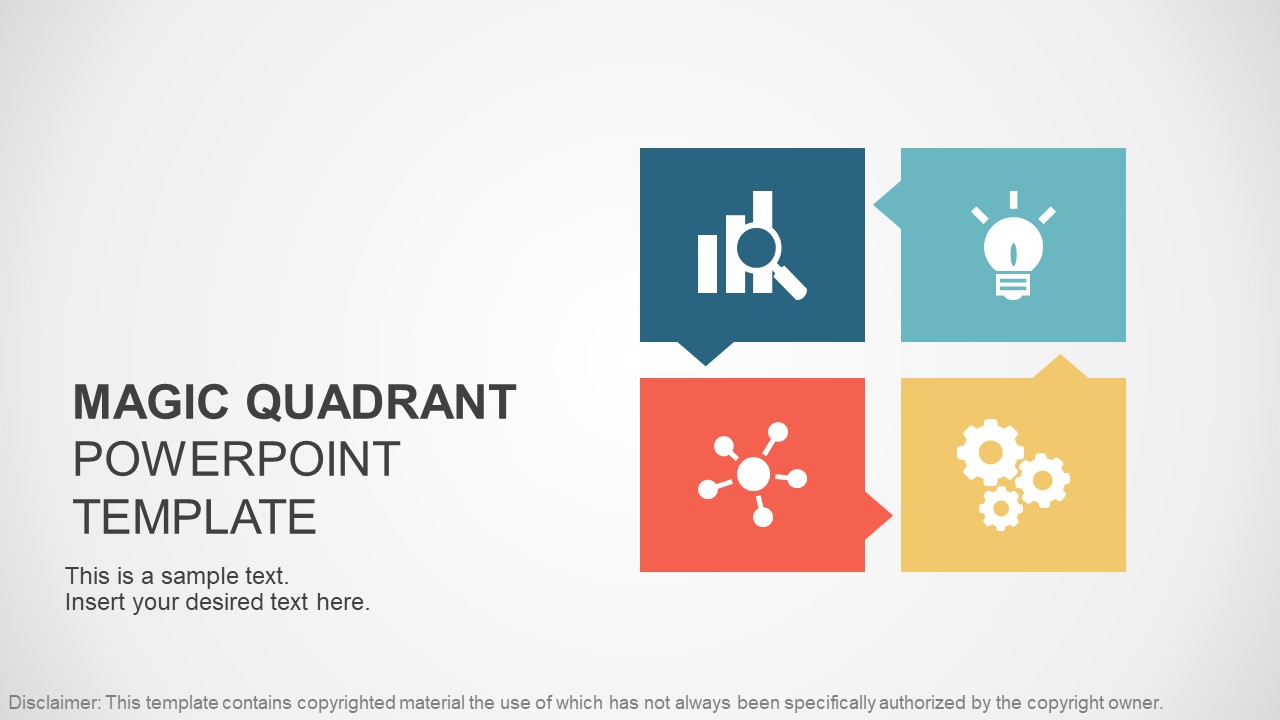
Gartner Magic Quadrant PowerPoint Template – This professional presentation template is designed to visually represent results and conclusion from the Gartner Magic Quadrant Research Methodology. The PowerPoint Template provides modern descriptives slides with the traditional 2×2 Matrix (4 Quadrants) decorated with professional PowerPoint Icons and designed with text placeholders for the user to easily edit and complete the PowerPoint presentation with it’s own content (findings and conclusions).
The Gartner Magic Quadrant is a summary of a specific market research, providing an overview of the relative positions of the market’s competitors. Using a graphical representation and a defined set of evaluation criteria, a Magic Quadrant helps how well competitors are executing their stated visions and how well they are performing against the analyst market view.
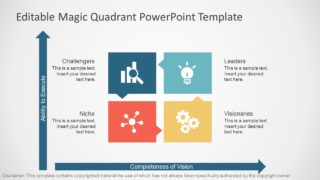
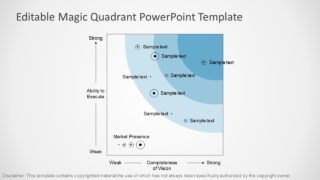
Gartner classify competitors based on the two axes of the quadrant: completeness of vision and ability to execute. Through scoring these components the analyst positions the competitor through the following quadrants.
- Leaders: The highest score over the two axis. Typically large, mature businesses.
- Challengers: High score in the Ability to Execute Axis and lower (or not mature yet) on the completeness of vision. Competitors in this quadrant generally are large, settled businesses with little visibility on future plans or disrupting market changes.
- Visionaries: Low score on ability to execute and high completeness of vision. These are small companies (or startups) with high potential without the capabilities to scale yet.
- Niche players: These quadrant represents the lower score in both axis. New relevant players of the market are initially set in this quadrant.
Magic Quadrant is a registered trademark by Gartner Inc. This template may contain copyrighted material the use of which has not always been specifically authorized by the copyright owner.
What’s inside this template
Example presentation scenarios
- A strategy consultant can use the 2x2 quadrant matrix to explain where client competitors sit across ability to execute and completeness of vision.
- A market research analyst can use the scatter positioning slide to present vendor placements, cluster patterns, and relative market presence to executives.
- A product manager can use the labeled quadrant cards to summarize why certain vendors are Leaders, Challengers, Visionaries, or Niche players.
- A business development team can use the cover and quadrant overview to brief leadership before a partnership, acquisition, or vendor shortlist discussion.
Features
- 100% editable presentation template
- Compatible with Microsoft PowerPoint and Google Slides
- 16:9 aspect ratio slides
- Scalable vector shapes, icons and illustrations
- AI-Ready for Microsoft Copilot and Claude
- Instant access and download
Frequently asked questions
Q: How should a presenter explain the competitor positions without overloading the audience?
A: Start with the axis meaning on the 2x2 matrix, then introduce only the most important competitor movements or clusters. Use the labeled quadrant cards to define the four categories before showing the scatter plot. This order helps executives understand the evaluation logic before discussing specific vendors or market implications.
Q: Who benefits most from using this Magic Quadrant template?
A: This template fits strategy consultants, analysts, product teams, and executives who need to summarize a market landscape quickly. It is strongest when the audience already has some context about the category and needs a clear comparison of relative market position, not a detailed vendor scorecard or technical evaluation.
Q: Why does the quadrant metaphor work well for competitive analysis?
A: The quadrant metaphor turns two evaluation dimensions into a spatial story. By separating Leaders, Challengers, Visionaries, and Niche players, the slides make trade-offs visible at a glance. The scatter plot then adds nuance by showing competitors as positions within a field instead of forcing every company into a single text label.



Gartner Magic Quadrant PowerPoint Template
4-slide presentation template for Magic Quadrant competitive analysis and market positioning strategy
The Gartner Magic Quadrant PowerPoint Template is a 4-slide strategy diagram deck for competitive analysis and market research. It includes a cover, 2x2 Magic Quadrant matrix, labeled quadrant cards for Leaders, Challengers, Visionaries, and Niche, and a positioning scatter plot. Built for Microsoft PowerPoint and Google Slides.
- Category
- Strategy
- Rating


 Loading...
- Aspect ratio
- 16:9, 4:3
- Item ID
- 6971-01
- Colors
 Microsoft PowerPoint
  Microsoft Copilot
  Claude for PowerPoint
 Other formats supported
Subscribe today and get immediate
access to download our PowerPoint templates.