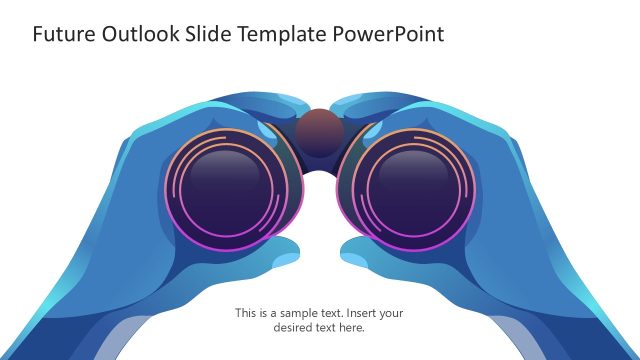
Slide 1 of 2 from Future Outlook PowerPoint Template
Customizable Future Outlook PPT Template
Future Outlook Overview Slide
- Text Layout
- List Blocks
- Context Slide
- 16:9
- 100% Editable
The Future Outlook Overview slide from the Future Outlook PowerPoint Template provides a structured layout ideal for strategic planning and goal setting. Featuring editable shapes and clear text containers, this slide supports business presentations by visually separating key future initiatives, making it effective for team briefings and corporate presentations.
What’s on This Slide
The slide features a left-aligned illustration of a person using binoculars, symbolizing foresight. On the right, two rectangular containers hold text placeholders, one blue and one green. Each container lists three bullet points with checkmarks, indicating actionable items. The background includes soft green shapes, enhancing the visual appeal. The title is prominently displayed at the top center. The overall layout is balanced, with the illustration and text containers grouped effectively to convey a clear message about future planning.
How to Use It
This layout serves as an overview for presenting future strategies or goals. It fits well at the beginning of a presentation to outline key points. Ideal for business strategy discussions, it allows for easy comparison of current and future states. The clear visual separation of content helps audiences grasp essential information quickly. Use this slide to highlight objectives or initiatives in a structured manner, making it suitable for strategic planning sessions or team briefings.
Text Placeholders & Capacity
Keep your copy within these limits so it fits without resizing. Node slots can accommodate concise text, roughly 8-10 words each.
| Placeholder | Count | Max characters (approx.) |
|---|---|---|
| Slide title | 1 | 30 |
| Item body | 6 | 50 |
Slide Keywords
Download unlimited PowerPoint templates, charts and graphics for your presentations with our annual plan.
DOWNLOADReturn to Future Outlook PowerPoint Template.