Slide 1 of 2 from Flip Chart PowerPoint Template
Flip Chart PPT Template Slide with Chart
Flip Chart Slide Presentation Template
- Diagram
- Other
- Context Slide
- 16:9
- 100% Editable
The Flip Chart Presentation Layout from the Flip Chart PowerPoint Template offers a clear format for showcasing data trends and business updates. This slide layout integrates editable shapes and vector icons to visually support performance reviews and project insights, making it a practical choice for corporate presentations and pitch deck templates that require structured data communication.
What’s on This Slide
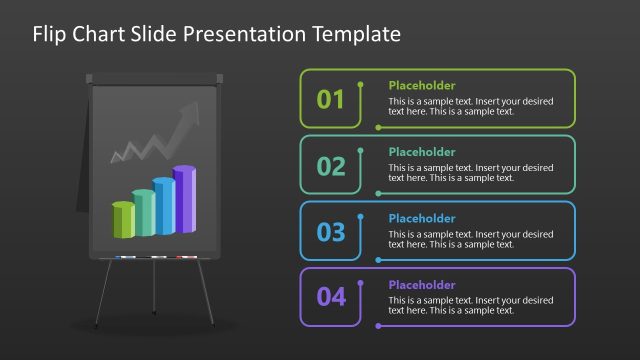
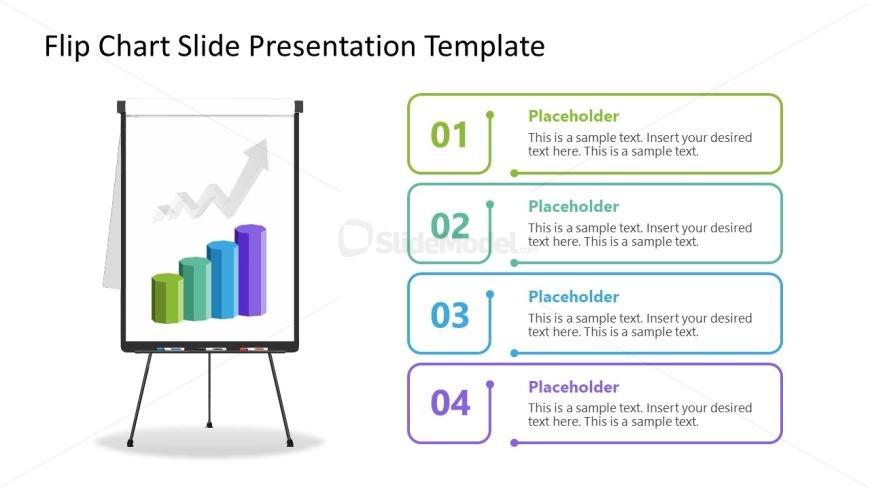
The layout features a central flip chart graphic displaying a bar chart with an upward trend. Below the chart, there are four rectangular text placeholders stacked vertically. Each placeholder is aligned to the left and contains sample text with a number label on the left side. The first placeholder is green, the second is blue, the third is light blue, and the fourth is purple. The background is white, providing contrast to the colorful elements. The visual hierarchy emphasizes the flip chart as the main focus, with text placeholders supporting the content.
How to Use It
This layout serves as a structured presentation format for displaying data insights or trends. It is suitable for business contexts such as performance reviews, project updates, or sales presentations. The arrangement allows for clear communication of key points alongside visual data representation. This slide fits well at the beginning of a presentation to introduce topics or summarize findings. It can also be used to highlight specific data points in a sequential manner, enhancing audience understanding.
Text Placeholders & Capacity
Keep your copy within these limits so it fits without resizing. Body slots can hold around 15-20 words each.
| Placeholder | Count | Max characters (approx.) |
|---|---|---|
| Item heading | 4 | 50 |
| Item body | 4 | 100 |
Slide Keywords
Download unlimited PowerPoint templates, charts and graphics for your presentations with our annual plan.
DOWNLOADReturn to Flip Chart PowerPoint Template.