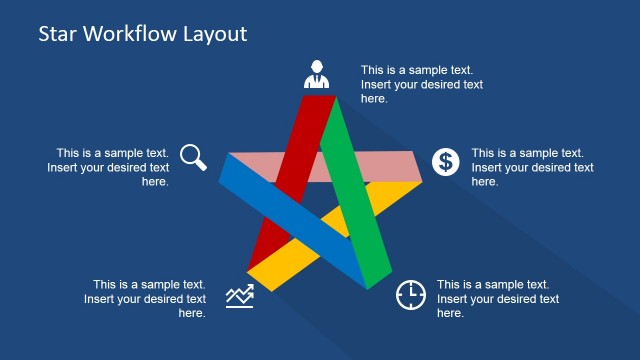
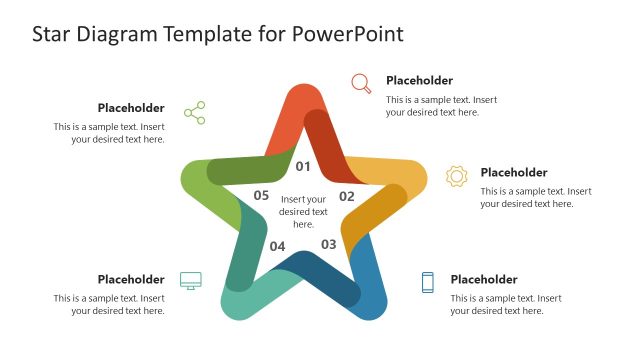
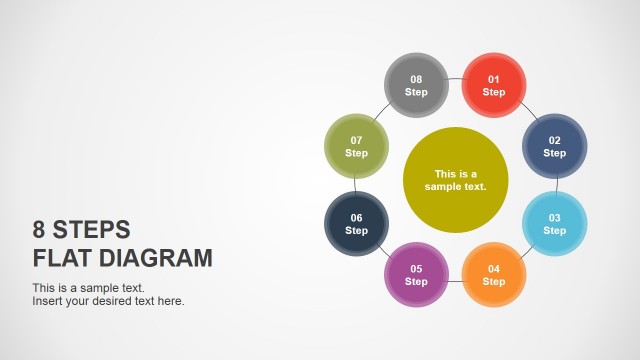
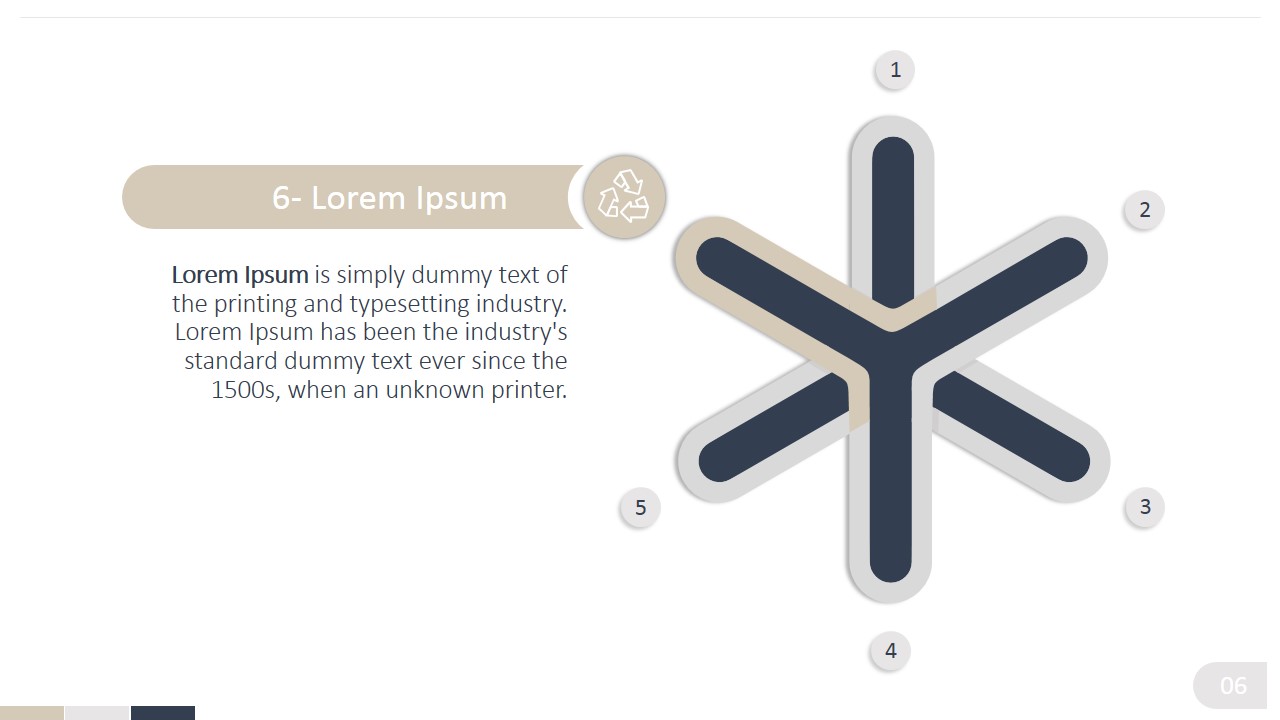
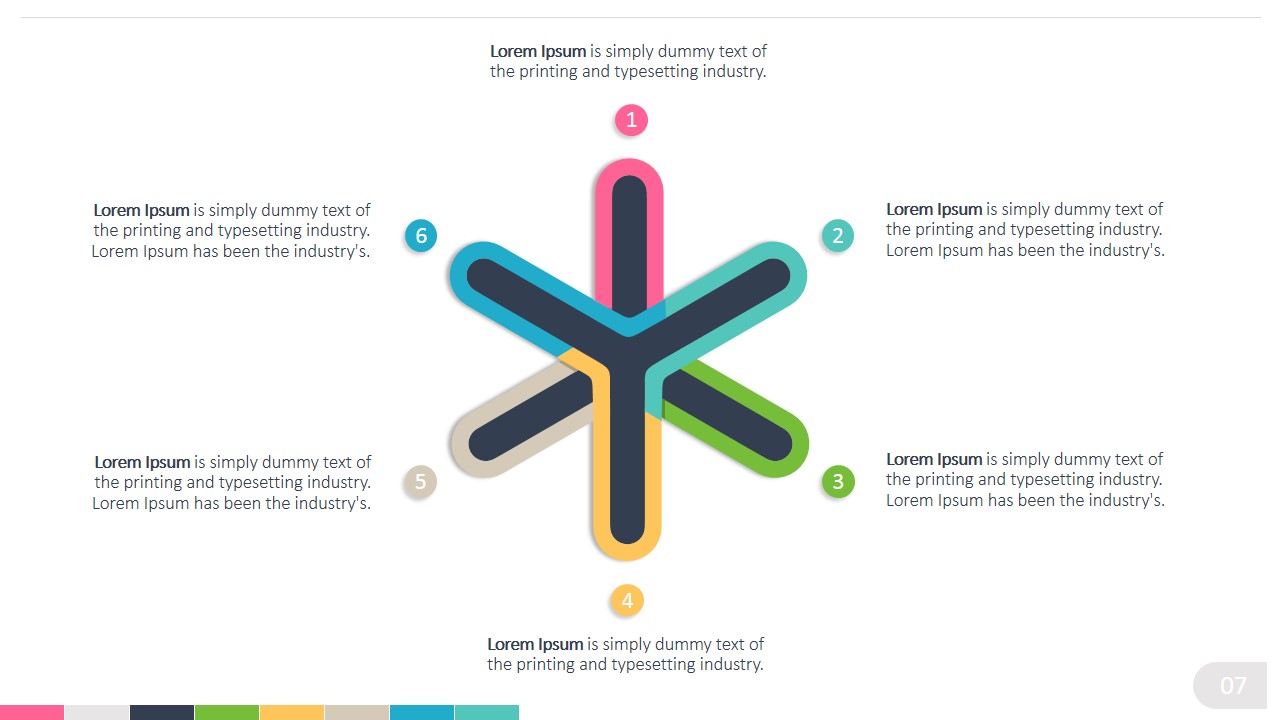
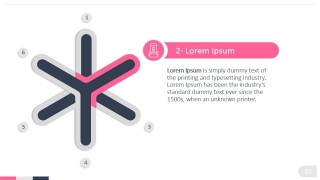
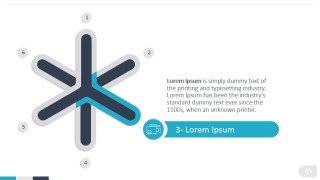
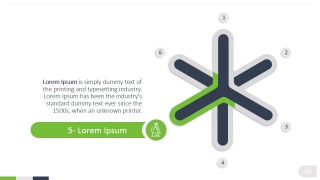
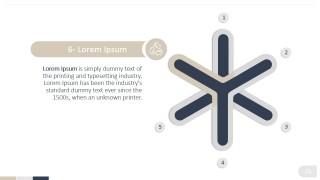
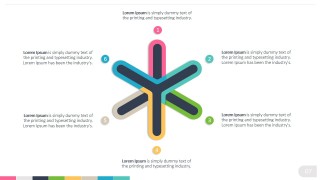
The Flat Thistle 6 Points Star PowerPoint Diagram is a professional Flat PowerPoint Template designed to describe lists with 6 steps or six segments. The PowerPoint Template features a six vertex star, created overlapping two three points starts. Applying this technique, the designer achieves a flat material depth effect.
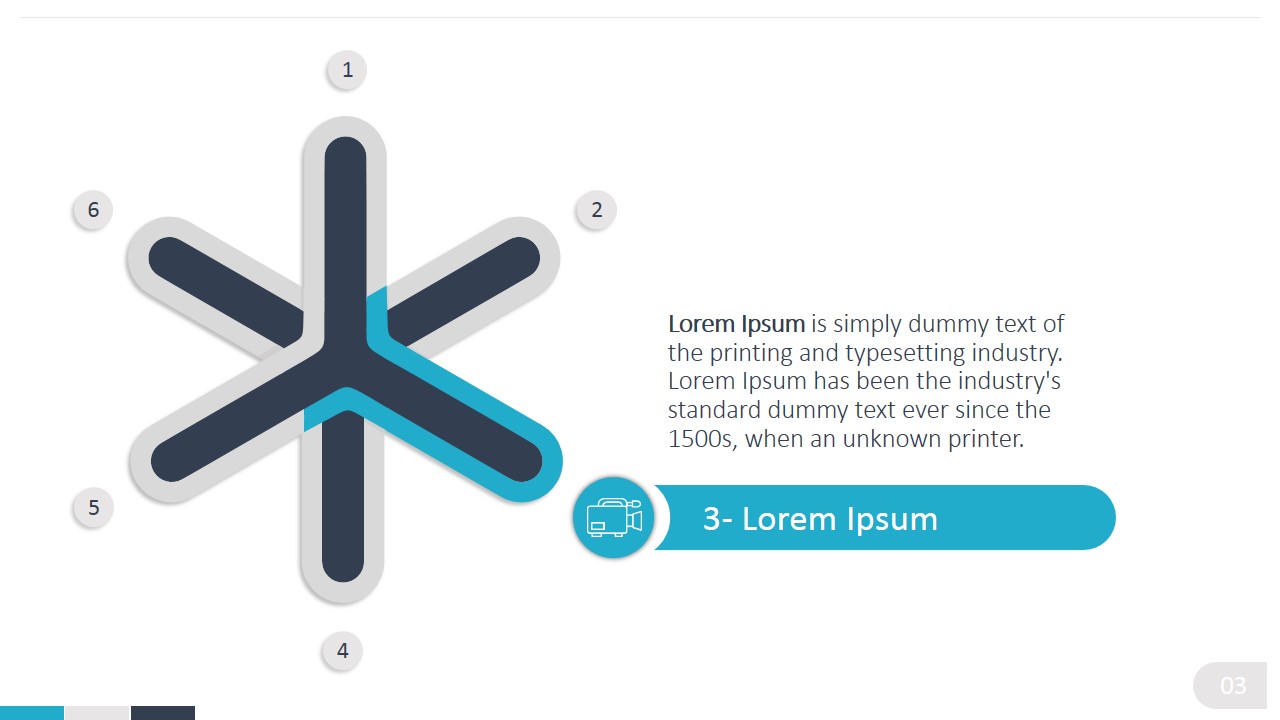
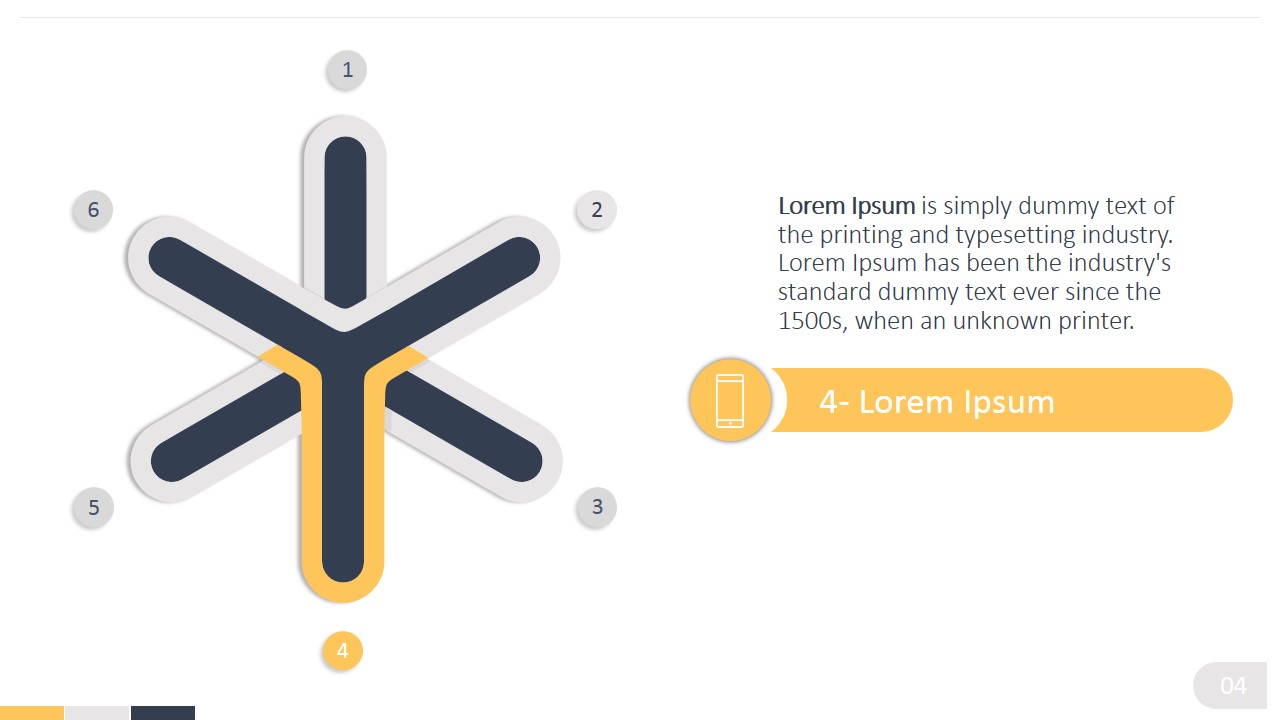
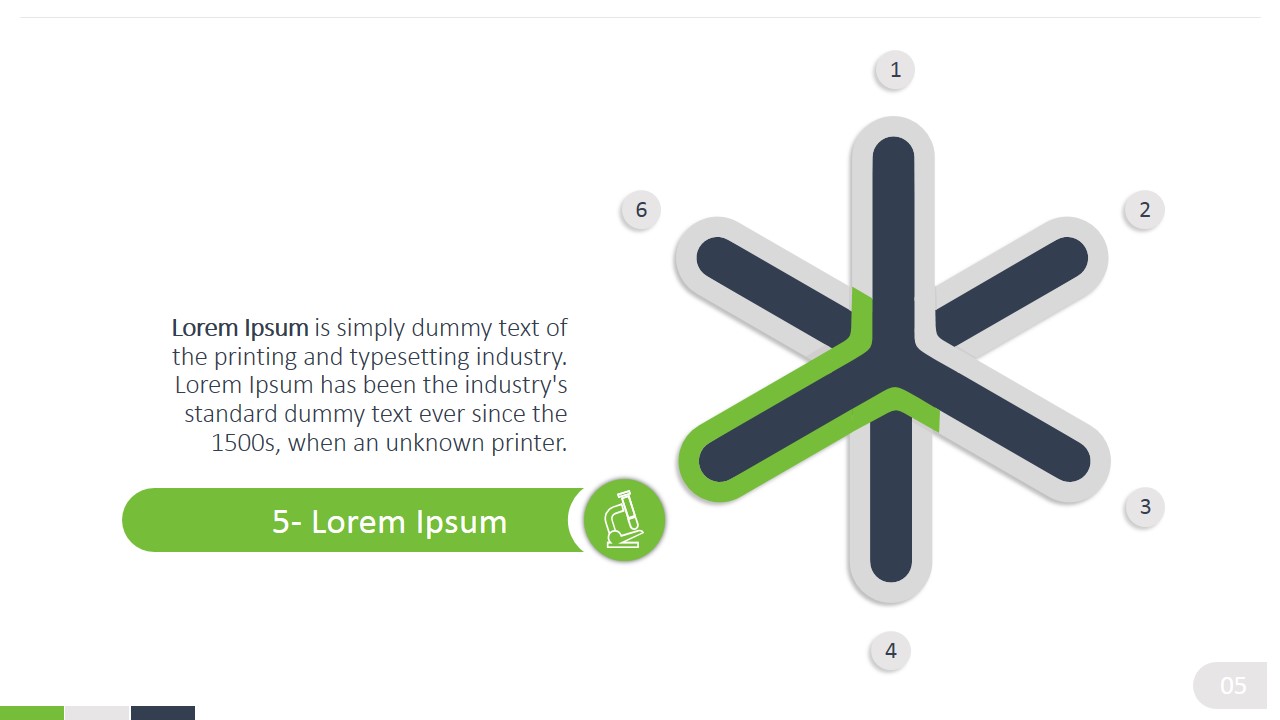
The user can describe business processes or any list of topics using each vertex as the topic indicator. Each topic if drilled down on a specific slide. The vertex is colored and a flat text box, decorated with a metaphor icons, provides the placeholder for the user to include its topic content.
Each of the PowerPoint Diagram elements is created as a PowerPoint object. This characteristic enables the user to fully customize the diagram appearance, from colors and size to more complex look and feel properties as 3D effects.
What’s inside this template
Example presentation scenarios
- A consultant can use the six-point star overview to introduce a strategic framework, then move through the six detail slides to explain each recommendation in order.
- A product manager can present six product capabilities by assigning each capability to a colored star arm and using the matching icon banner for supporting detail.
- A trainer can use the numbered star points to teach a repeatable six-step method, with each focused slide giving learners one concept at a time.
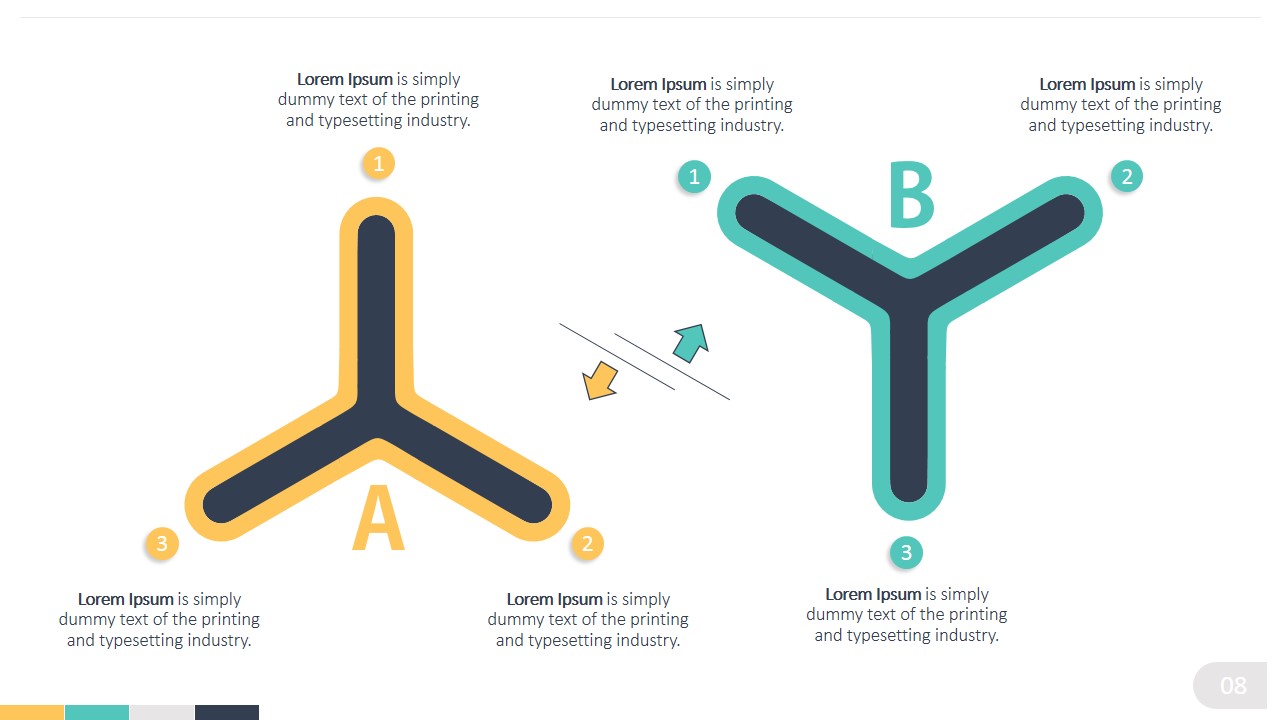
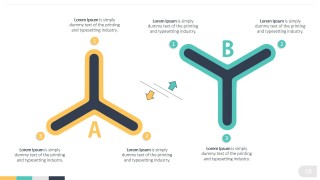
- A marketing presenter can use the two three-point stars on the comparison slide to contrast two positioning models, campaigns, or audience groups.
Features
- 100% editable presentation template
- Compatible with Microsoft PowerPoint and Google Slides
- 16:9 aspect ratio slides
- Scalable vector shapes, icons and illustrations
- AI-Ready for Microsoft Copilot and Claude
- Instant access and download
Frequently asked questions
Q: How should the six-point star be presented so the audience follows the logic?
A: Start with the overview slide to name all six points before going into detail. On each step slide, keep the highlighted arm, numbered marker, banner title, and body text aligned to the same concept. This creates a clear rhythm: orient the audience, isolate one point, explain it, then move to the next point.
Q: Who is this diagram best suited for?
A: This template fits presenters who need to explain a six-part framework without making the slide feel like a dense checklist. Consultants, product teams, trainers, and managers can use it for process steps, service pillars, capability groups, or structured recommendations where each part deserves a short explanation.
Q: Why use a thistle star metaphor instead of a standard numbered list?
A: The star shape places all six points around a shared center, which implies that the topics belong to one connected framework. The highlighted arm on each detail slide directs attention to one segment while the faded markers preserve context, helping the audience understand both the part and the whole.





Flat Thistle 6 Points Star PowerPoint Diagram
9-slide presentation template with six-step thistle star diagrams for process lists and comparisons
Flat Thistle 6 Points Star PowerPoint Diagram is a 9-slide diagram template for explaining six-part concepts. It includes a central six-point star overview, six individual step detail slides with icon text banners, and a two-star comparison layout. It is built for presenters using Microsoft PowerPoint or Google Slides.
- Category
- Diagrams
- Rating


 Loading...
- Aspect ratio
- 16:9, 4:3
- Item ID
- 0003-01
- Colors
 Microsoft PowerPoint
  Microsoft Copilot
  Claude for PowerPoint
 Other formats supported
Subscribe today and get immediate
access to download our PowerPoint templates.