Flat Editable Triangle Infographic – Infographics are a simple and modern design practice to represent data in a visual metaphor. The boost of big data and information processing algorithms has powered statistics. Nowadays press and traditional information networks provide relevant and scientific findings that were not available before rather than specific science publications. This kind of information is difficult to present or publish, giving space to advent of infographics to aid this gap between great statisticals results and the ability to publish them to a wide audience.
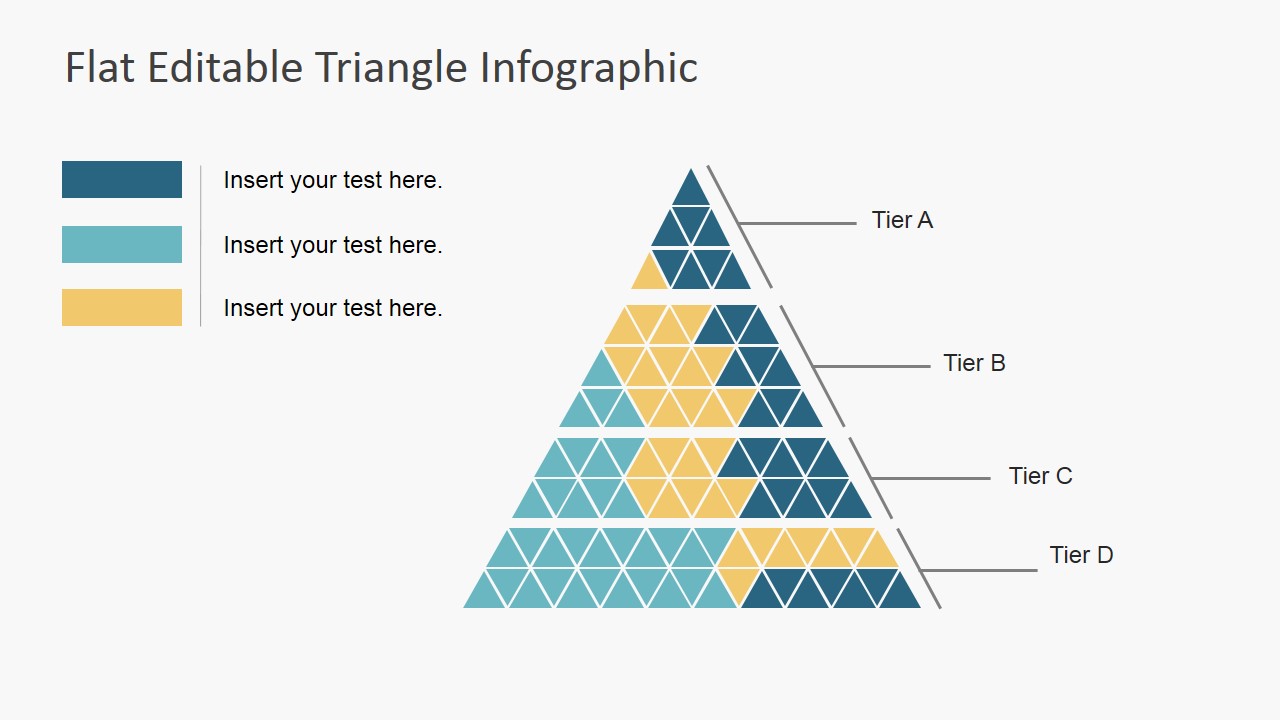
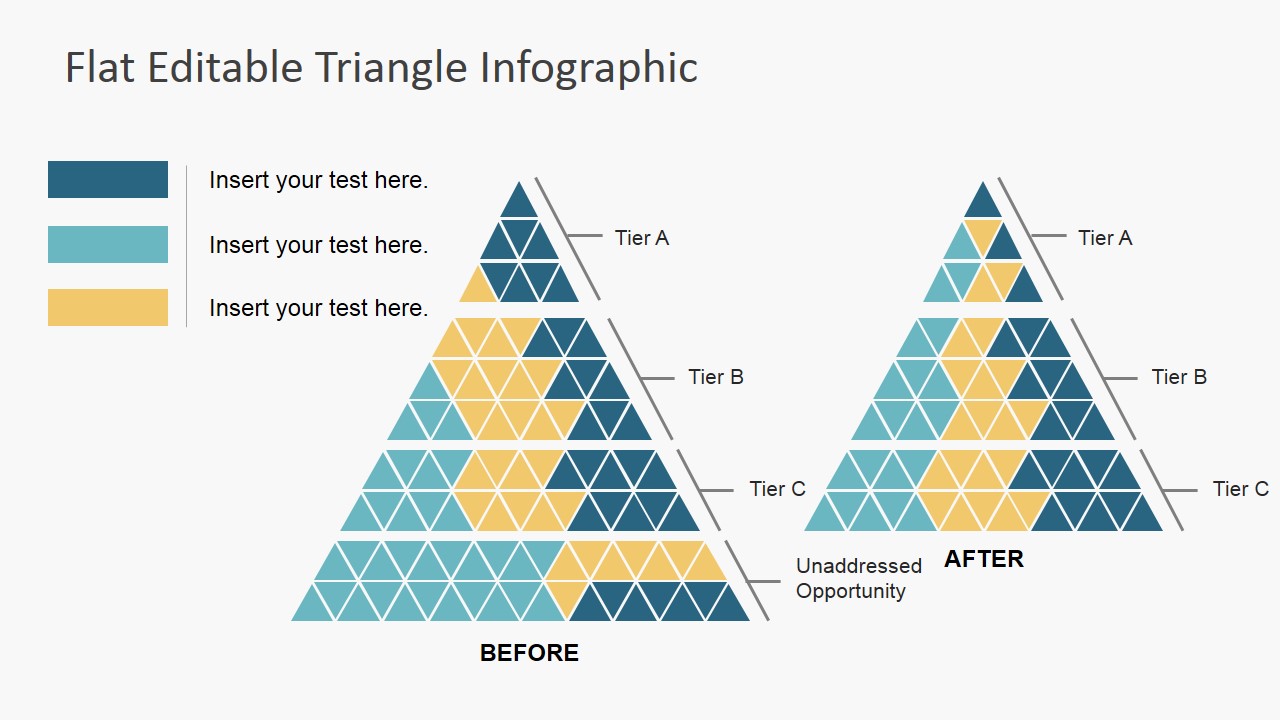
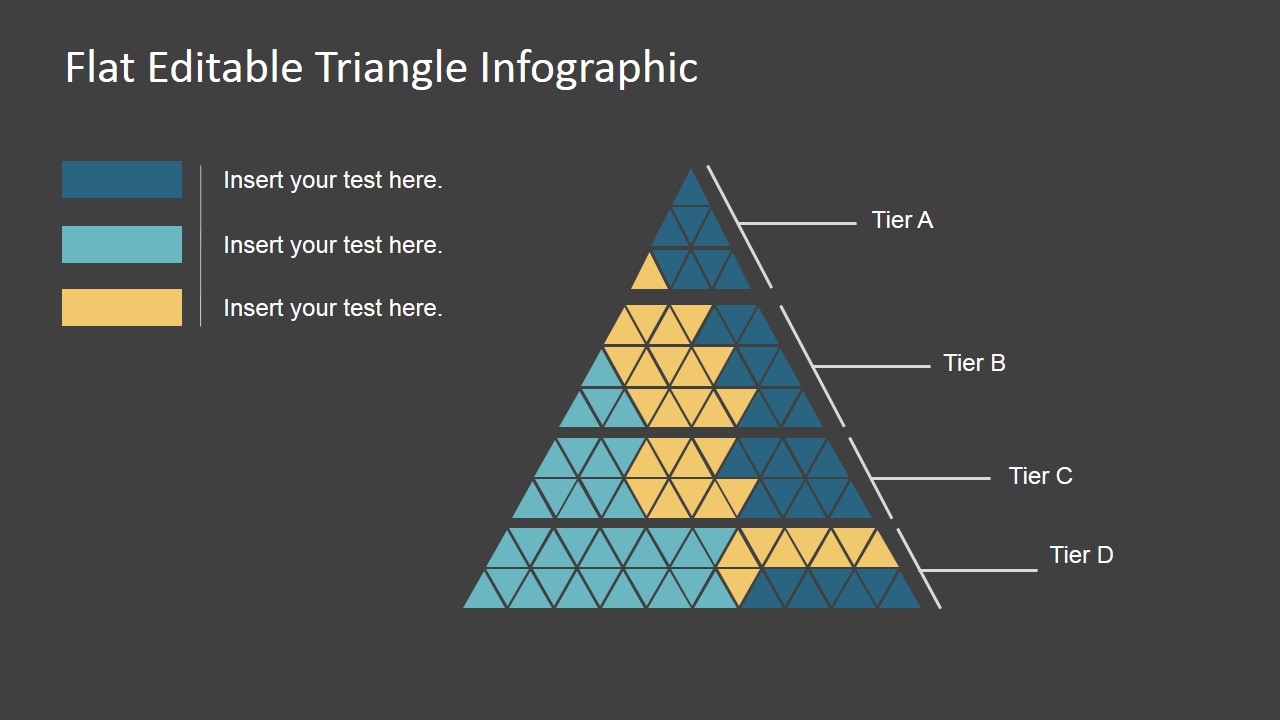
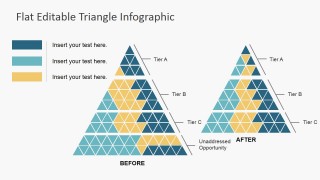
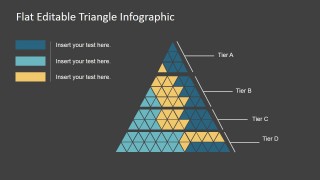
This Flat Editable triangle Infographic is a designed to describe segments of a statistical population, preferably with a discrete sample. The main idea of this graphic is that the main triangle represents the whole set of the sample, and that the different inner triangles, depending on their color, represent series, for sample sub sets. This is a traditional practices in visual representations (for example, pie charts). The triangle version is easy to understand and provides greater granularity when working with large number of series (10 to 15). More than 15 series makes it difficult ot represent, and requires a deeper granularity. Users can check our Infographics Gallery for suitable representations for their presentation.
This PowerPoint Template is 100% editable. Each of the triangles is created as a PowerPoint Shape, allowing the user to fully customize its appearance. Adding new rows of triangles and adapting their appearance is extremely easy; no need of design skills.
What’s inside this template
Example presentation scenarios
- A marketing manager can explain customer segment distribution by using the tiered triangle infographic, legend colors, and Tier A through Tier D callouts to show how groups sit within the total audience.
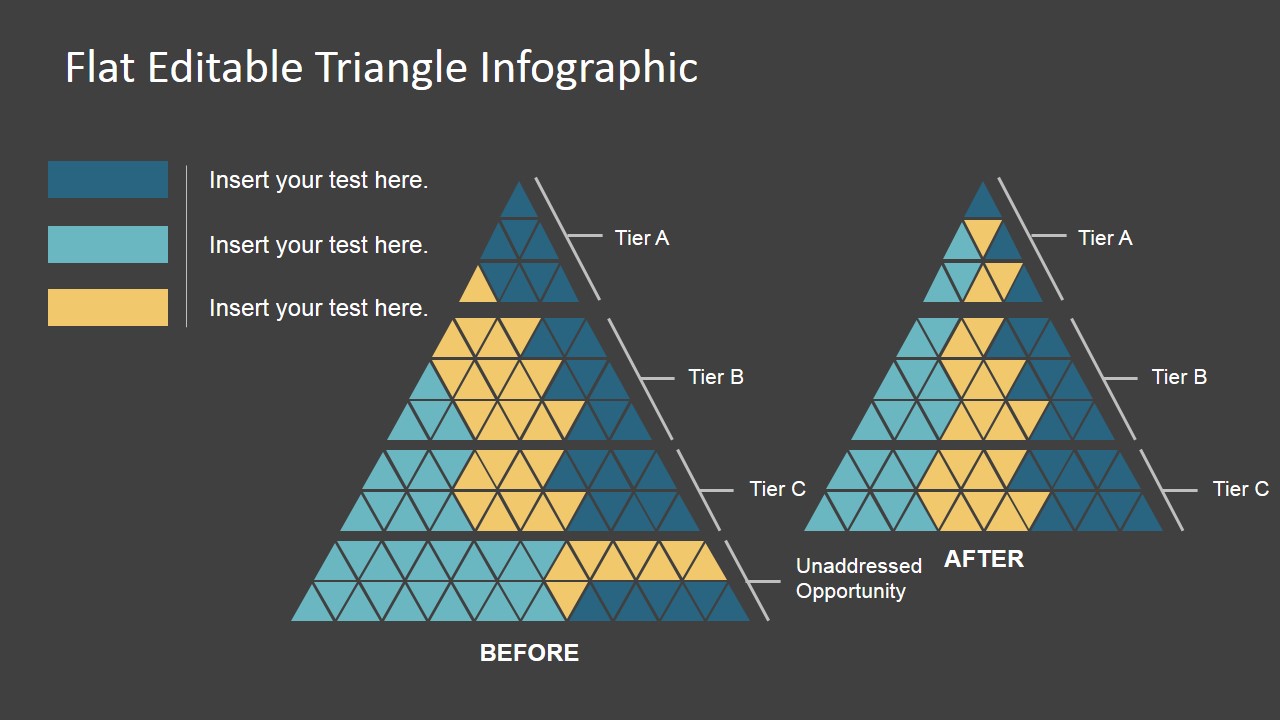
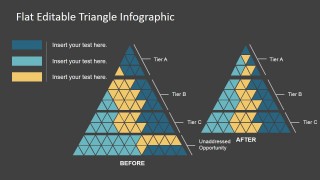
- A strategy consultant can compare a current-state and future-state opportunity model by using the before-and-after triangle layout and the unaddressed opportunity annotation.
- A business analyst can summarize discrete sample categories in an executive briefing by assigning each color in the triangle mosaic to a population subset or priority group.
- A product manager can show which user groups are addressed by a roadmap by labeling the triangle tiers and using the yellow, teal, and blue segments as adoption or coverage categories.
Features
- 100% editable presentation template
- Compatible with Microsoft PowerPoint and Google Slides
- 16:9 aspect ratio slides
- Scalable vector shapes, icons and illustrations
- AI-Ready for Microsoft Copilot and Claude
- Instant access and download
Frequently asked questions
Q: How should a presenter explain the triangle without confusing it with a numeric chart?
A: Introduce the triangle as a whole population or opportunity space, then define each color in the legend before discussing the tiers. Use the Tier A through Tier D labels to guide the audience from top to bottom. If exact values matter, place them in the text labels rather than expecting the triangle areas to work like a scaled chart.
Q: Who is this template best suited for?
A: This template fits analysts, marketers, consultants, and product teams who need to show categories inside a larger whole. It works especially well for audience segmentation, opportunity coverage, portfolio priority, or adoption status. The before-and-after slide is useful when the main point is how a strategy changes the distribution.
Q: Why use a triangle metaphor for segmentation?
A: The triangle creates a clear visual hierarchy, with smaller upper tiers and broader lower tiers. That structure helps audiences understand priority, maturity, exclusivity, or concentration without reading a dense table. The mosaic of small triangles also makes it easier to show many discrete groups while keeping the overall shape recognizable.
Flat Editable Triangle Infographic
4-slide presentation template with editable triangle infographic layouts for segments, tiers, and before-after comparison
Flat Editable Triangle Infographic is a 4-slide presentation template for showing segmented populations or opportunity tiers with triangular mosaic diagrams. It includes a single tiered triangle, a before-and-after triangle comparison, and light and dark background versions. Built for Microsoft PowerPoint and Google Slides, it suits analysts, marketers, and strategy presenters.
- Category
- Data & Charts
- Rating


 Loading...
- Aspect ratio
- 16:9
- Item ID
- 7196-01
- Colors
 Microsoft PowerPoint
  Microsoft Copilot
  Claude for PowerPoint
 Other formats supported
Subscribe today and get immediate
access to download our PowerPoint templates.