Segmented Triangle Diagrams for PowerPoint– a selection of triangle shapes that can showcase 3 segments or processes. The PowerPoint template is composed of primary colored objects that the user can present as patterns. It is especially generic. The design is ideal for any 3-step system. Amaze professional audiences with understandable ideas using Segmented Triangle Diagrams for PowerPoint.
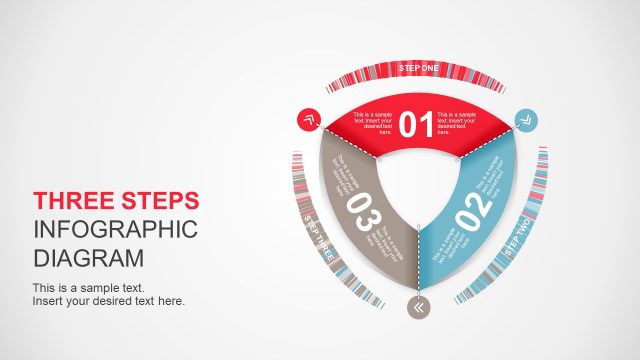
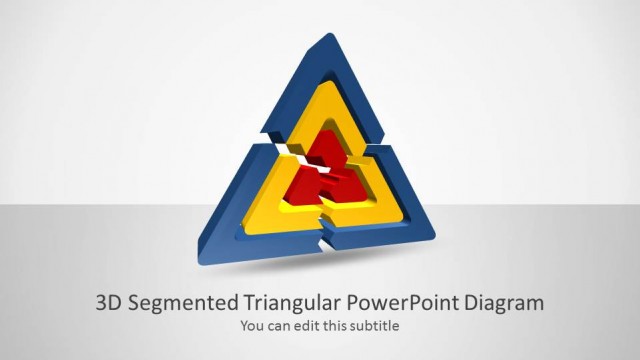
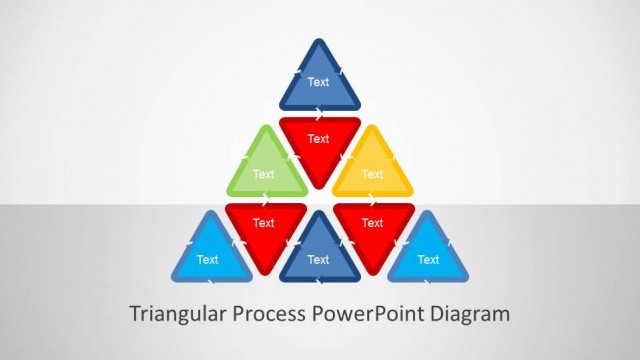
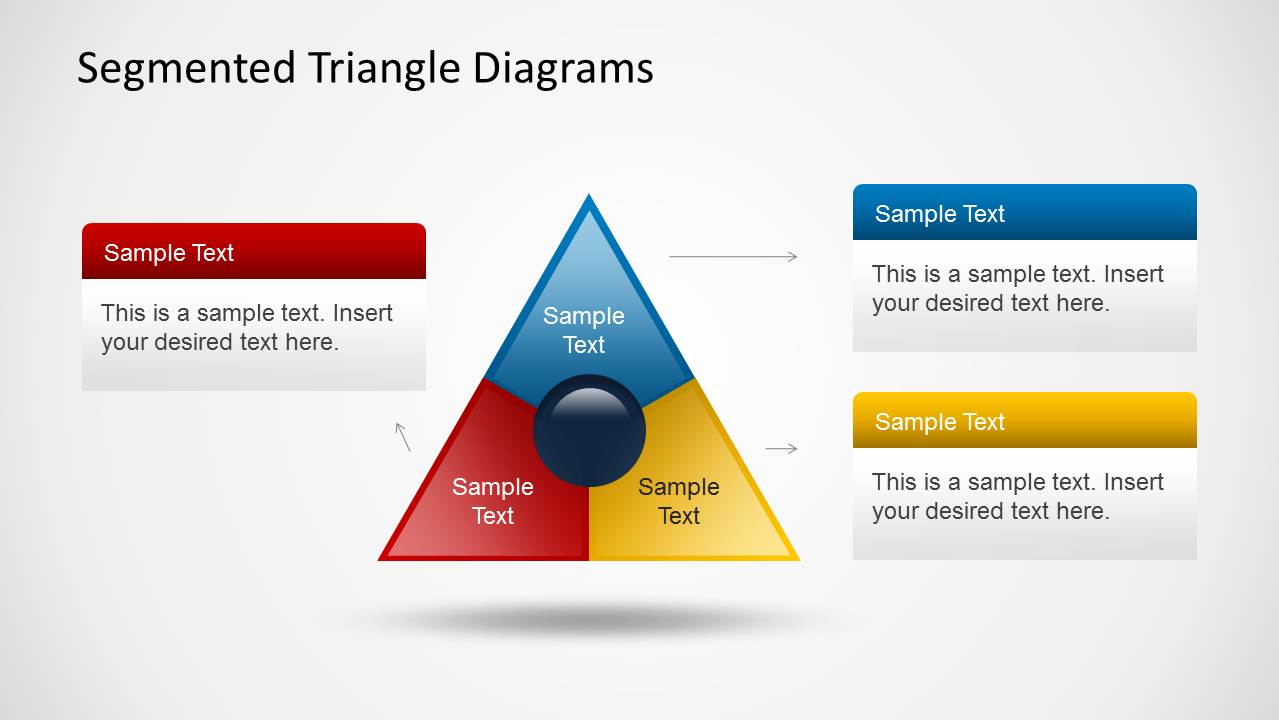
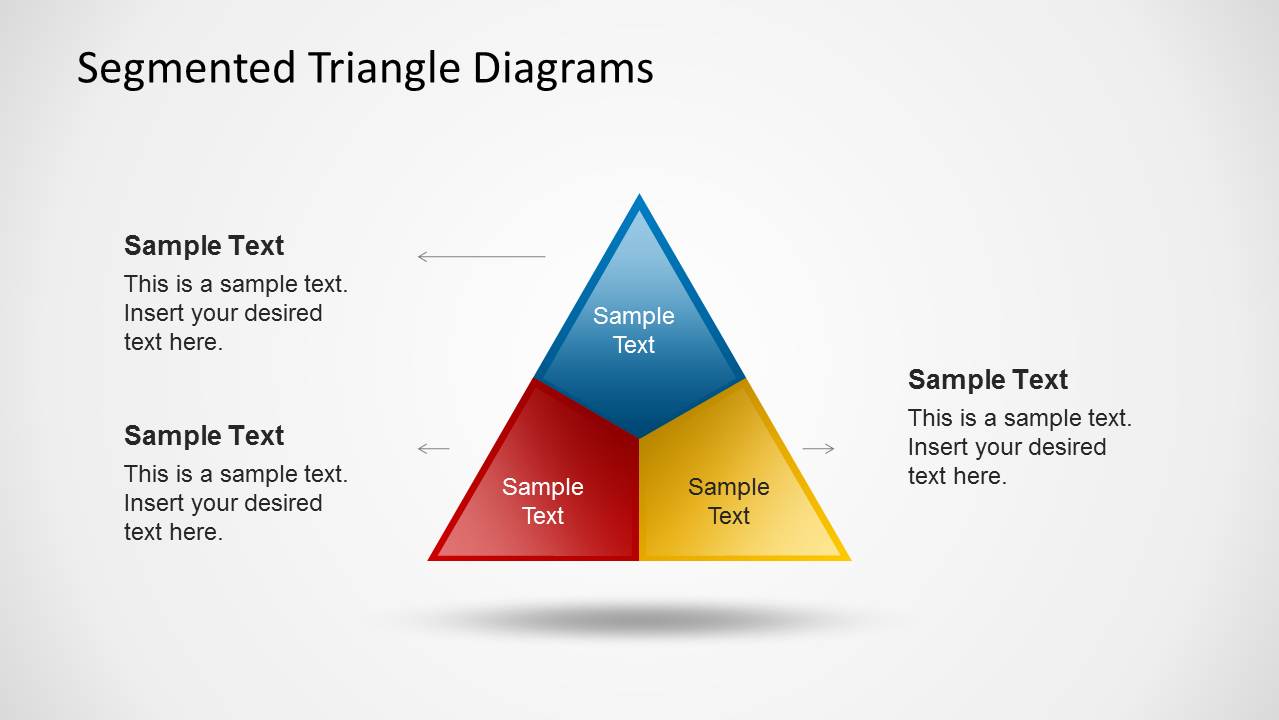
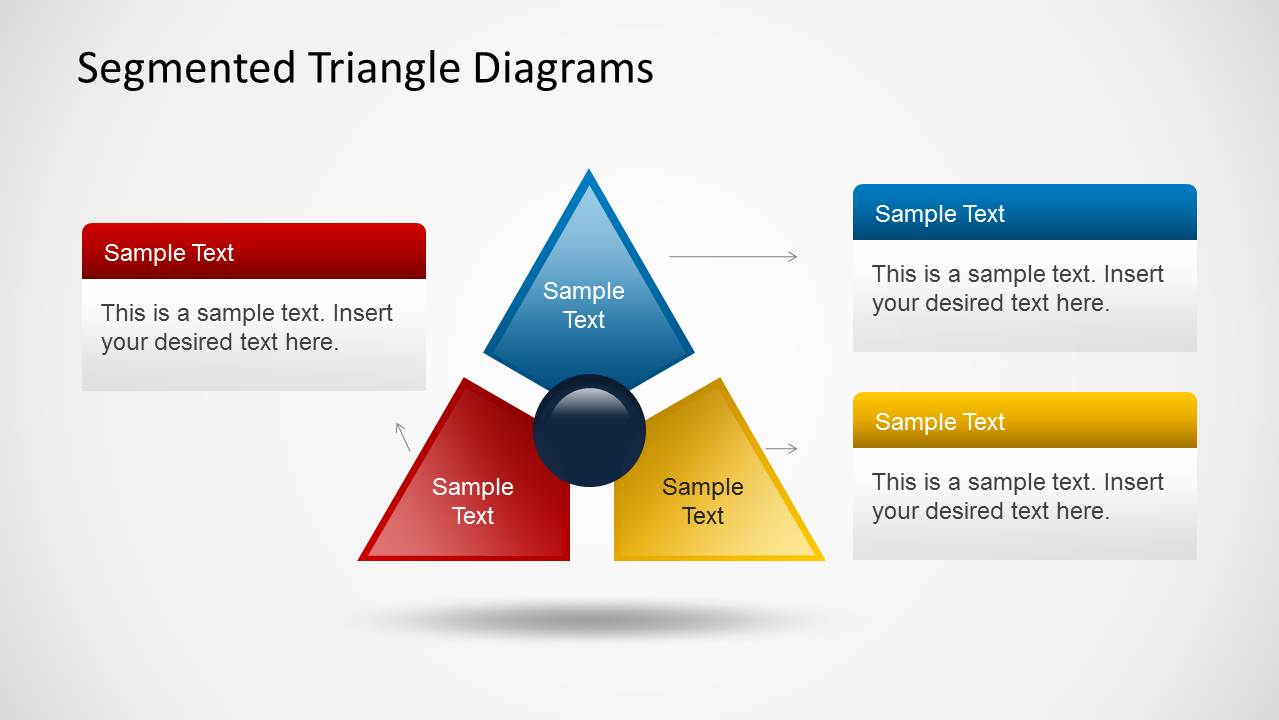
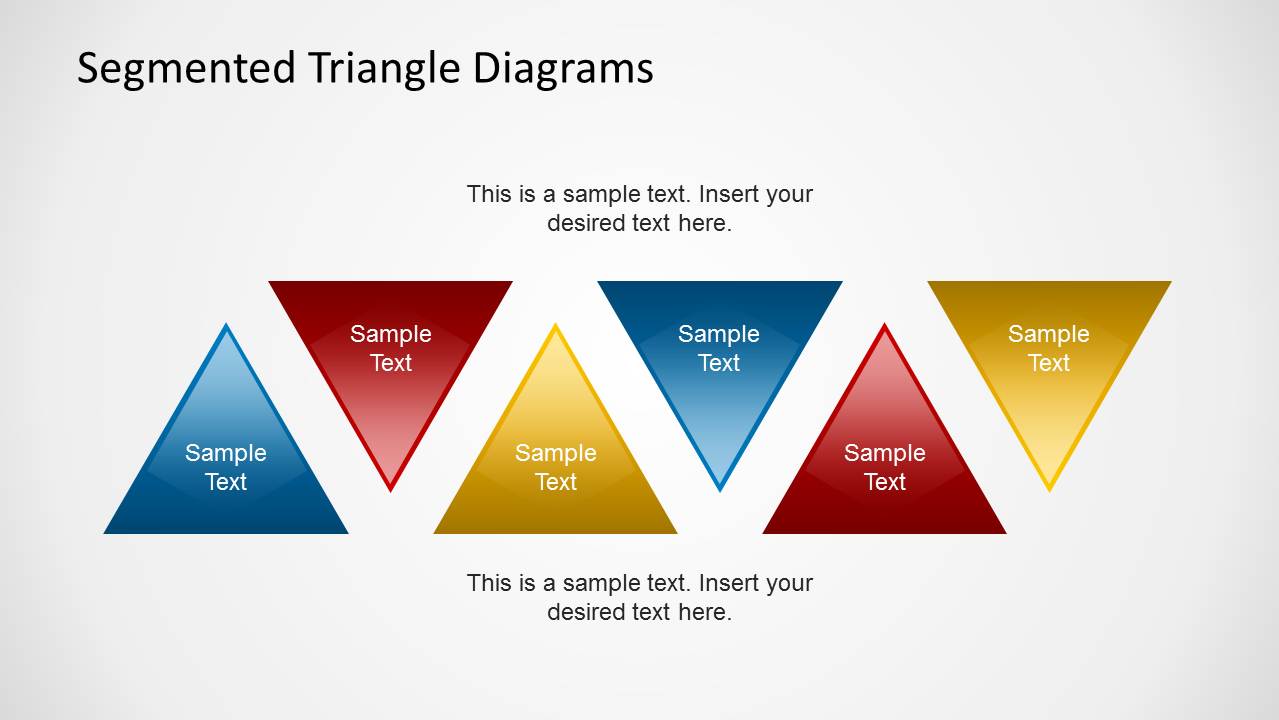
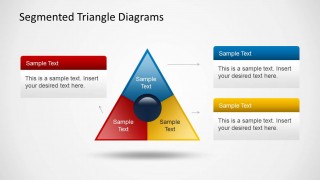
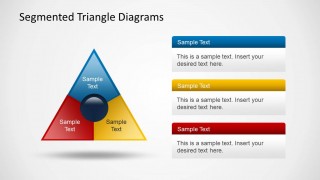
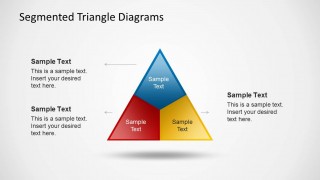
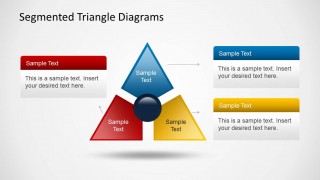
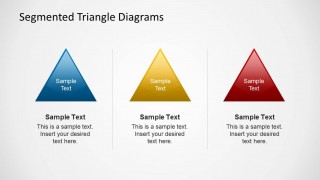
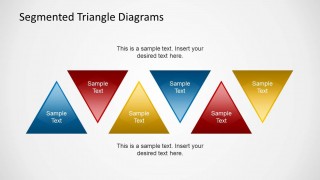
The Office template has a compilation of 6 unique slides. The first to third slides display a single triangle divided into 3 parts. Each part is determined by its color- blue, red and yellow. On the sides are corresponding text placeholders. The user can utilize these to give quick key points for every step or segment. This way, the audience can easily grasp the concepts of the report. The 4th slide illustrates the triangle with extended parts using the center circle as connector. The image looks like a shape with 3 arrowheads. In the last slide, each aspect is symbolized by a single triangle associated to original colors on the diagram. A pattern is created, showing a continuous process.
Segmented diagrams usually highlight on topics with a number of related factors. Each factor plays a significant role in completing the discussion. All these segments or steps are necessary for the main idea. Given a care of conservation, the 3 components- reduce, reuse and recycle- are the perfect examples.
This layout is ideal for 3-step processes or subject matters with 3 sub points. It is outlined for pure functionality. The user can quickly alter particular features like color, placement, background and object size using PowerPoint shapes menu. It is flexible. Thus, the presenter can choose any concept and apply a personalized design to suit the entire report.
Provide amazing 3-steps presentation with Segmented Triangle Diagrams for PowerPoint. Segmented Diagram for PowerPoint is a SlideModel gallery category of downloadable templates.
What’s inside this template
Example presentation scenarios
- A consultant can use the segmented triangle with side callouts to introduce a three-part operating model and explain how each factor contributes to the full concept.
- A trainer can use the three standalone triangle cards to teach three principles in sequence while keeping each point visually equal.
- A product manager can use the exploded triangle with center hub to show how three teams, features, or inputs connect around a shared outcome.
- A marketing presenter can use the alternating triangle process strip to show a repeating three-step campaign cycle or message pattern.
Features
- 100% editable presentation template
- Compatible with Microsoft PowerPoint and Google Slides
- Scalable vector shapes, icons and illustrations
- AI-Ready for Microsoft Copilot and Claude
- Instant access and download
Frequently asked questions
Q: How should I present a three-part idea with this triangle template?
A: Start with the full segmented triangle to define the whole concept, then use the callout boxes to explain each segment in a consistent order. Keep each label short and give every segment similar weight. If one part is more important, reserve that emphasis for the spoken explanation instead of overcrowding the diagram.
Q: Who is this template best suited for?
A: This template fits presenters who need to explain a simple triad rather than a detailed plan. Consultants, trainers, product managers, and educators can use it for models with three drivers, three steps, or three priorities. It is strongest when the goal is clarity and alignment, not dense analysis.
Q: Why use triangle diagrams instead of a standard three-bullet list?
A: The triangle metaphor shows that all three parts support one complete idea. The center-hub and segmented layouts make relationships easier to see than a vertical list, while the standalone triangle cards let the presenter shift from system view to individual explanation without changing the visual language.


Segmented Triangle Diagrams for PowerPoint
6-slide PowerPoint diagram template with segmented triangles for three-step processes and framework explanations
Segmented Triangle Diagrams for PowerPoint is a 6-slide diagram template for explaining three-part systems. The deck shows a segmented triangle with callout boxes, a separated three-arrowhead triangle around a center hub, three standalone triangle cards, and an alternating triangle process strip. It is designed for presenters building simple PowerPoint process or framework slides.

 Loading...
 Microsoft PowerPoint
  Microsoft Copilot
  Claude for PowerPoint
 Other formats supported
Subscribe today and get immediate
access to download our PowerPoint templates.