Slide 15 of 17 from Flat Business Office Scenes PowerPoint Templates
Feedback PowerPoint Clipart Thumbs Up
Quick Stats Comparison Slide
- Text Layout
- Other
- Evaluation Slide
- 16:9
- 100% Editable
What’s on This Slide
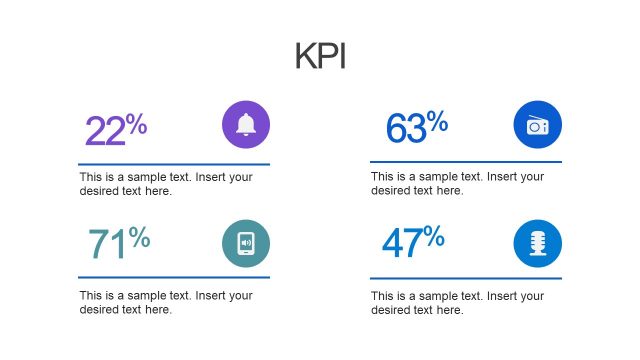
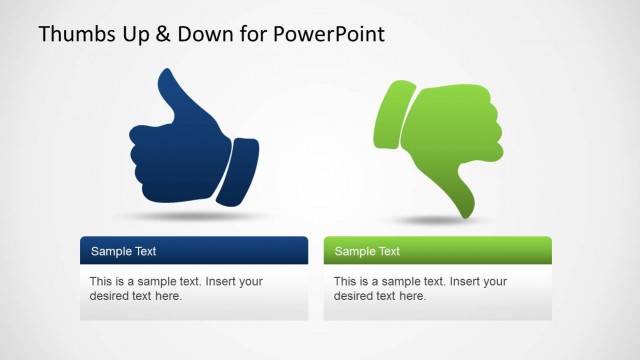
The layout features two sections side by side, each containing a thumbs-up or thumbs-down icon. The left section displays a blue speech bubble with '12%' and a placeholder for text below it, while the right section has a similar blue speech bubble with '-5%' and its own text placeholder. Each section is visually balanced, with the icons positioned centrally above their respective text areas. The background is light, enhancing the clarity of the icons and text. Text placeholders are aligned left within each section, maintaining a consistent visual hierarchy.
How to Use It
This layout serves as a comparison tool for presenting positive and negative statistics side by side. It fits well in a presentation sequence following a problem statement or analysis, allowing for quick visual assessment of contrasting data. This structure is useful in business contexts such as performance reviews, market analysis, or project evaluations, where highlighting differing metrics is essential for decision-making.
Text Placeholders & Capacity
Keep your copy within these limits so it fits without resizing. Body slots can hold about 10-15 words each.
| Placeholder | Count | Max characters (approx.) |
|---|---|---|
| Slide title | 1 | 30 |
| Body paragraph | 2 | 50 |
| Item heading | 2 | 10 |
Slide Keywords
Download unlimited PowerPoint templates, charts and graphics for your presentations with our annual plan.
DOWNLOAD