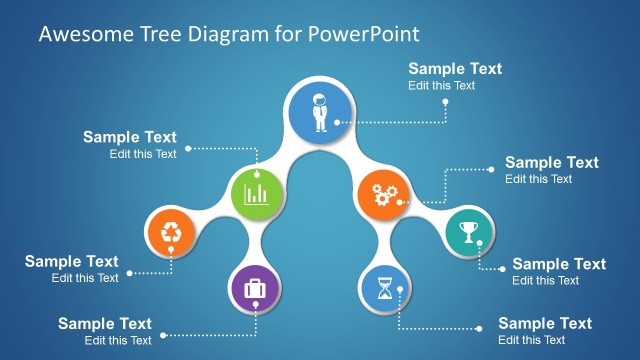
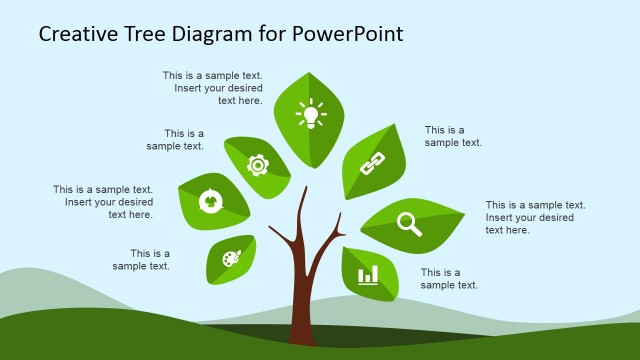
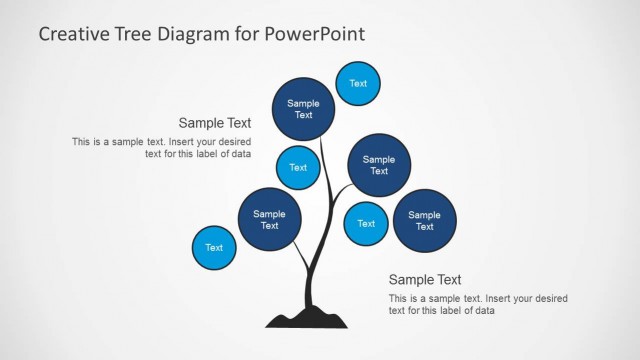
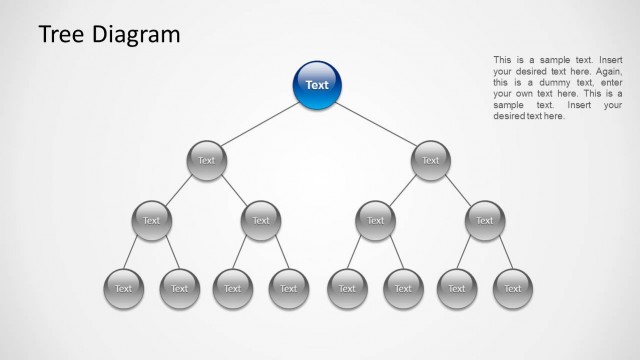
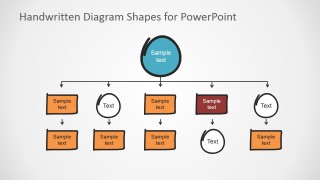
Flat Bold Handwritten PowerPoint Tree Diagram Shapes is an editable set of PowerPoint clipart to create Tree Diagrams. The user can create Org Charts with an excellent flat design; organigrams are unique diagrams that show the structure of organizations, with the relationships and relative positions between ranks and job positions. These Hierarchical diagrams are very popular; our Flat Bold Handwritten PowerPoint Tree Diagram Shapes can help the human resources area of any organization to easily create powerful Org charts just connecting shapes and replacing text placeholders.
Tree Diagrams are also used for Decision Analysis through the Decision Trees Diagrams. In decision analysis, executives create branches of decision steps and then analyze their risk and weight to trim the branches less suitable for the analyzed situation. Finally, they select a decision plan with less risk and the highest return.
This template’s easy-to-use capabilities allow the user to drag and drop shapes in the slide canvas, connect them with pre-built connectors, and create any Flow Diagram. Each element is designed as a PowerPoint object, allowing users to customize their appearance fully. The shapes are created as vectors; users can edit their points and apply design techniques as unions and intersections to achieve more sophisticated visual techniques as long shadows effects. Alternatively, you can download other workflow templates and presentation slides to help visually present your workflows.
Save Time during your presentation with our PowerPoint Templates and create Tree Diagrams that appeal to global audiences.
What’s inside this template
Example presentation scenarios
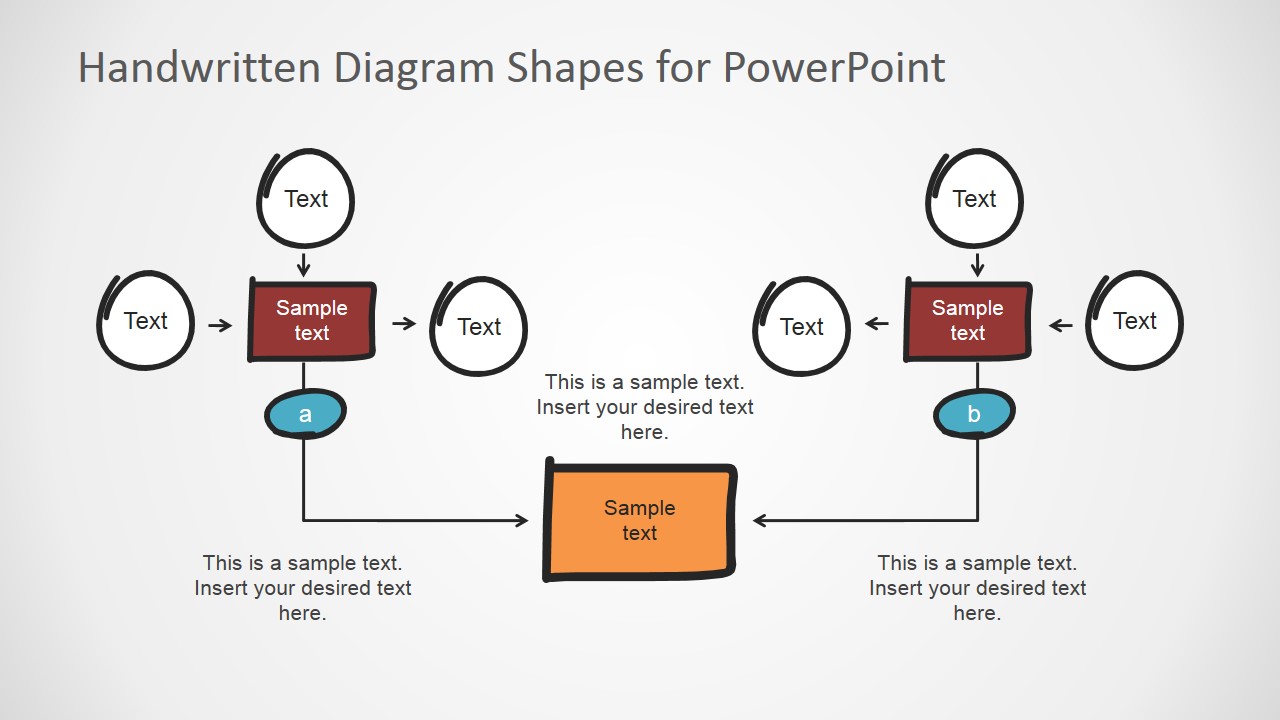
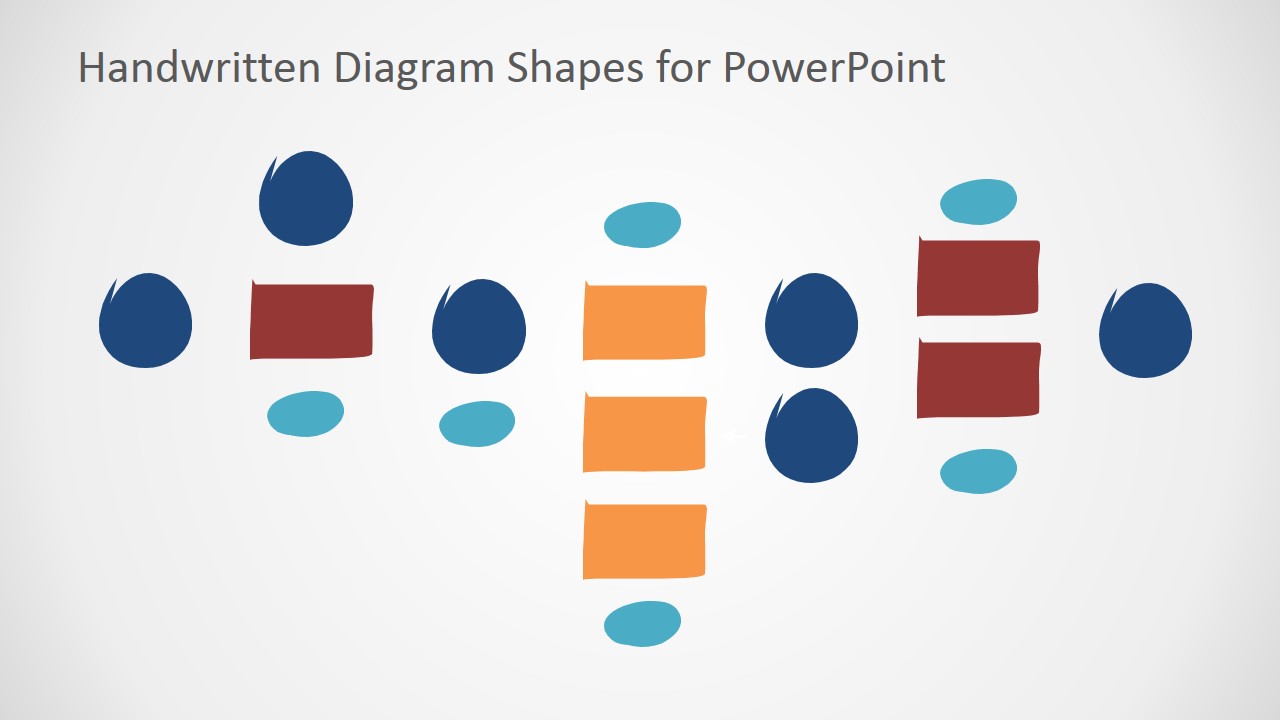
- An HR manager can present a new reporting structure using the hierarchy org chart on Slide 4 and replace each handwritten node with team or role names.
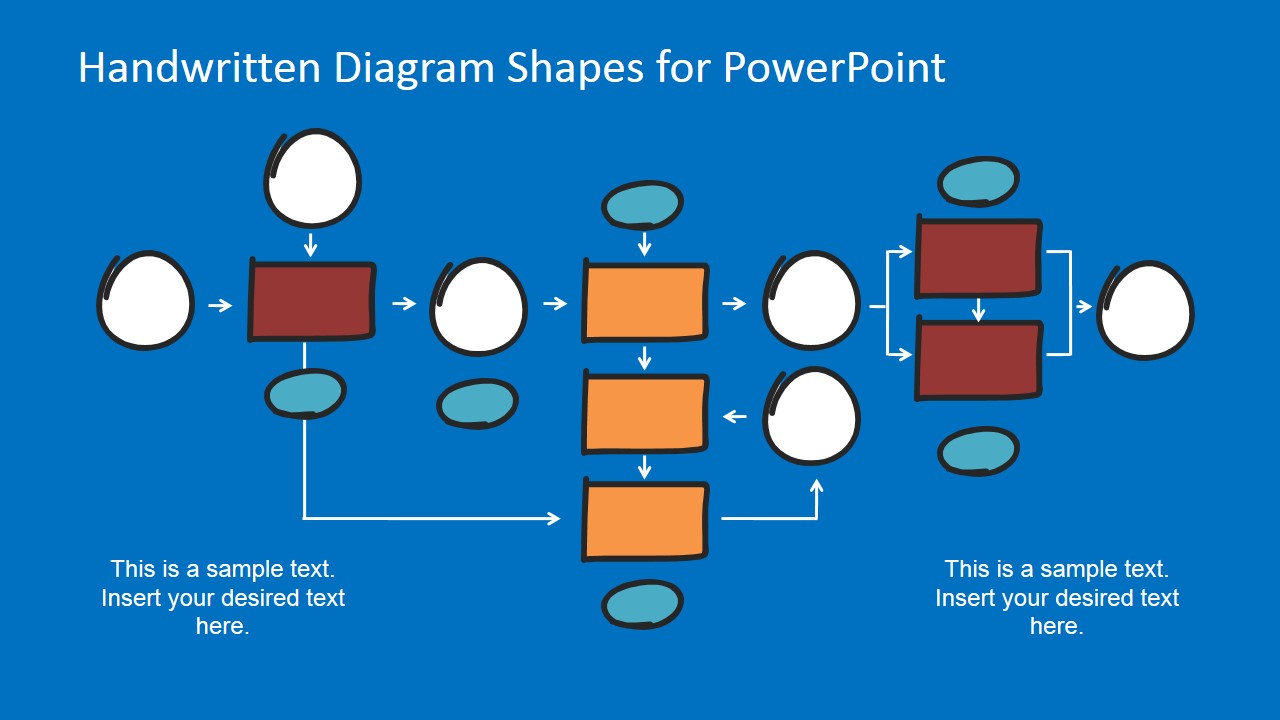
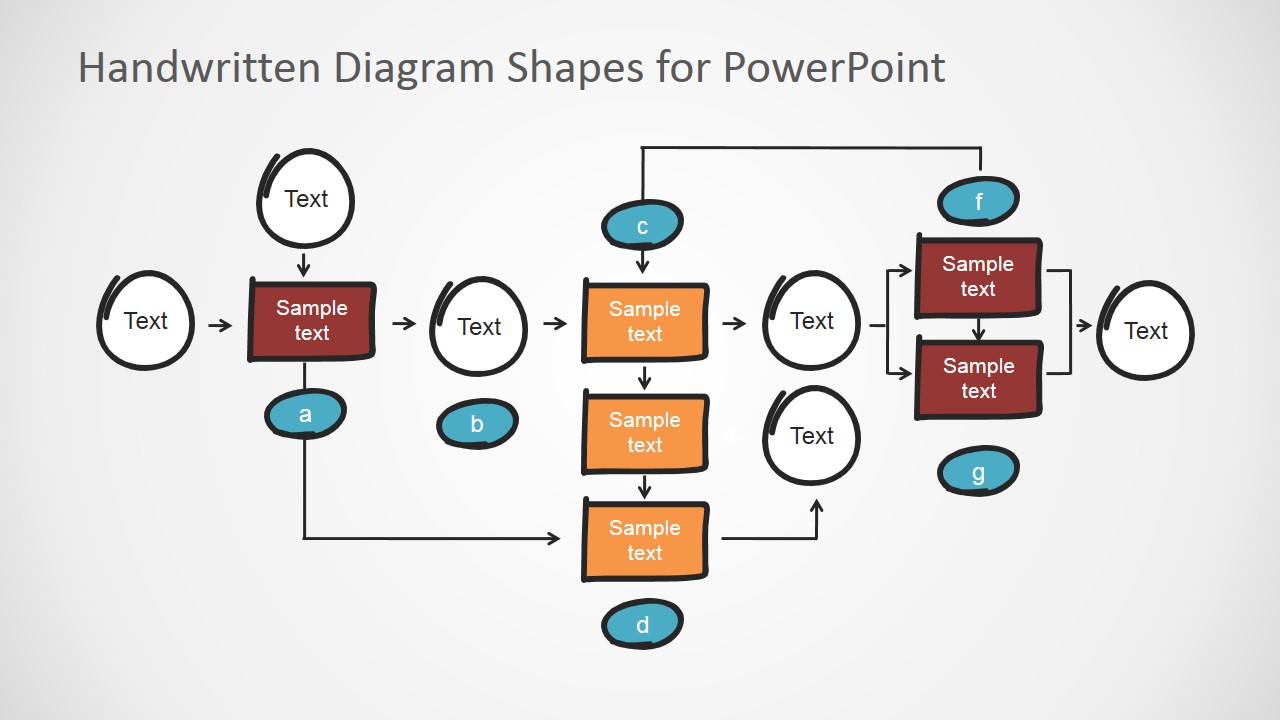
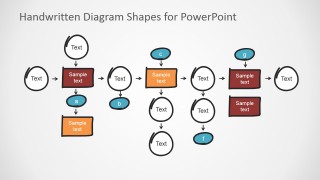
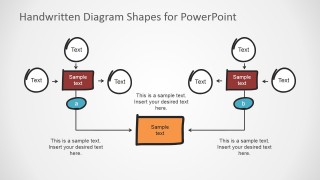
- A strategy consultant can explain decision alternatives with the multi-branch decision tree on Slide 2, using colored boxes for options and circular nodes for review points.
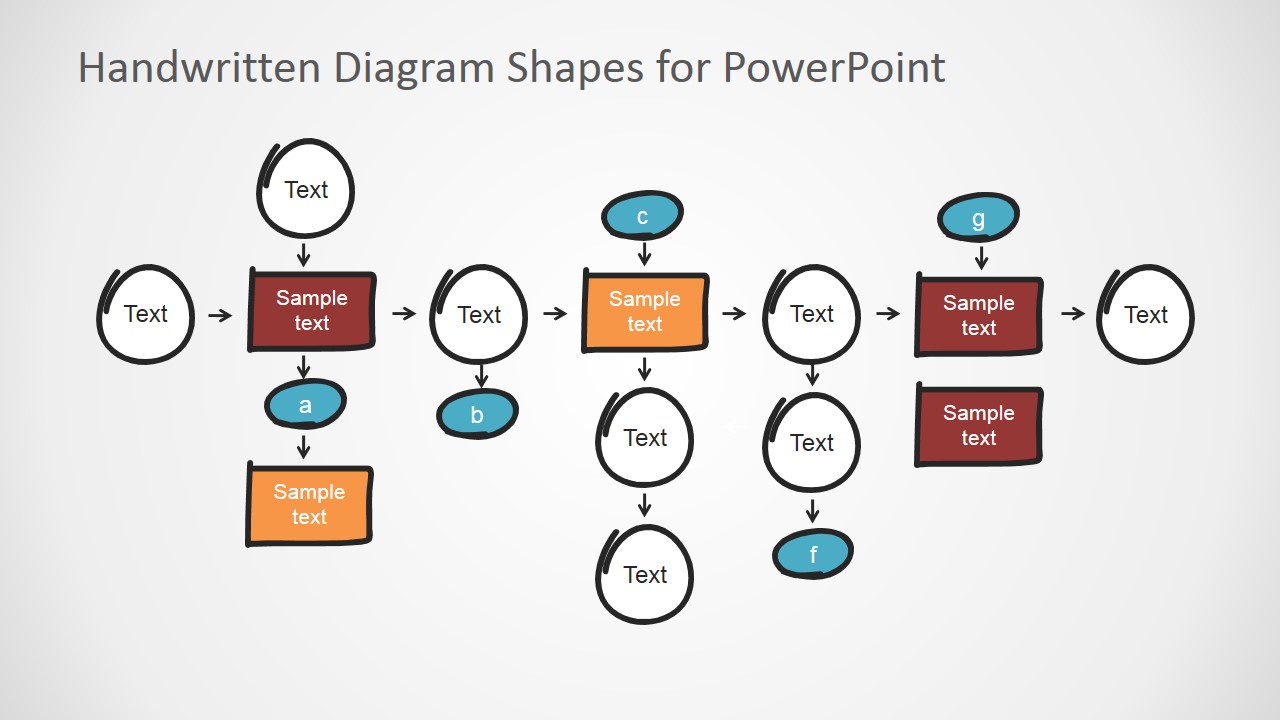
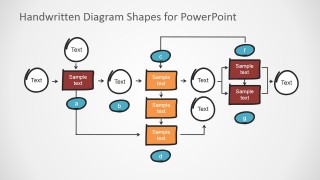
- An operations lead can map a workflow handoff with the horizontal process flow on Slide 3, showing where tasks branch into supporting steps.
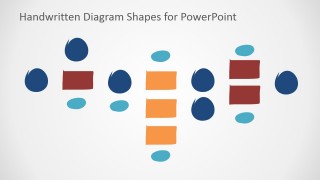
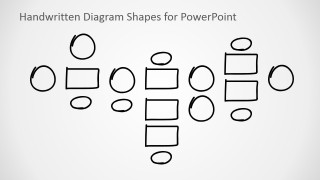
- A project manager can build a custom planning diagram from the colored and outline shape palettes on Slides 6 and 7 to sketch dependencies before a detailed plan.
Features
- 100% editable presentation template
- Compatible with Microsoft PowerPoint and Google Slides
- 16:9 aspect ratio slides
- Scalable vector shapes, icons and illustrations
- AI-Ready for Microsoft Copilot and Claude
- Instant access and download
Frequently asked questions
Q: How should a presenter turn these diagram shapes into a clear decision story?
A: Start with the main choice or root node, then use only the branches needed for the audience decision. Place decision options in the filled rectangles and use circles for checkpoints, review gates, or unknowns. Keep each label short so the handwritten style feels like a guided whiteboard explanation rather than a dense process manual.
Q: Who is this handwritten tree diagram style best suited for?
A: This template fits presenters who need to explain structure before details are finalized, such as HR leaders mapping roles, consultants comparing decision paths, or project managers sketching workflows. The informal hand-drawn shapes work best in planning meetings, workshops, and internal briefings where the audience should discuss the logic, not audit final documentation.
Q: Why use handwritten tree shapes instead of a standard corporate flowchart?
A: The handwritten visual metaphor signals exploration and collaboration, similar to a whiteboard sketch. That reduces the perceived finality of a diagram and invites feedback. The bold filled nodes still create hierarchy, while the irregular outlines keep attention on relationships, branches, and decision logic instead of process compliance.


Flat Bold Handwritten PowerPoint Tree Diagram Shapes
7-slide presentation template for handwritten tree diagrams, org charts, and process flows
Flat Bold Handwritten PowerPoint Tree Diagram Shapes is a 7-slide diagram template for building hand-drawn tree diagrams in Microsoft PowerPoint and Google Slides. It includes decision tree layouts, an org chart hierarchy, process flow diagrams, and colored or outline shape palettes for HR, operations, project planning, and executive decision analysis.
- Category
- Tree Diagrams
- Rating


 Loading...
- Aspect ratio
- 16:9, 4:3
- Item ID
- 6589-02
- Colors
 Microsoft PowerPoint
  Microsoft Copilot
  Claude for PowerPoint
 Other formats supported
Subscribe today and get immediate
access to download our PowerPoint templates.