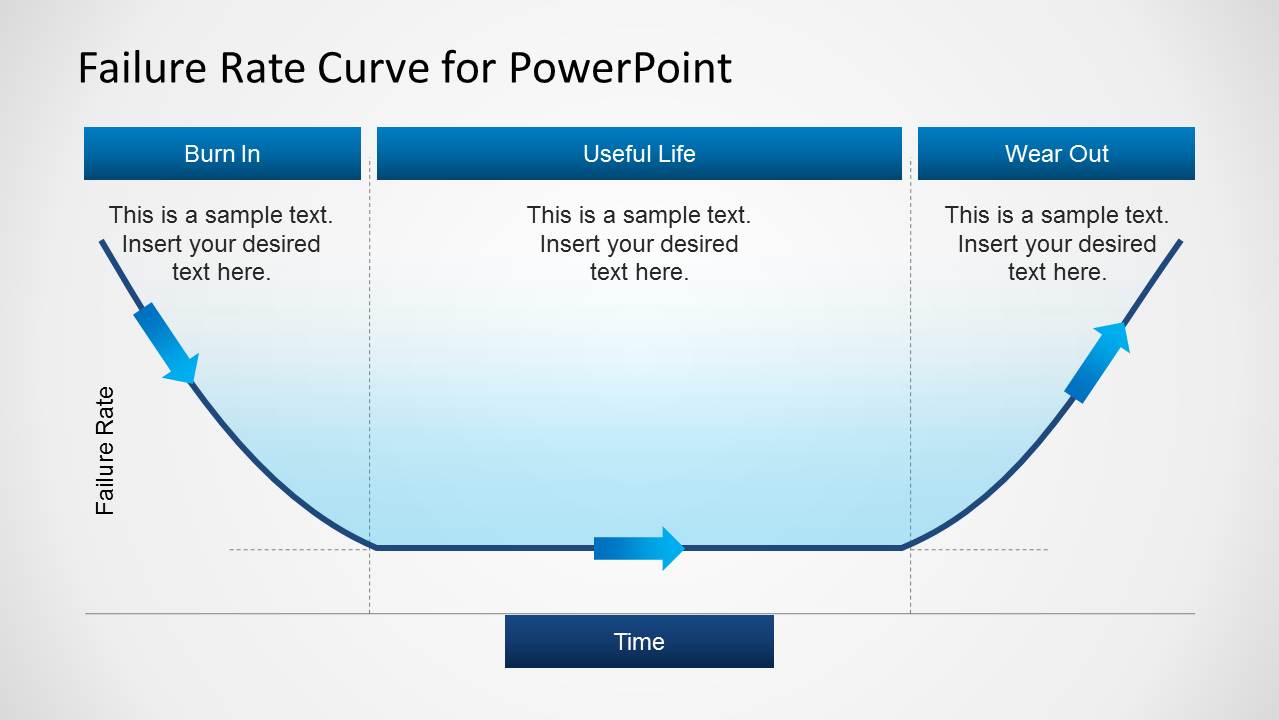
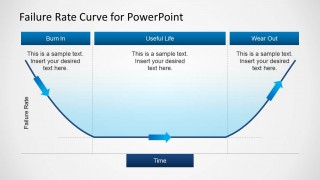
Failure Rate Curve for PowerPoint is a presentation curve representing the popular Bathtub Curve used to describe the product failure behavior and useful to make PowerPoint presentations.
You can use this curve to describe the lifetime of a population of products using a graphical representation. The Bathtub Curve consists of three phases or periods: an infant mortality period with a decreasing failure rate followed by a normal life period with a low. During the second period it is common to find a constant failure rate. Then the third period is named the wear-out period that exhibits an increasing failure rate.
If you are looking for a Failure Rate Curve template for PowerPoint or Bathtub curve design for presentations then this presentation curve for PowerPoint can be useful.
What’s inside this template
Example presentation scenarios
- A reliability engineer can use the full bathtub curve to explain how early defects, stable operation, and end-of-life degradation affect product failure rates.
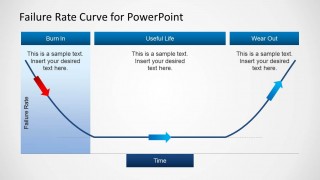
- A quality assurance manager can present the Burn In focus slide to justify screening, early testing, or corrective actions before products reach normal operation.
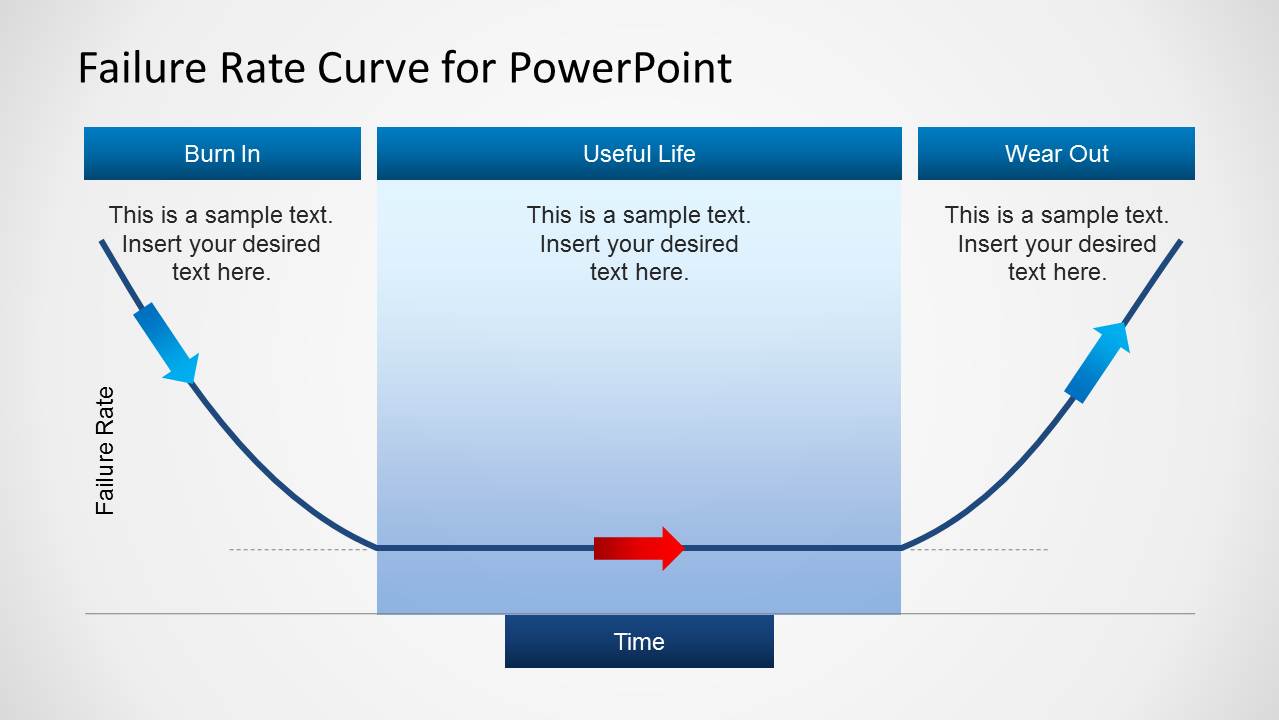
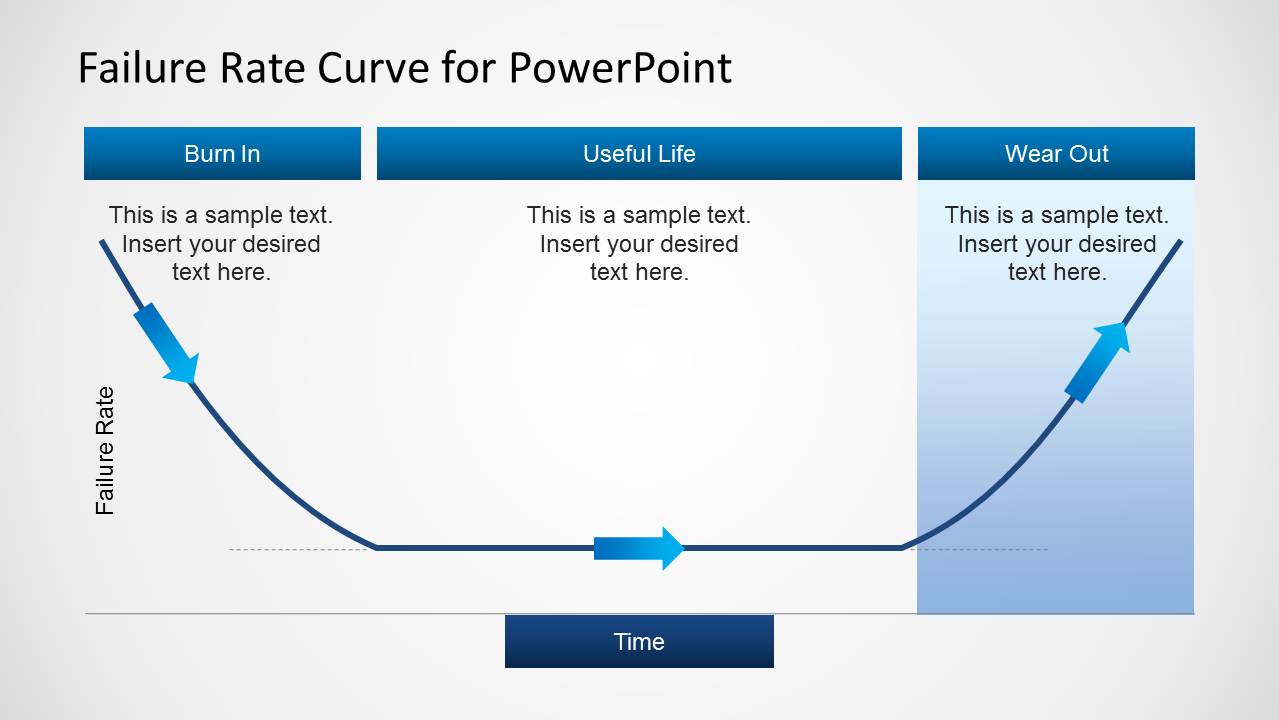
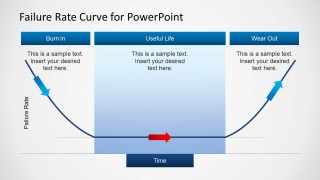
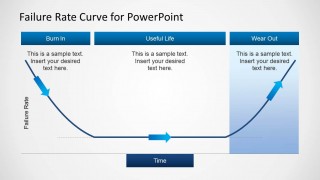
- A maintenance planner can use the Useful Life and Wear Out focus slides to show when preventive maintenance should shift from monitoring to replacement planning.
- A product manager can use the three labeled phases and editable callouts to brief nontechnical stakeholders on lifecycle risk without showing raw failure data.
Features
- 100% editable presentation template
- Compatible with Microsoft PowerPoint and Google Slides
- Scalable vector shapes, icons and illustrations
- AI-Ready for Microsoft Copilot and Claude
- Instant access and download
Frequently asked questions
Q: How should I present the bathtub curve so a mixed technical and business audience understands it?
A: Start with the full curve to establish the visual pattern, then move through the focused Burn In, Useful Life, and Wear Out slides. Use each callout to translate the curve into decisions: early testing, normal operating expectations, and end-of-life planning. Keep labels short so the audience follows the curve shape first.
Q: Who is this failure rate curve template best suited for?
A: This template is best for reliability engineers, quality leaders, maintenance planners, and product managers who need to explain lifecycle failure behavior. It works well in design reviews, quality updates, training sessions, or risk discussions where the key message is how failure rate changes over time.
Q: Why does the design use shaded phase focus slides instead of one diagram only?
A: The shaded focus slides let the presenter isolate one lifecycle phase at a time while keeping the same curve context. That repetition reduces cognitive load: viewers learn the full model once, then study Burn In, Useful Life, and Wear Out as distinct decision zones rather than disconnected topics.

Failure Rate Curve Template for PowerPoint
4-slide PowerPoint presentation template for failure rate curves, bathtub curve phases, and product reliability.
This 4-slide PowerPoint template presents a bathtub-style failure rate curve for explaining product reliability over time. It includes a full three-phase curve plus focused variants for Burn In, Useful Life, and Wear Out, with labeled axes, phase headers, arrows, and text callouts for engineering, quality, and maintenance presentations.


 Loading...
 Microsoft PowerPoint
  Microsoft Copilot
  Claude for PowerPoint
 Other formats supported
Subscribe today and get immediate
access to download our PowerPoint templates.