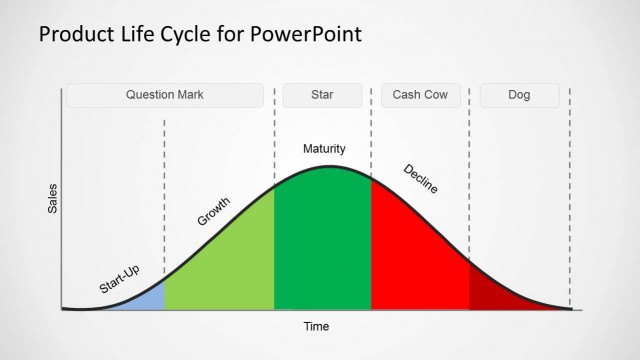
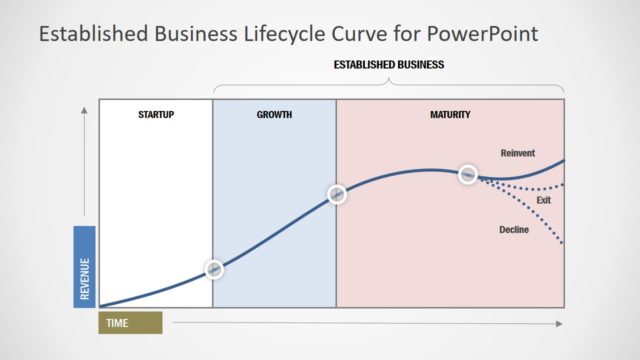
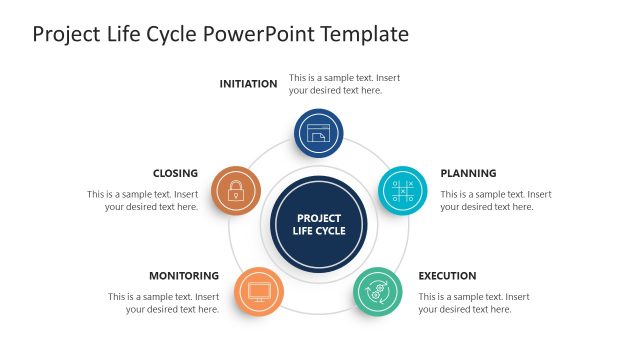
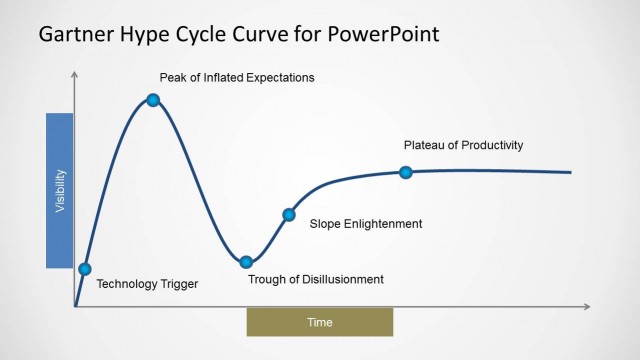
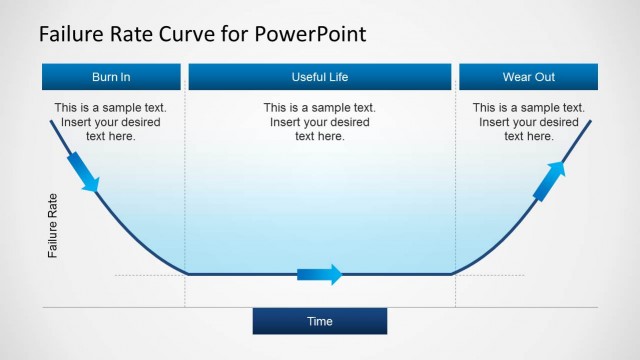
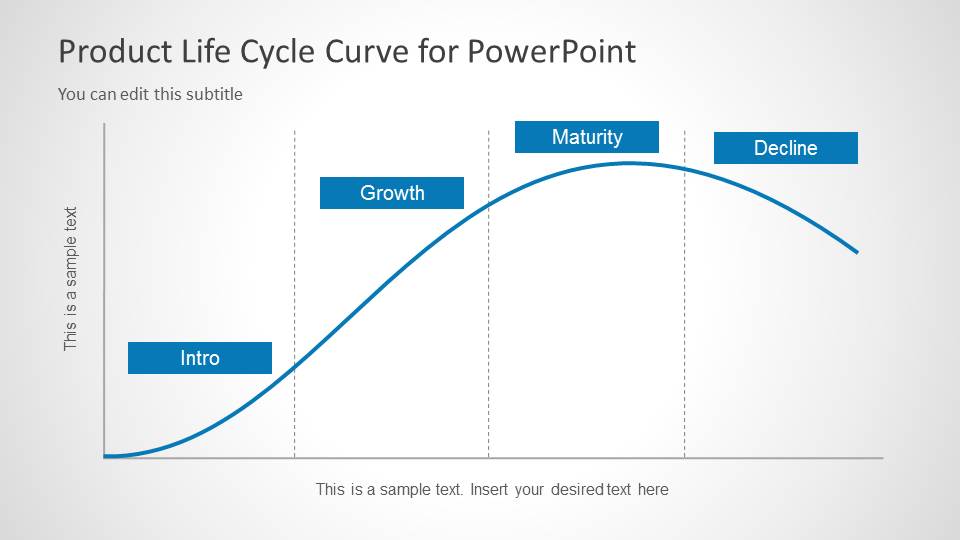
Product Life Cycle Curve for PowerPoint is a presentation template with a nice curve design created with PowerPoint shapes that you can use to model product life cycle stages in a PowerPoint presentation.
Inside this Product Life Cycle template for Microsoft PowerPoint you will find several slide designs with different product life cycle examples and editable text boxes to enter your own text. The curves were created using PowerPoint shapes and you can edit the points to match any desired position of the product life cycle or if you prefer you can just copy and paste the slides into your own presentations on product life cycle management or business presentations in Microsoft PowerPoint.
The Product Lifecycle Management (PLM) is the process of managing the entire life cycle of a product from its conception or development through design and manufacture, to service and disposal. This framework integrates people, data, processes and business systems.
Different products may have different product life cycle curves and shapes, for example Coke and Pepsi seem to be in a maturity phase while startups or even recent established companies may be in a introduction phase. There are some situations where products can have an unpredictable business life cycles with high levels of uncertainty and risk.
What’s inside this template
Example presentation scenarios
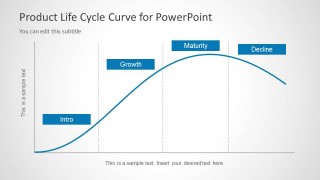
- A product manager can use the labeled life cycle curve to explain whether a product is in introduction, growth, maturity, or decline during a portfolio review.
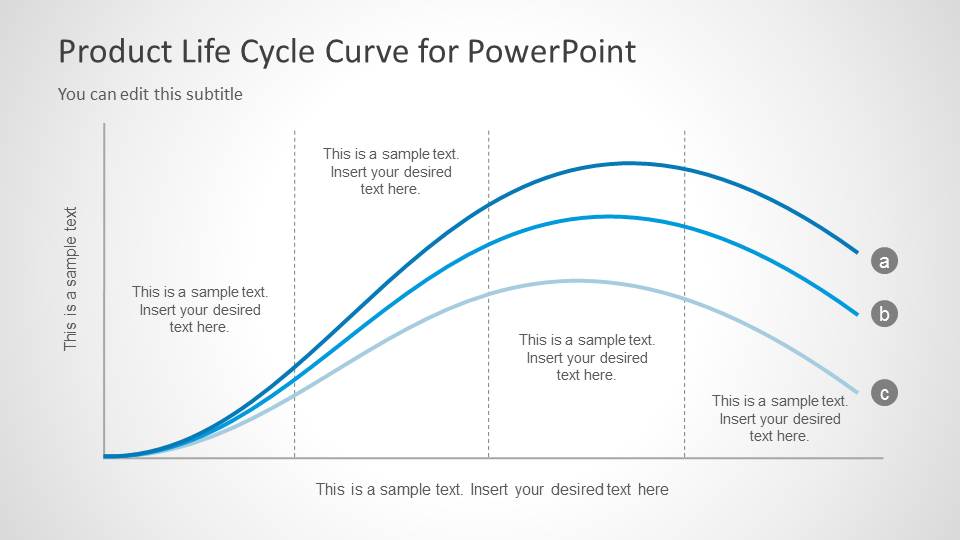
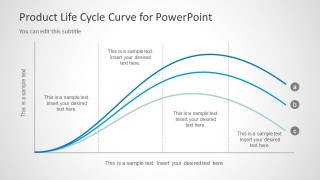
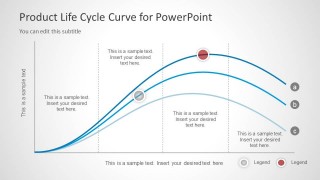
- A marketing strategist can use the multi-curve comparison slide to compare three product lines and discuss which ones need launch investment, sustainment, or retirement planning.
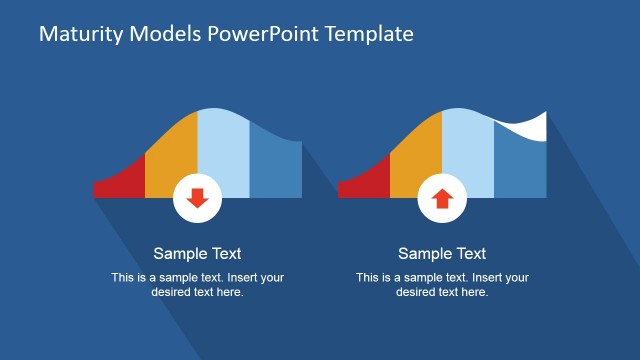
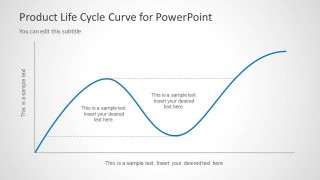
- A consultant can use the alternative curve path to show how a product may recover after a decline through repositioning, renewed demand, or feature expansion.
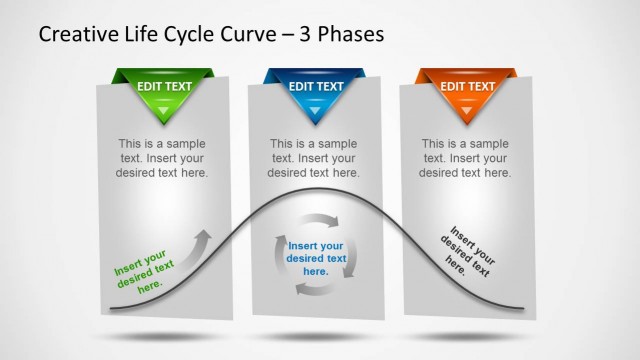
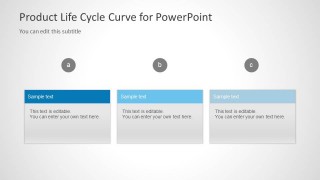
- An executive presenter can use the three-card summary layout to translate curve labels a, b, and c into clear recommendations for decision makers.
Features
- 100% editable presentation template
- Compatible with Microsoft PowerPoint and Google Slides
- Scalable vector shapes, icons and illustrations
- AI-Ready for Microsoft Copilot and Claude
- Instant access and download
Frequently asked questions
Q: How should a presenter explain the life cycle curve without making it feel too theoretical?
A: Anchor the curve to a real product decision. Start with the labeled introduction, growth, maturity, and decline slide, then use the comparison slide to show how different products can follow different paths. Keep each annotation tied to a business action, such as launch support, growth funding, maturity defense, or decline planning.
Q: Who is this template best suited for in a business presentation?
A: This template fits product managers, marketers, consultants, and portfolio leaders who need to explain maturity, launch timing, or product decline in a concise visual format. It works best when the goal is to align stakeholders around a product's current stage and compare possible future curve shapes before choosing next steps.
Q: Why does the curve metaphor work for product life cycle communication?
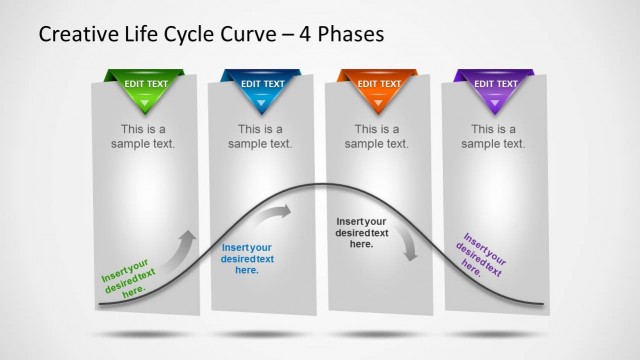
A: The curve turns an abstract product maturity concept into a time-based visual path. The rising, flattening, and declining lines make stage transitions easier to discuss, while the multi-curve slides show that not every product follows the same pattern. That helps the audience compare risk, momentum, and strategic timing.


Product Life Cycle Curve for PowerPoint
5-slide presentation template for product life cycle curves, maturity stages, and curve comparisons
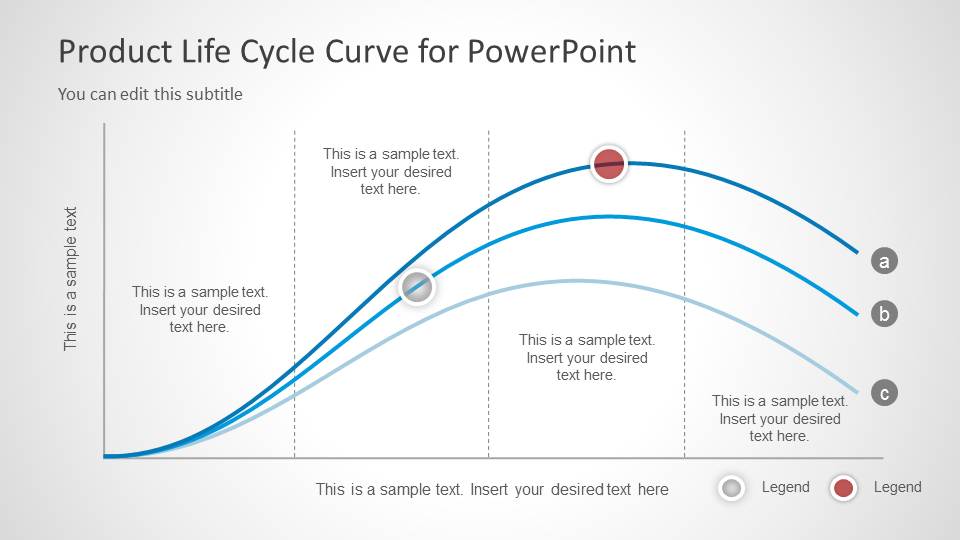
Product Life Cycle Curve for PowerPoint is a 5-slide diagram template for explaining product introduction, growth, maturity, and decline. It includes a labeled life cycle curve, an alternative curve path, multi-curve comparison slides, callout markers, and three summary cards for product development or launch discussions.


 Loading...
 Microsoft PowerPoint
  Microsoft Copilot
  Claude for PowerPoint
 Other formats supported
Subscribe today and get immediate
access to download our PowerPoint templates.