Slide 5 of 12 from Extended Reality XR PowerPoint Template
Extended Reality Learning PowerPoint
Virtual Reality Interaction Slide
- Media Layout
- Other
- Context Slide
- 16:9
- 100% Editable
The Virtual Reality Interaction slide from the Extended Reality XR PowerPoint Template offers a visually engaging layout ideal for product demonstrations and technology overviews. Designed with editable shapes and text placeholders, this slide supports clear communication of user experience concepts within a corporate presentation or pitch deck template focused on extended reality topics.
What’s on This Slide
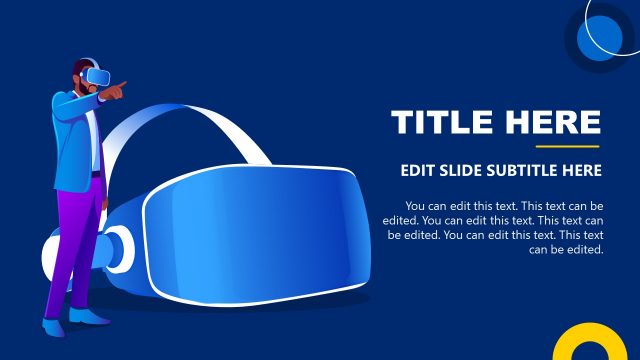
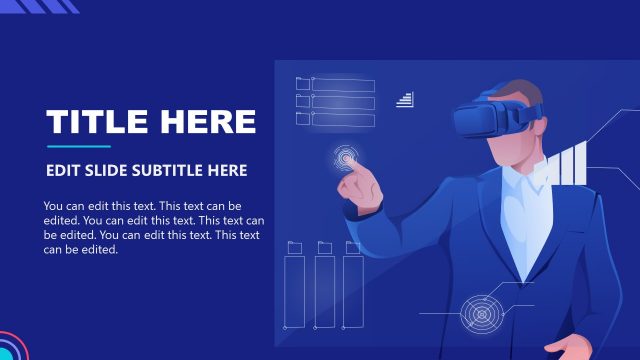
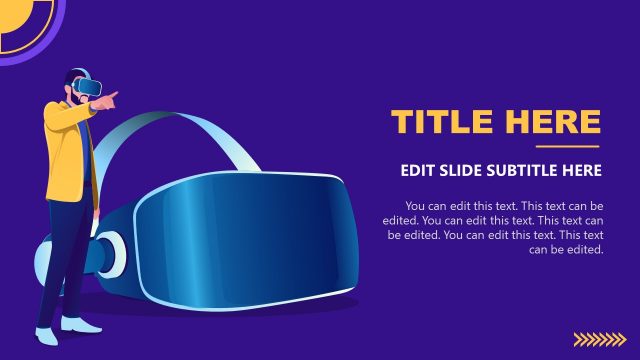
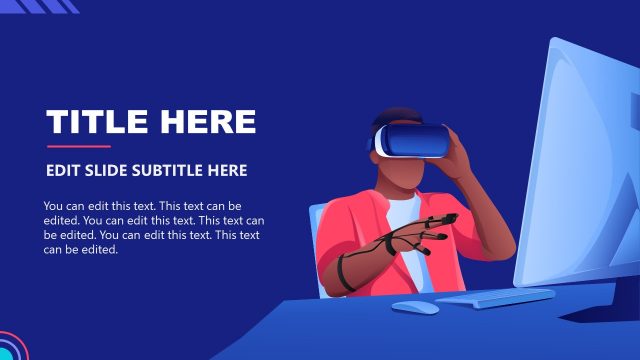
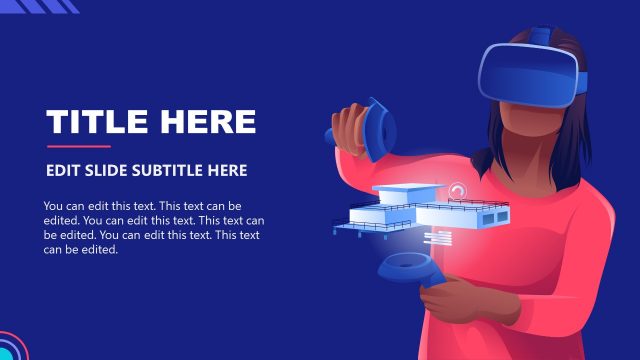
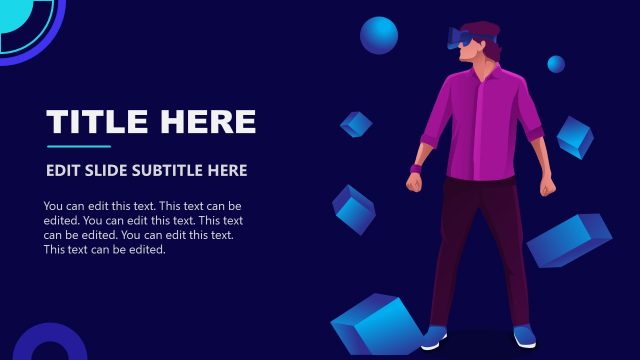
The slide features a deep blue background with two illustrated figures on the left and right. The left figure wears a virtual reality headset and gestures with one hand, while the right figure holds a tablet and appears engaged. There are text placeholders for a title at the top right and a subtitle beneath it, both aligned to the right. Additional text placeholders are present at the bottom, allowing for further content. The overall layout emphasizes the interaction between the two characters, creating a dynamic visual hierarchy.
How to Use It
This layout serves as an introduction or context slide, suitable for discussing virtual reality topics. It fits well in a presentation sequence that introduces key concepts or highlights user experiences in XR. This structure is effective for business scenarios such as product demonstrations, training sessions, or technology overviews, where visual engagement is crucial to convey information effectively.
Text Placeholders & Capacity
Keep your copy within these limits so it fits without resizing. Body slots can hold about 15 words each.
| Placeholder | Count | Max characters (approx.) |
|---|---|---|
| Slide title | 1 | 30 |
| Subtitle | 1 | 50 |
| Body paragraph | 4 | 100 |
Slide Keywords
Download unlimited PowerPoint templates, charts and graphics for your presentations with our annual plan.
DOWNLOADReturn to Extended Reality XR PowerPoint Template.