Slide 2 of 12 from Extended Reality XR PowerPoint Template
Extended Reality 3D Building Model Template
Virtual Reality Interaction Slide
- Media Layout
- Other
- Context Slide
- 16:9
- 100% Editable
What’s on This Slide
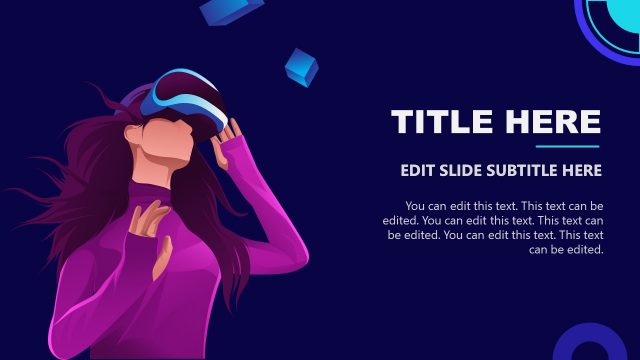
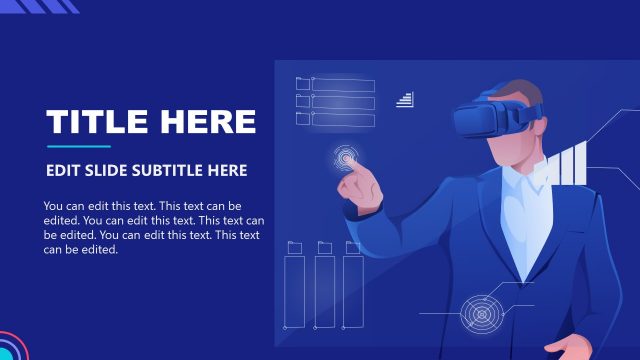
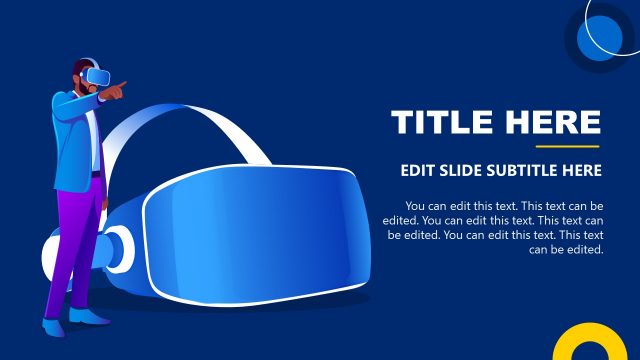
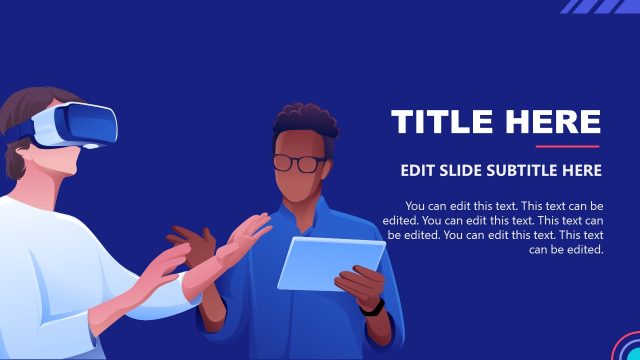
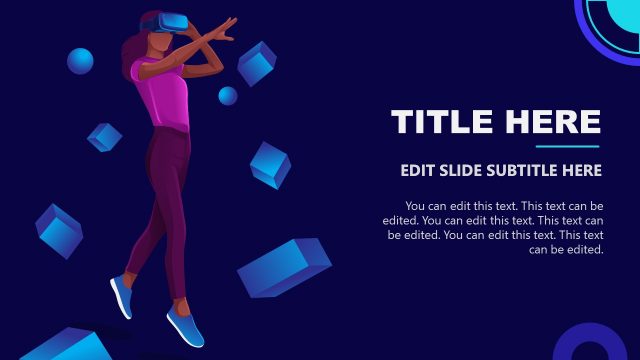
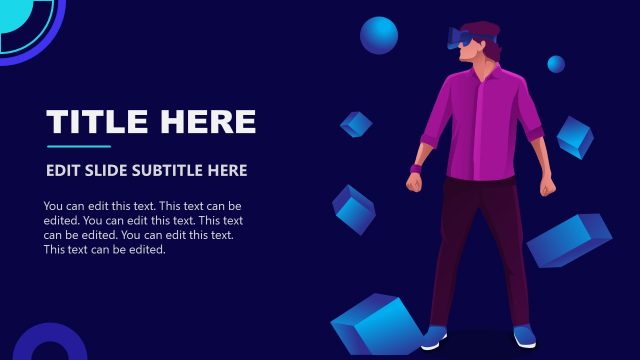
The slide features a character wearing a virtual reality headset on the right side, holding controllers. A 3D model of a building is displayed in front of the character, indicating interaction. The background is a solid dark blue, providing contrast. On the left, there are text placeholders for a title and subtitle, aligned vertically. The title is large and bold, while the subtitle is smaller and positioned below. Additional text placeholders are located at the bottom, allowing for further content. The overall layout emphasizes the character and the 3D model.
How to Use It
This layout serves as an introduction to virtual reality concepts or applications. It is suitable for presentations discussing technology, user interaction, or augmented experiences. Positioned early in a presentation, it can effectively engage the audience and set the stage for deeper discussions. This layout is ideal for business scenarios focusing on XR technology, training simulations, or product demonstrations. It can also be used for educational purposes, showcasing learning tools in virtual environments.
Text Placeholders & Capacity
Keep your copy within these limits so it fits without resizing. Body slots can hold around 15-20 words each.
| Placeholder | Count | Max characters (approx.) |
|---|---|---|
| Slide title | 1 | 30 |
| Subtitle | 1 | 50 |
| Body paragraph | 4 | 100 |
Slide Keywords
Download unlimited PowerPoint templates, charts and graphics for your presentations with our annual plan.
DOWNLOADReturn to Extended Reality XR PowerPoint Template.