Slide 4 of 12 from Extended Reality XR PowerPoint Template
Extended Reality Hand Motion Tracking PowerPoint
Virtual Reality User Interaction Slide
- Text Layout
- Single Statement
- Context Slide
- 16:9
- 100% Editable
The Virtual Reality User Interaction slide from the Extended Reality XR PowerPoint Template offers a focused layout ideal for introducing immersive technology topics. This slide template features editable shapes and text placeholders designed to highlight user engagement with VR devices, making it suitable for business presentations or pitch deck templates centered on technology trends and user experience studies.
What’s on This Slide
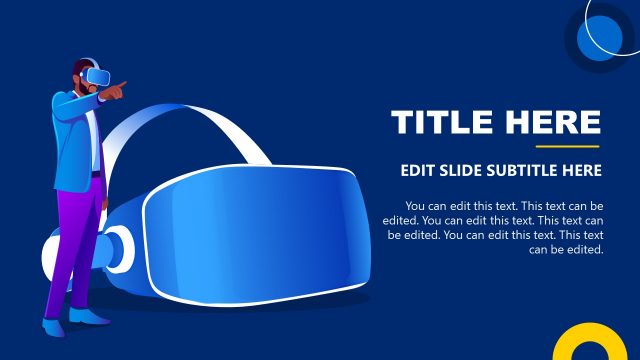
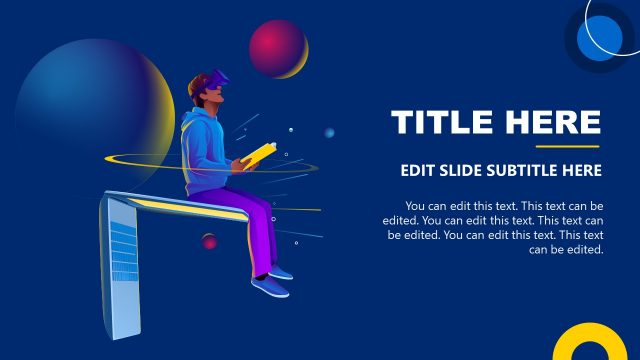
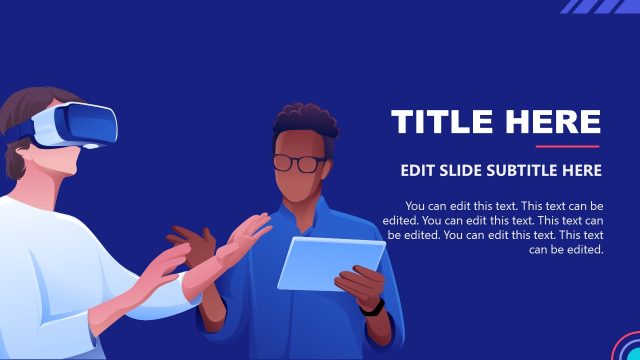
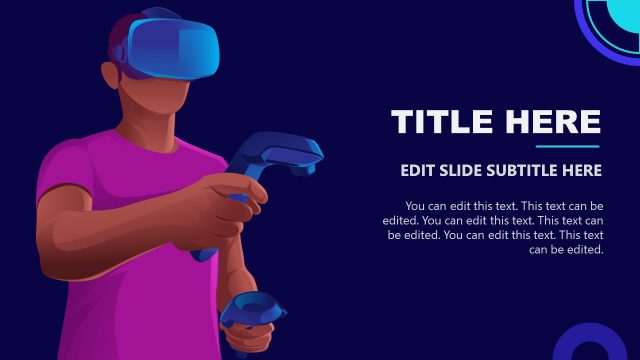
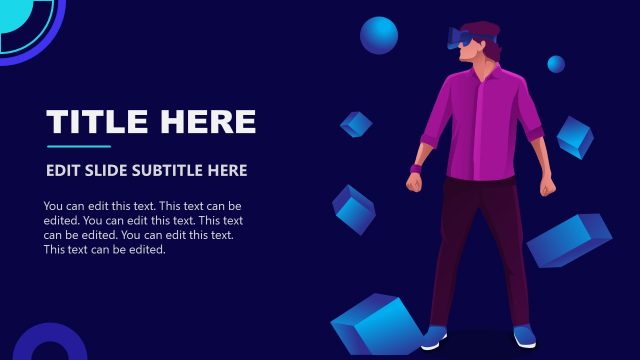
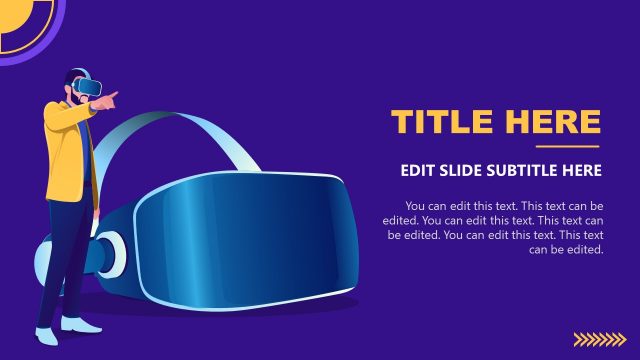
The layout features a prominent figure wearing a virtual reality headset on the left side, engaged with a computer. The background is a solid dark blue, providing contrast. To the right, there are text placeholders for a title and subtitle, both left-aligned. The title is larger and bold, while the subtitle is smaller and includes a horizontal line beneath it. Below the subtitle, there is a body text placeholder, also left-aligned, with ample space for multiple lines of text. The overall composition emphasizes the visual of the user while allowing for textual elaboration.
How to Use It
This layout serves as a title slide or introductory section, ideal for presentations on virtual reality, technology, or user experiences. It fits well after an opening slide, setting the stage for detailed discussions. Use this slide to introduce topics related to virtual reality applications, user engagement, or technology trends. It is suitable for business presentations, educational contexts, or product launches focused on immersive technologies.
Text Placeholders & Capacity
Keep your copy within these limits so it fits without resizing. Body slots can accommodate several lines of text, roughly 20-30 words each.
| Placeholder | Count | Max characters (approx.) |
|---|---|---|
| Slide title | 1 | 30 |
| Subtitle | 1 | 50 |
| Body paragraph | 1 | 250 |
Slide Keywords
Download unlimited PowerPoint templates, charts and graphics for your presentations with our annual plan.
DOWNLOADReturn to Extended Reality XR PowerPoint Template.