Slide 7 of 17 from Employee Performance Review PowerPoint Template
Key Performance Indicators – Employee Performance Review PPT Deck
Key Performance Indicators Slide Overview
- Chart
- Bar Chart
- Evaluation Slide
- 16:9
- 100% Editable
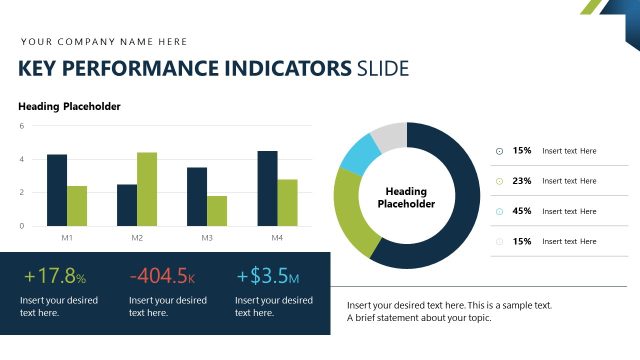
The Key Performance Indicators Slide from the Employee Performance Review PowerPoint Template offers a clear layout featuring a circular chart and bar chart to visualize employee metrics and departmental achievements. This slide template supports business presentations by providing editable shapes and vector icons for effective data comparison and performance evaluation within a corporate presentation or pitch deck template.
What’s on This Slide
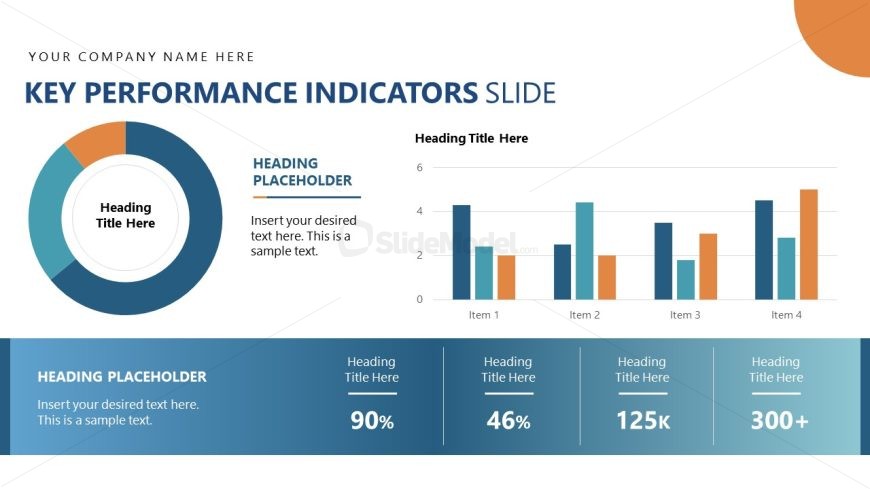
The layout features a circular chart on the left, displaying key performance indicators with a central text placeholder. To the right, a bar chart presents data for four items, with vertical bars in varying heights and colors. Below the charts, there are three rectangular text placeholders aligned horizontally, each containing a heading and a percentage or numerical value. The overall composition is balanced, with a blue gradient background and a prominent title at the top. The visual hierarchy emphasizes the charts and key metrics.
How to Use It
This layout serves to present key performance indicators in a clear and structured manner. It fits well in a business presentation, particularly during performance reviews or strategic meetings. The circular chart can summarize overall performance, while the bar chart allows for comparison across multiple metrics. This slide is useful for showcasing employee performance metrics, departmental achievements, or project outcomes, making it suitable for various business contexts.
Text Placeholders & Capacity
Keep your copy within these limits so it fits without resizing. Node labels can hold about 2-3 words each, while body text is tighter, roughly 2-4 words each.
| Placeholder | Count | Max characters (approx.) |
|---|---|---|
| Slide title | 1 | 30 |
| Item heading | 4 | 15 |
| Item body | 4 | 10 |
| Heading placeholder | 3 | 50 |
Slide Keywords
Download unlimited PowerPoint templates, charts and graphics for your presentations with our annual plan.
DOWNLOAD