Slide 11 of 16 from Professional Annual Report PowerPoint Template
Key Performance Indicators Slide – Professional Annual Report Template
Key Performance Indicators Slide for Reports
- Chart
- Other
- Evaluation Slide
- 16:9
- 100% Editable
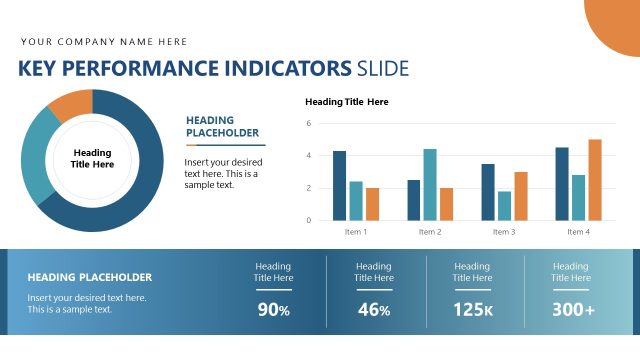
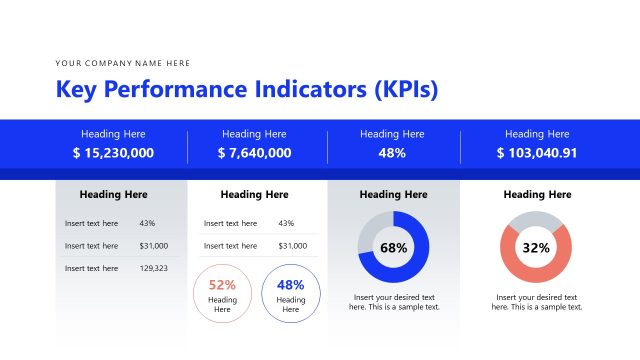
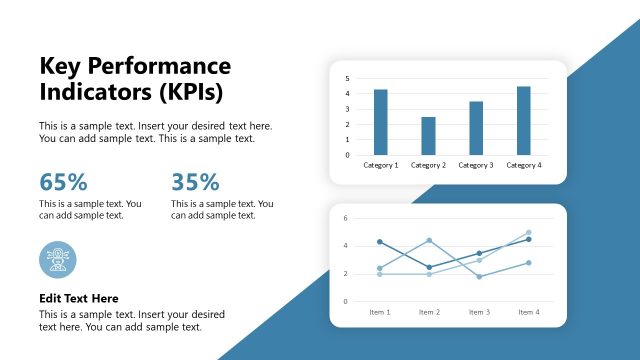
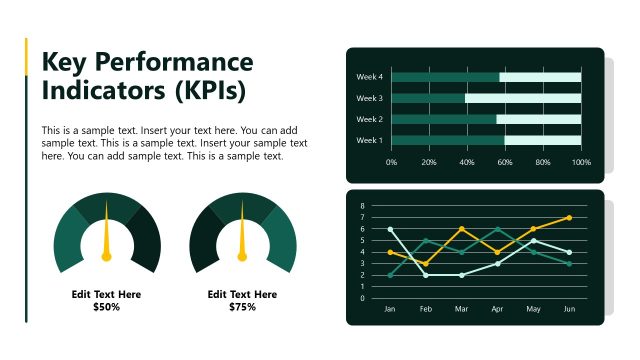
The Key Performance Indicators Slide from the Professional Annual Report PowerPoint Template offers a clear layout for presenting critical business metrics. Designed for business performance reviews and project updates, this slide uses editable shapes and vector icons to highlight percentage values and gauge visuals effectively. It integrates seamlessly into corporate presentations and pitch deck templates, supporting concise communication of progress within a professional slide deck.
What’s on This Slide
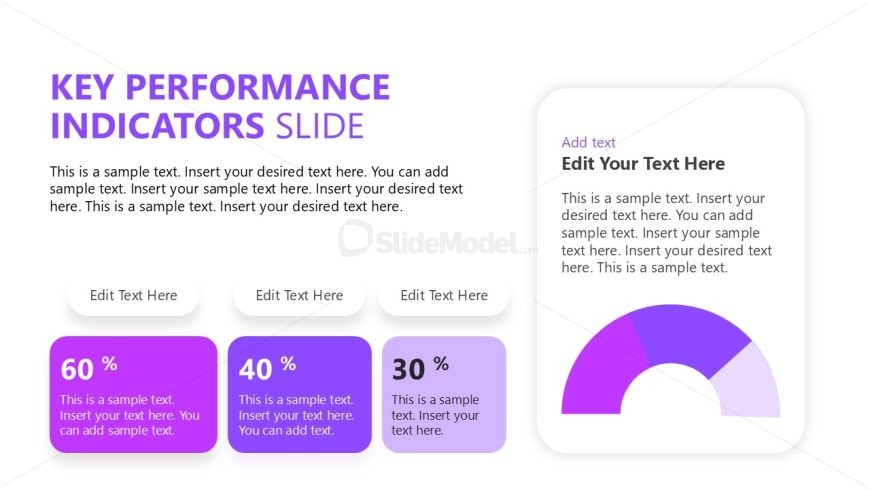
The layout features a title at the top center, stating 'KEY PERFORMANCE INDICATORS SLIDE.' Below, there are three rectangular containers aligned horizontally, each containing a percentage value and a text placeholder for descriptions. The leftmost container shows '60 %,' the middle '40 %,' and the rightmost '30 %.' Each container has a rounded design with a light purple background. To the right, a circular gauge displays a gradient from purple to blue, with a text placeholder above it. The overall composition is balanced, with a clear visual hierarchy emphasizing the percentage values.
How to Use It
This layout serves to present key performance indicators in a concise manner. It is suitable for business reports, annual reviews, or project updates where performance metrics need to be highlighted. The arrangement allows for easy comparison of different metrics, making it effective for showcasing progress or results. This slide fits well in a sequence following an overview or summary slide, providing a detailed look at specific performance metrics.
Text Placeholders & Capacity
Keep your copy within these limits so it fits without resizing. Node labels can hold about 5 characters each.
| Placeholder | Count | Max characters (approx.) |
|---|---|---|
| Slide title | 1 | 30 |
| Item heading | 3 | 5 |
| Item body | 3 | 50 |
| Chart title | 1 | 30 |
Slide Keywords
Download unlimited PowerPoint templates, charts and graphics for your presentations with our annual plan.
DOWNLOAD