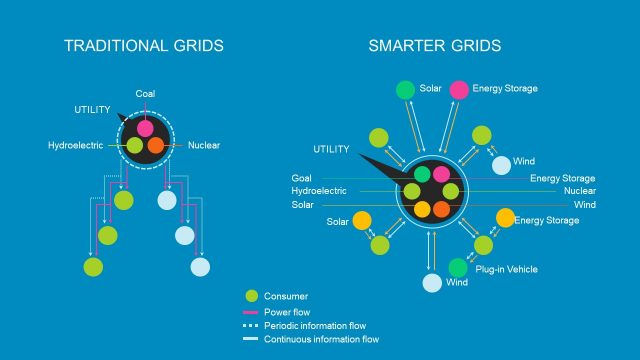
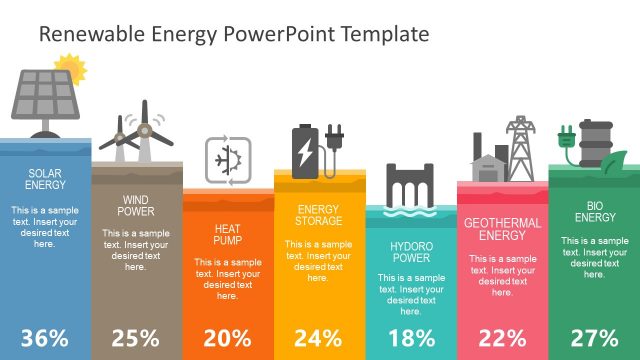
The Electricity Industry PowerPoint Template is a professionally designed template that provides a sequence of high quality themed slide templates and scenes for use specifically within the electricity industry. The template has been built with quality PowerPoint Shapes that use minimalist designs to create beautiful scenes of various stages of the electricity process to act as visual aids or infographics in presentations on the electricity industry. It features professionally designed images of a variety of power plants and follows the electricity industry at all stages of electricity production that a presenter of any skill with PowerPoint can combine and customise to create an unforgettable presentation.
When we talk about the electric power industry, we mean the organisations which together govern and mediate the generation, transmission, distribution and sale of electrical power to the general public. This industry – arguably one of the largest in the world – has been operating since the 1882, when electric lighting was introduced for the first time. This slideshow template could be used for any form of electricity: nuclear, thermal, wind, solar or even tidal. One might use the Electricity Industry PowerPoint Template in a classroom setting or in a boardroom to:
- discuss or demonstrate how electricity is produced
- explore or illustrate how electricity is generated
- discuss or demonstrate how electricity is transmitted to our homes
- explain how electrical energy is distributed
- debate the sale of electricity
- explore the history of the electricity industry
The Electricity Industry PowerPoint Template has been professionally created from individual and composite PowerPoint shapes – 100% editable in any PowerPoint application. This allows it a degree of functionality not often experienced in similar templates. The graphic vectors that make up the Electricity Industry PowerPoint Template can be fully customised in a variety of ways, presenters are able to amend their size, color and even to add effects to relevant icons. You’ll be able to create professional presentation that complements your lecture in no time at all.
What’s inside this template
Example presentation scenarios
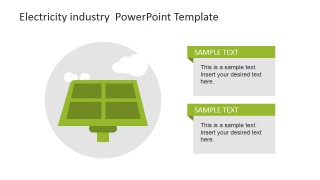
- An engineering instructor can use the renewable source callout slides to explain solar panels, wind turbines, and power plant generation in a classroom lecture.
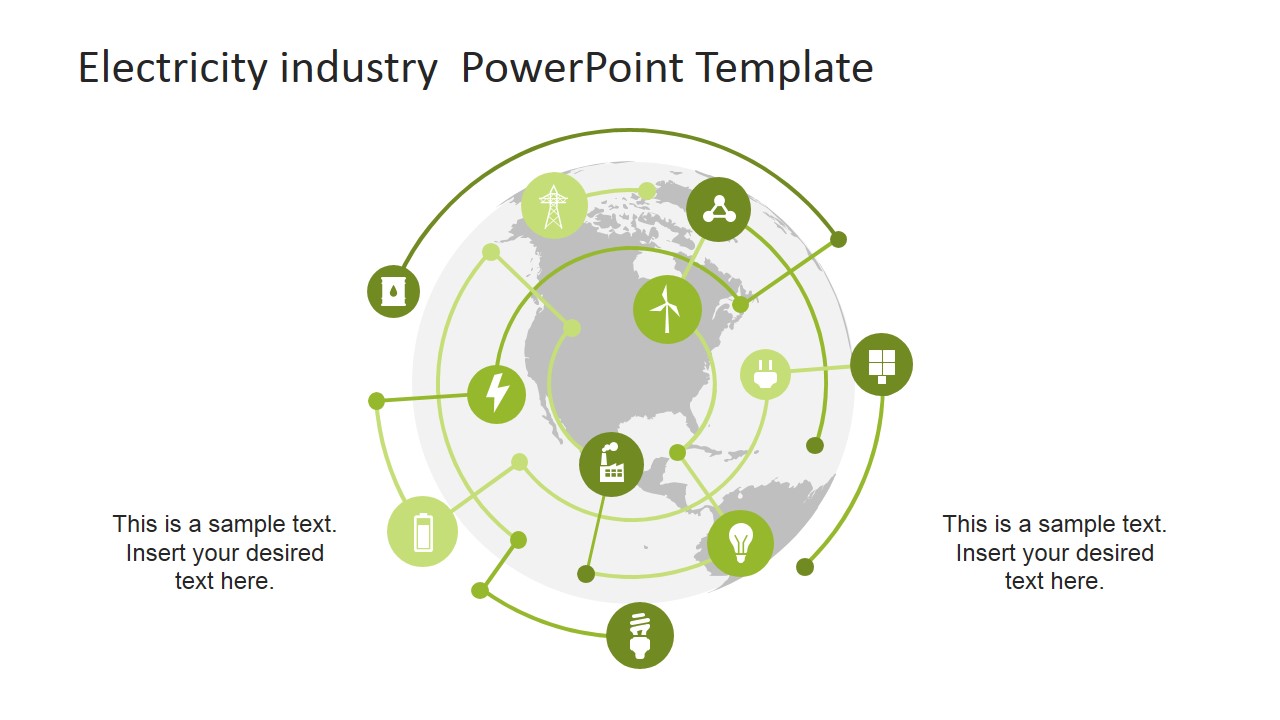
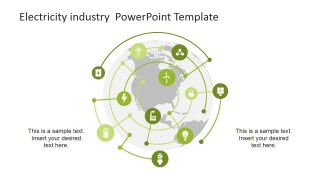
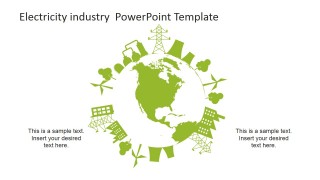
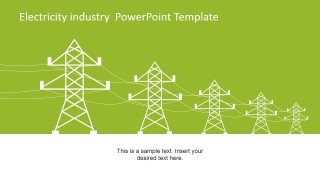
- A utility company presenter can use the global energy network infographic and transmission tower scene to describe how electricity moves from generation assets to consumers.
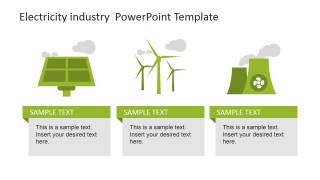
- A sustainability team can use the icon library and three-column energy source comparison to frame a discussion about renewable and conventional power options.
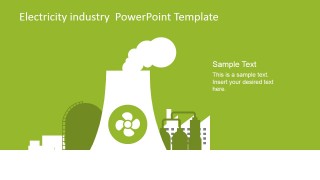
- An energy policy analyst can use the power plant and global map visuals to support a briefing on infrastructure, energy mix, and distribution priorities.
Features
- 100% editable presentation template
- Compatible with Microsoft PowerPoint and Google Slides
- 16:9 aspect ratio slides
- Scalable vector shapes, icons and illustrations
- AI-Ready for Microsoft Copilot and Claude
- Instant access and download
Frequently asked questions
Q: How should a presenter organize a message with this electricity industry template?
A: Start with the cover or icon library to define the scope, then move into the source-specific slides for solar, wind, and power plant examples. Use the three-column comparison to contrast energy types, and finish with the global network or transmission tower slide to connect generation with distribution and public infrastructure.
Q: Who is this template best suited for?
A: This template works best for presenters who need to explain electricity topics visually without relying on dense technical diagrams. Energy educators, utility teams, infrastructure consultants, and sustainability groups can use the power icons, plant scenes, renewable callouts, and transmission graphics to make a high-level industry overview easier to follow.
Q: Why do the flat green icons and circular globe diagrams help the audience understand the topic?
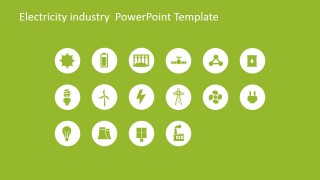
A: The flat icons reduce complex industry concepts into recognizable symbols such as batteries, towers, plugs, turbines, and solar panels. The circular globe diagrams use an orbit metaphor to show electricity as a connected system, helping the audience see generation, distribution, and end-use as parts of one network.
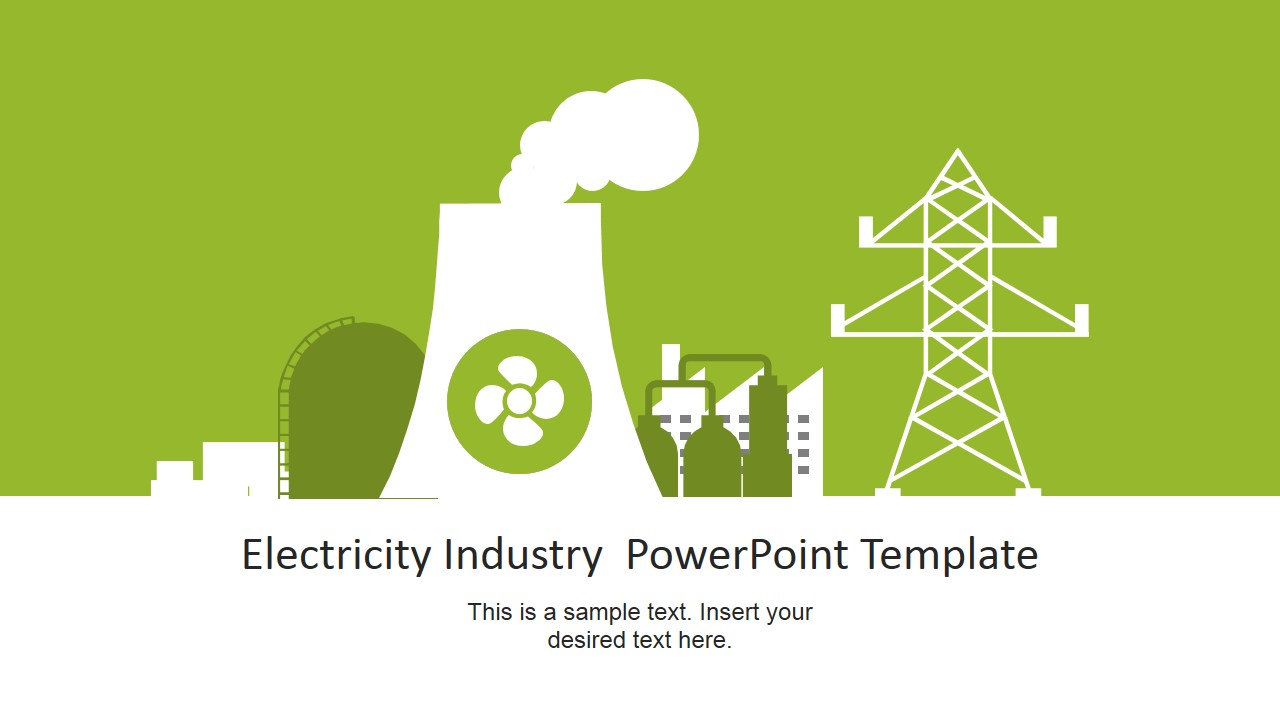







Electricity Industry PowerPoint Template
14-slide electricity industry presentation template with power icons, renewable energy scenes, and transmission graphics
This 14-slide electricity industry template provides editable PowerPoint and Google Slides layouts for explaining power generation, renewable energy, transmission, and distribution. Visible layouts include icon sets, plant scene slides, renewable source callouts, a global energy infographic, and transmission tower graphics for educators, energy teams, and industry presenters.
- Category
- Shapes
- Rating


 Loading...
- Aspect ratio
- 16:9, 4:3
- Item ID
- 6726-01
- Colors
 Microsoft PowerPoint
  Microsoft Copilot
  Claude for PowerPoint
 Other formats supported
Subscribe today and get immediate
access to download our PowerPoint templates.