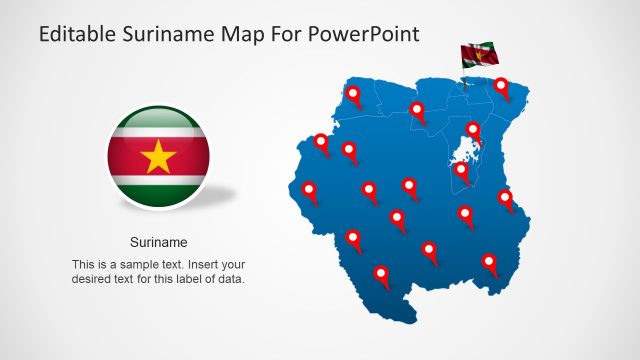
Slide 7 of 7 from Editable Suriname Map for PowerPoint
Blue and Grey Enlarge Country Map
Editable Suriname Map with Callout
- Map
- Country Map
- Context Slide
- 16:9
- 100% Editable
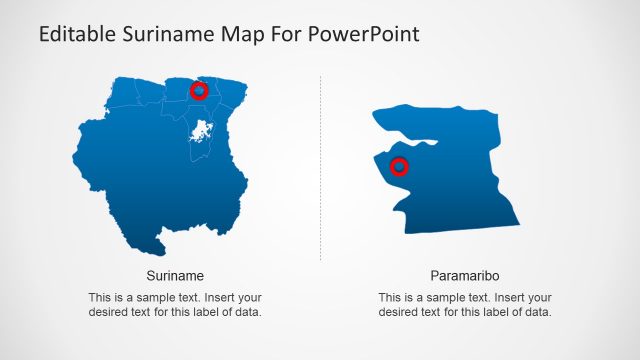
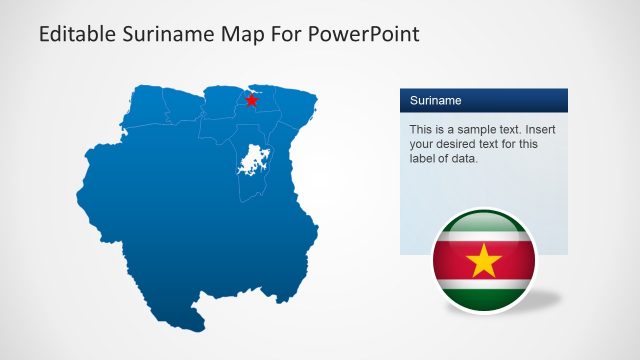
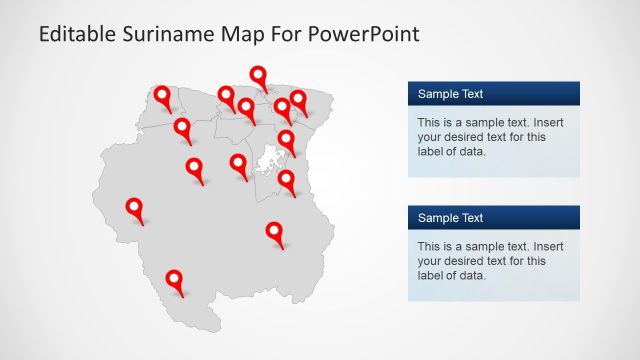
The Suriname Map with Callout slide from the Editable Suriname Map for PowerPoint template offers a clear geographic focus ideal for business presentations and market analysis. This slide template includes editable shapes and vector icons to highlight specific regions within Suriname, making it suitable for detailed regional analysis or corporate presentations requiring precise location data. Its design supports effective communication of geographic information in professional slide decks.
What’s on This Slide
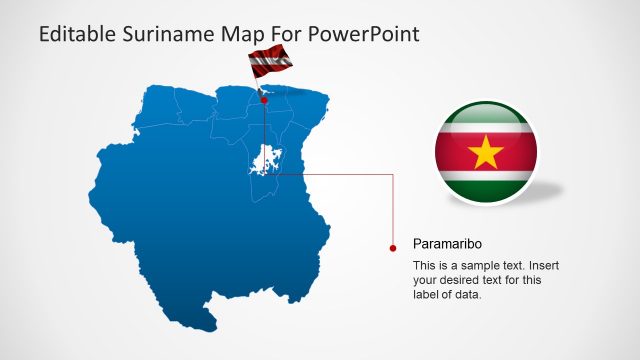
The layout features a large map of Suriname on the left side, colored in dark blue. An arrow points from the map to a circular inset on the right, which displays a smaller version of the Suriname map. Below the inset, there are two text placeholders: one for a title and another for a body of text. The title placeholder is positioned above the inset, centered, while the body text is below it, also centered. The background is light gray, providing contrast to the blue map and text elements.
How to Use It
This layout serves as a visual representation of a specific area within Suriname, ideal for highlighting geographic details or data points. It fits well in a presentation sequence that discusses regional analysis or location-specific information. This slide can be used in business contexts such as market analysis, geographic presentations, or educational materials focusing on Suriname's geography.
Text Placeholders & Capacity
Keep your copy within these limits so it fits without resizing. Body text slots can hold approximately 20-25 words each.
| Placeholder | Count | Max characters (approx.) |
|---|---|---|
| Slide title | 1 | 30 |
| Item body | 1 | 150 |
Slide Keywords
Download unlimited PowerPoint templates, charts and graphics for your presentations with our annual plan.
DOWNLOADReturn to Editable Suriname Map for PowerPoint.