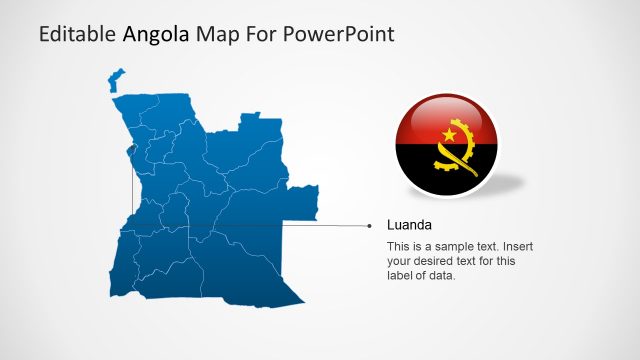
Slide 4 of 7 from Editable Suriname Map for PowerPoint
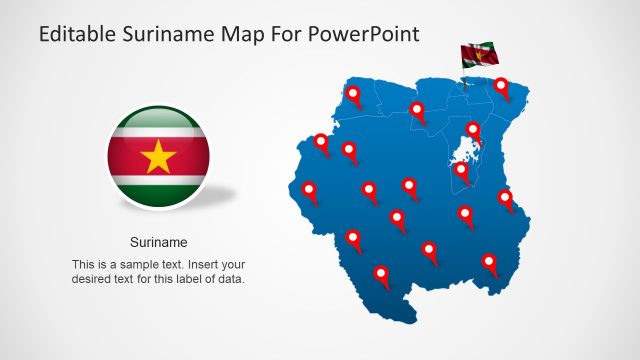
Capital City Flag Pointer for Suriname
Editable Suriname Map for PowerPoint
- Map
- Country Map
- Context Slide
- 16:9
- 100% Editable
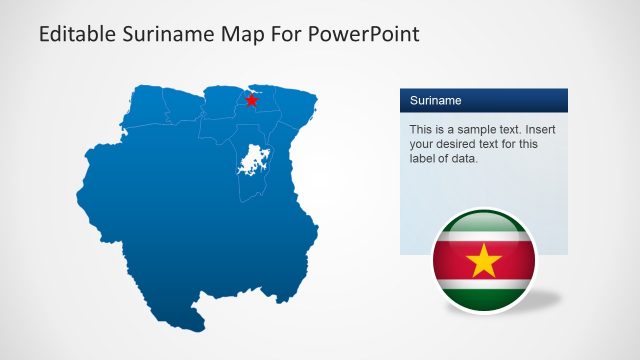
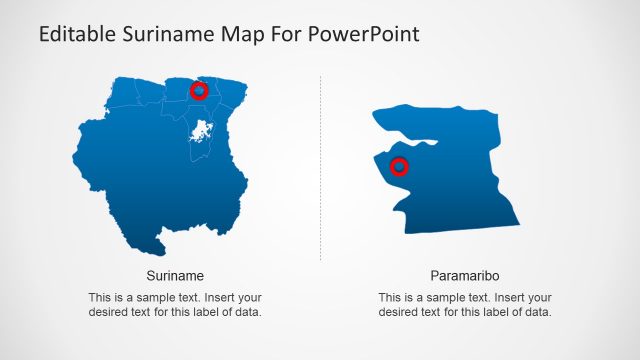
The Suriname Map with Flag and Label slide from the Editable Suriname Map for PowerPoint template offers a clear geographic reference ideal for business presentations focused on tourism, investment, or cultural topics. This slide features editable shapes and vector icons, including a pinpointed capital city and flag, enhancing the visual hierarchy in slide decks. It integrates seamlessly into corporate presentations or pitch deck templates requiring precise location context.
What’s on This Slide
The slide features a blue silhouette map of Suriname, prominently displaying the capital, Paramaribo. A red pin marks the location, connected by a line to a circular flag icon representing Suriname, located on the right. The title is positioned at the top, while a text placeholder for the city name is centered below the flag. Another text placeholder is present beneath the city name for additional information. The overall layout emphasizes the map and its elements, creating a clear visual hierarchy.
How to Use It
This layout serves as a geographic reference, ideal for presentations discussing Suriname's location or features. It fits well in a sequence that introduces geographical context or highlights specific regions. Use it in business contexts such as tourism, investment opportunities, or cultural presentations. The design allows for easy customization of location labels and supporting information, making it versatile for various topics related to Suriname.
Text Placeholders & Capacity
Keep your copy within these limits so it fits without resizing. Node label can hold about 5-6 words, body text can accommodate roughly 15-20 words.
| Placeholder | Count | Max characters (approx.) |
|---|---|---|
| Slide title | 1 | 30 |
| Item heading | 1 | 30 |
| Item body | 1 | 100 |
Slide Keywords
Download unlimited PowerPoint templates, charts and graphics for your presentations with our annual plan.
DOWNLOADReturn to Editable Suriname Map for PowerPoint.