Slide 8 of 8 from Editable Qatar PowerPoint Map
Zoom In PowerPoint Qatar Map
Editable Qatar PowerPoint Map - Highlighted Area
- Map
- Country Map
- Context Slide
- 16:9
- 100% Editable
What’s on This Slide
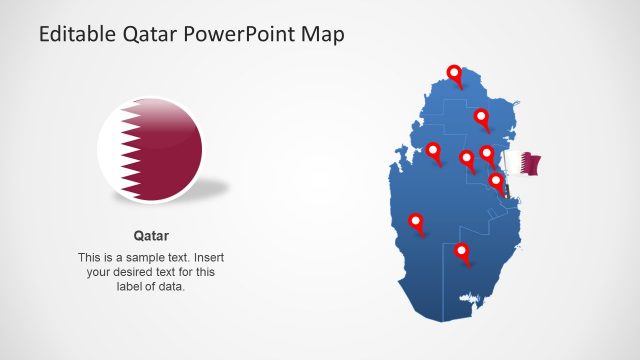
The layout features a large outline map of Qatar on the left with a highlighted area in dark blue. An arrow points from the map to a circular inset on the right, which contains a smaller version of the highlighted area. The inset has a white background with sample text positioned below the map. The overall composition is centered, with the map and inset balanced in size. Text placeholders exist for the title and body, with the title at the top and body text below the inset, maintaining a clear visual hierarchy.
How to Use It
This layout serves as a geographic highlight, emphasizing a specific area within Qatar. It is suitable for presentations that require geographical context, such as business expansions, regional analysis, or political discussions. This slide fits well at the end of a presentation to summarize key locations or data points. It can also be used in reports or discussions about regional developments or investments in specific areas.
Text Placeholders & Capacity
Keep your copy within these limits so it fits without resizing. Body slots can hold roughly 15-20 words each.
| Placeholder | Count | Max characters (approx.) |
|---|---|---|
| Slide title | 1 | 30 |
| Item body | 1 | 100 |
Slide Keywords
Download unlimited PowerPoint templates, charts and graphics for your presentations with our annual plan.
DOWNLOADReturn to Editable Qatar PowerPoint Map.