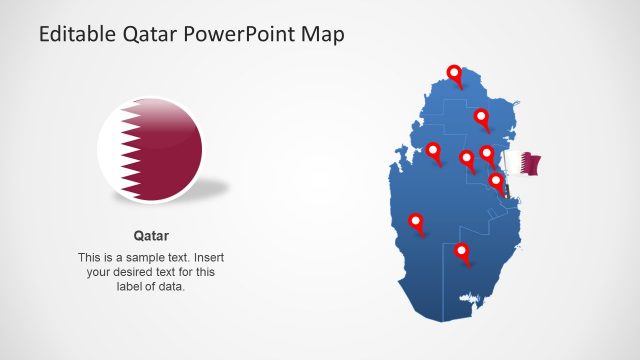
Slide 7 of 8 from Editable Qatar PowerPoint Map
Highlighting Map of Qatar
Editable Qatar PowerPoint Map Slide
- Map
- Country Map
- Context Slide
- 16:9
- 100% Editable
What’s on This Slide
The layout features two distinct map shapes of Qatar and Doha, positioned side by side. The left map of Qatar is larger and includes a red circular marker indicating a location, while the right map of Doha is smaller with a similar marker. Below each map, there are text placeholders aligned centrally, indicating where to insert descriptive text. The background is a light gradient, enhancing the visibility of the blue maps. The overall composition is balanced, with a clear visual hierarchy emphasizing the maps and their corresponding labels.
How to Use It
This layout serves as a geographic comparison between Qatar and its capital, Doha, making it suitable for presentations on regional analysis or tourism. It fits well in a sequence discussing geographical context or demographic data. This slide can be used in business contexts, such as market entry strategies or location-based presentations, where visual representation of areas is essential. It allows for easy customization of text to provide relevant information about each location.
Text Placeholders & Capacity
Keep your copy within these limits so it fits without resizing. Text slots can hold roughly 30-100 characters each.
| Placeholder | Count | Max characters (approx.) |
|---|---|---|
| Item heading | 2 | 30 |
| Item body | 2 | 100 |
Slide Keywords
Download unlimited PowerPoint templates, charts and graphics for your presentations with our annual plan.
DOWNLOADReturn to Editable Qatar PowerPoint Map.