Slide 6 of 8 from Editable Qatar PowerPoint Map
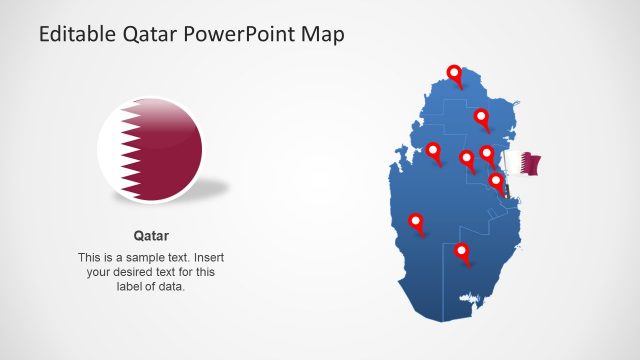
Political Outline Map of Qatar
Editable Qatar PowerPoint Map Slide
- Map
- Country Map
- Context Slide
- 16:9
- 100% Editable
What’s on This Slide
The slide features a blue outline map of Qatar, prominently displaying red location markers across various regions. The map occupies the left side, while the right side contains two text placeholders stacked vertically. Each placeholder is aligned to the top and bottom, respectively, and is designed for inserting descriptive text. The overall layout is balanced, with the map serving as the focal point. The background is light, enhancing the visibility of the map and text elements, which are clearly defined and separated.
How to Use It
This layout serves as a geographic representation of Qatar, suitable for highlighting specific locations or data points. It fits well in presentations discussing regional analysis, business locations, or demographic information. The map can be utilized in various contexts, such as real estate presentations, tourism marketing, or governmental reports. It effectively allows for the integration of textual data alongside visual geographic information, enhancing audience understanding of spatial relationships.
Text Placeholders & Capacity
Keep your copy within these limits so it fits without resizing. Text slots can hold concise information, roughly 10-15 words each.
| Placeholder | Count | Max characters (approx.) |
|---|---|---|
| Item body | 10 | 50 |
| Slide title | 1 | 30 |
Slide Keywords
Download unlimited PowerPoint templates, charts and graphics for your presentations with our annual plan.
DOWNLOADReturn to Editable Qatar PowerPoint Map.