Slide 1 of 8 from Editable Qatar PowerPoint Map
Editable Map of Qatar Template
Editable Qatar PowerPoint Map Overview
- Map
- Country Map
- Context Slide
- 16:9
- 100% Editable
What’s on This Slide
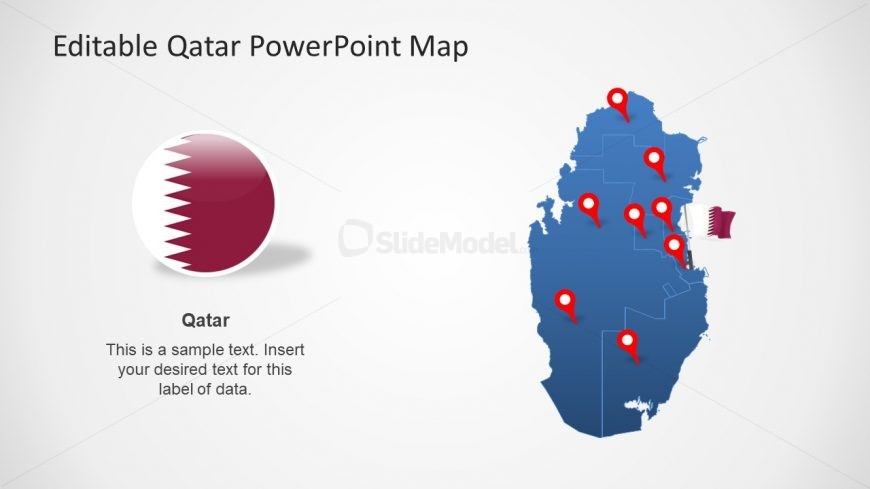
The layout features a large map of Qatar on the right side, colored in blue with red location markers indicating specific points of interest. On the left side, there is a circular icon displaying the Qatari flag. Below the icon, a text placeholder is present for the label 'Qatar' and another placeholder for additional descriptive text. The overall composition is balanced, with the map occupying the majority of the space while the icon and text are aligned vertically on the left. The background is light, enhancing visibility.
How to Use It
This layout serves as a geographical overview, suitable for presentations needing to highlight specific locations within Qatar. It fits well at the beginning of a presentation to introduce the country or in a section discussing regional details. Business scenarios include tourism presentations, political discussions, or economic overviews. The visual structure allows for easy modification of text and icons to suit various contexts.
Text Placeholders & Capacity
Keep your copy within these limits so it fits without resizing. Text slots can accommodate concise information, roughly 15-20 words each.
| Placeholder | Count | Max characters (approx.) |
|---|---|---|
| Slide title | 1 | 30 |
| Item heading | 1 | 20 |
| Item body | 1 | 100 |
Slide Keywords
Download unlimited PowerPoint templates, charts and graphics for your presentations with our annual plan.
DOWNLOADReturn to Editable Qatar PowerPoint Map.